Multi-Scene Videos
Turn scripts into cohesive multi-scene videos with consistent characters across every scene.
Create Multi-Scene Video
Build Series That Audiences Remember
Character-driven storytelling builds loyal audiences, but production constraints have kept multi-scene narrative video creation expensive and slow. Independent creators struggle to maintain visual consistency across even five scenes, forcing them to either accept visual inconsistency that breaks immersion or abandon serialized ambitions entirely. With Hypernatural, you can create custom characters that maintain consistent appearance across unlimited scenes and episodes, turning scripts into cohesive multi-scene videos in minutes.
Upload scripts, and the system recognizes screenplay formatting, automatically extracts characters, and parses screenplay structure. Generate longform videos beyond 3 minutes using multiple AI video models, with five scene transition types for professional flow. Choose from 16 visual styles that apply uniformly across every scene, rendering at 30fps and exporting in resolutions up to 1080p. Your protagonist looks identical in scene 1 and scene 20, your ensemble cast maintains distinct appearances throughout, and videos automatically save to your dashboard as you add new scenes or adjust narration.
Creators now launch 20-episode series in the time traditional production completes three episodes. Web series gain audience recognition as characters become visually familiar across episodes. Book adaptations visualize complete chapters with consistent character designs that bring novels to life. Educational course libraries maintain uniform instructor appearance across dozens of lessons. The production ceiling that limited serialized content to well-funded studios disappears—your creative vision scales from single scenes to complete narrative universes without scaling production complexity or costs.
Building Multi-Scene Narratives with AI
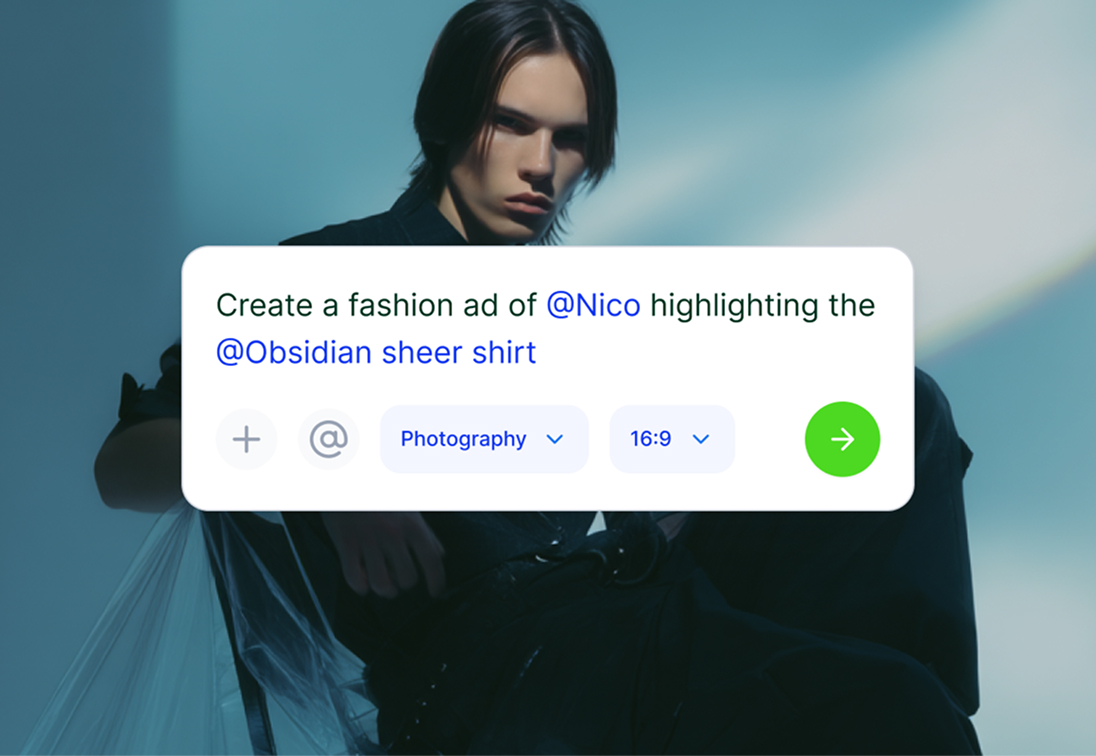
1. Add script
Upload your script or paste text directly. The system recognizes screenplay formatting and extracts characters automatically.
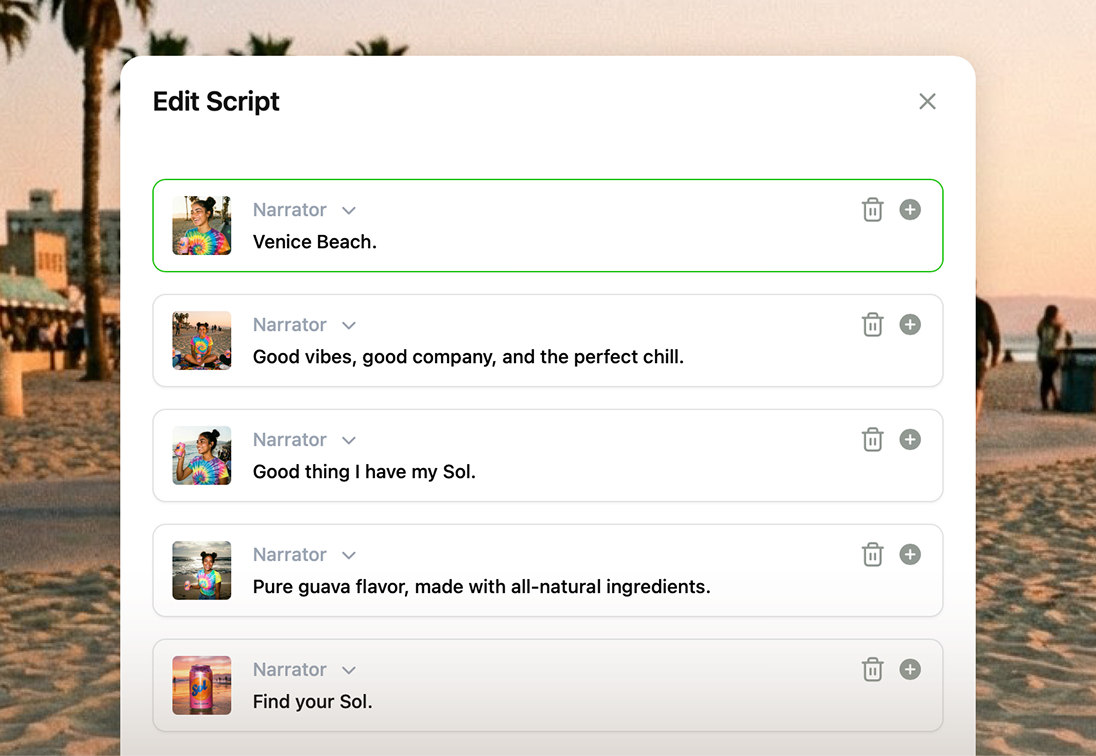
2. Design characters
Create custom characters with specific physical attributes. These characters maintain consistent appearance across every scene.
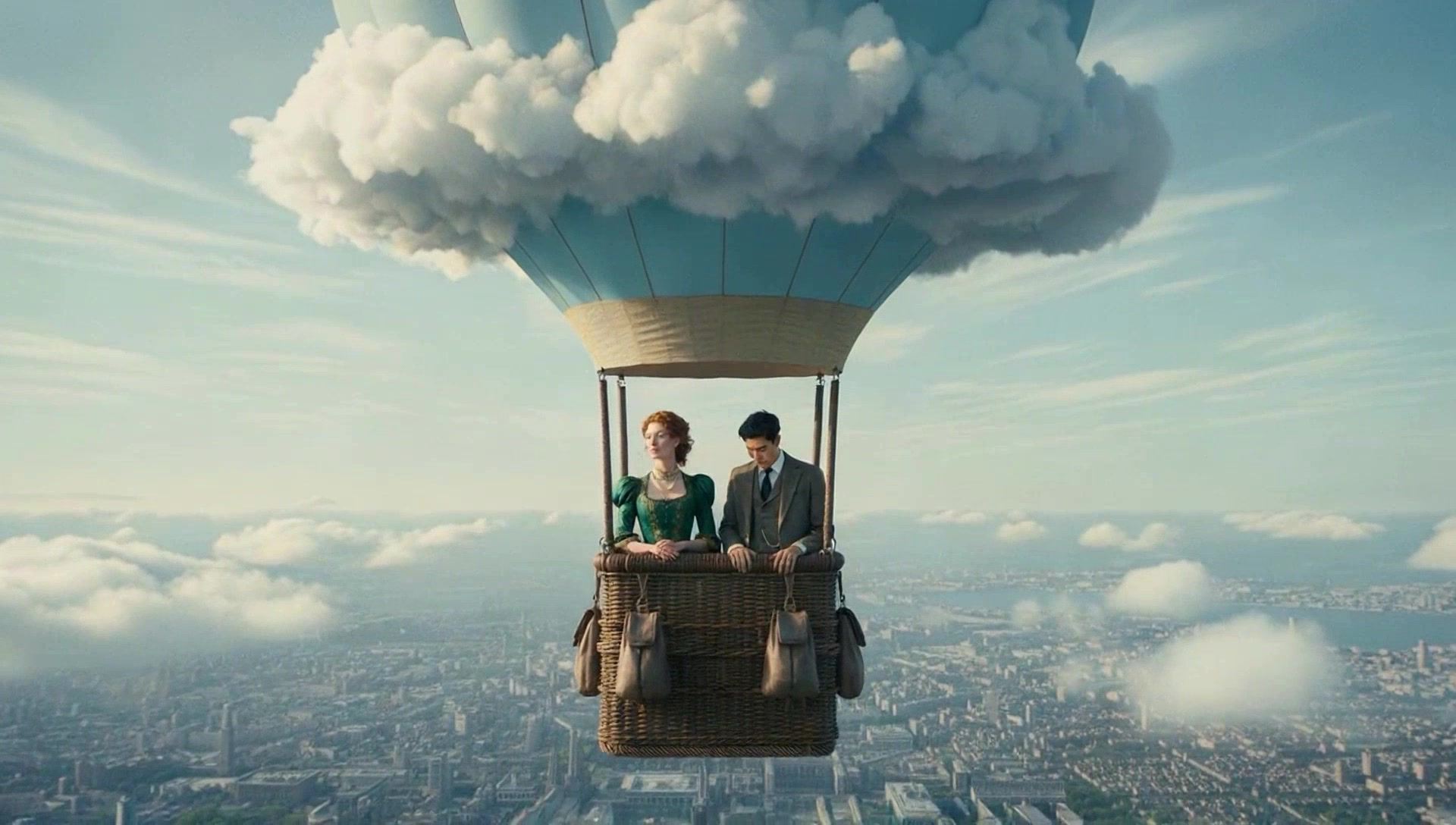
3. Generate & export
Your complete multi-scene video generates in minutes. Export in resolutions up to 1080p and download immediately.

Features for Multi-Scene Videos
Create videos from scripts using multiple AI video models with multiple scenes. Screenplays optimized with 5 to 20 scenes while videos automatically save to your dashboard.
Build complex narratives with multiple interconnected scenes. Traditional manual scene breakdown and structural organization demands hours of tedious work tracking continuity. With Hypernatural, you can upload scripts, and the system recognizes screenplay formatting, automatically breaks content into scenes, optimizes for 5 to 20 scenes, and parses screenplay structure with complete scene management.
Before: Character designs shift slightly between scenes, breaking viewer immersion. After: Characters look identical from opening to credits. With Hypernatural, you can create custom characters that maintain consistent appearance throughout your multi-scene narrative, automatically extracted from scripts, with voice assignment and support for multiple characters.
Produce videos with professional visual cohesion across every scene. Where amateur multi-scene projects suffer from style drift and quality inconsistency, our platform maintains uniform excellence. Choose from 16 predefined visual styles while generating videos using multiple AI video models that render at 30fps and export in resolutions up to 1080p for professional continuity.
Create compelling narrative rhythm that keeps viewers engaged. Most creators struggle with awkward transitions that jar viewers out of the story. The system parses screenplay structure to understand pacing, and you can choose from five scene transition types for professional scene changes that enhance dramatic flow rather than disrupt it.
You're publishing single videos. Your audience wants ongoing series with familiar characters. This gap between viewer expectation and production capability stops most serialized projects after episode two. Use Hypernatural to define custom characters once and reuse them across unlimited videos, then export with uniform production quality.
Without visual adaptation, your written work remains invisible to video-native audiences who scroll past text content. Every day without video versions means lost readers and market opportunities. Now you can upload scripts chapter by chapter with screenplay formatting recognition, automatic character extraction, and create custom characters for complete chapters.

Featured videos
Explore Multi-Scene Examples →How Creators are using Multi-Scene Videos
Generate longform videos beyond 3 minutes with consistent characters for web series, novel adaptations, educational content, and brand storytelling.
Audience loyalty depends on recognizing recurring characters episode after episode. Inconsistent character designs prevent that crucial recognition—viewers can't emotionally invest when they're not sure who they're watching. With Hypernatural, you can generate videos from scripts with automatic character extraction once and reuse them across unlimited episodes, and choose from 16 visual styles for uniform production quality.
Book marketing demands visual content in today's video-dominated landscape. Most authors hire expensive animators or settle for static imagery that gets ignored. Neither option works at the speed or scale modern platforms require. Use Hypernatural to upload scripts or paste text chapter by chapter, with screenplay formatting recognition, automatic character extraction, and export them for book marketing.
Build professional course libraries where every lesson maintains consistent instructors and presentation quality. Traditional video courses require either re-filming everything with the same setup (expensive, inflexible) or accepting visual inconsistency that screams 'amateur.' Now you can generate videos from text with custom characters as virtual instructors across all lessons, screenplay structure for organized content in your chosen visual style.
Create brand mascots and spokespeople who become instantly recognizable across all marketing touchpoints. Where traditional campaigns rely on expensive spokesperson contracts or inconsistent freelance animation, you can now establish visual brand equity at scale. Generate videos from text with custom characters as brand mascots, choose from 16 visual styles for cohesive brand aesthetics, and export videos for multi-platform campaigns.

Everything You Need for Multi-Scene Videos
Create multi-scene videos with Hypernatural's suite of powerful features that enable professional narration, automatic captions, and more.
What Serial Creators Are Saying
The AI Video Editor you can actually work with.
Generate, storyboard, and edit video all in one editor.
FAQs
Create longform videos beyond 3 minutes with multiple scenes by uploading scripts. The system optimizes for 5 to 20 scenes for best quality and automatically breaks content into scenes. Add new scenes or delete scenes as needed, with videos automatically saving to your dashboard. For very long narratives, you can break content into episodes.
Create custom characters with detailed physical attributes that maintain consistent appearance across all scenes. Characters are automatically extracted from scripts and you can create and manage custom characters for reuse across videos.
Yes. Upload scripts and the system parses screenplay structure including different scene settings. Characters maintain consistent appearance across all locations while the system generates videos that adapt scene settings. Your protagonist looks identical whether in an office, park, or futuristic cityscape.
You have control over character evolution. Create custom characters with detailed physical attributes, and you can change or update characters in the editor at any point.
Both workflows are supported. Generate complete multi-scene videos all at once, or add new scenes individually. You can delete scenes and revert to previously generated content for full editing control. Many creators work iteratively, establishing visual style and character designs before expanding their videos.
Choose from five scene transition types for professional flow between scenes. The system parses screenplay structure to automatically assign transitions. You can edit scene transitions to control how scenes enter and exit, creating the precise visual flow you want.
Yes. Create custom characters that maintain consistent appearance across unlimited episodes. Generate videos from scripts with automatic character extraction. Export videos for serialized content.
Characters maintain consistent appearance by default. For intentional changes like costume changes or transformations, you can change or update characters in the editor and create new characters with new attributes as needed. This provides automatic consistency while allowing character evolution when your story requires it.
Generate videos that export in resolutions up to 1080p rendered at a standard 30 frames per second for smooth playback. Choose from multiple AI video models optimized for different quality and speed requirements. Export and download videos with professional quality suitable for broadcast and streaming. Videos automatically save to your dashboard for easy access.
Currently, you can export and download complete multi-scene videos. If you need to revise a scene, you can delete scenes, add new scenes, edit scene content, and revert to previously generated versions before exporting the updated video.
Pricing
Start for free. Scale up as your videos get more ambitious.

Community
© 2026 Hypernatural Systems, Inc.