Make AI videos
in any style
Create videos that match your creative vision with stock styles or custom aesthetics.
Start Creating FreeCreate videos that match your vision
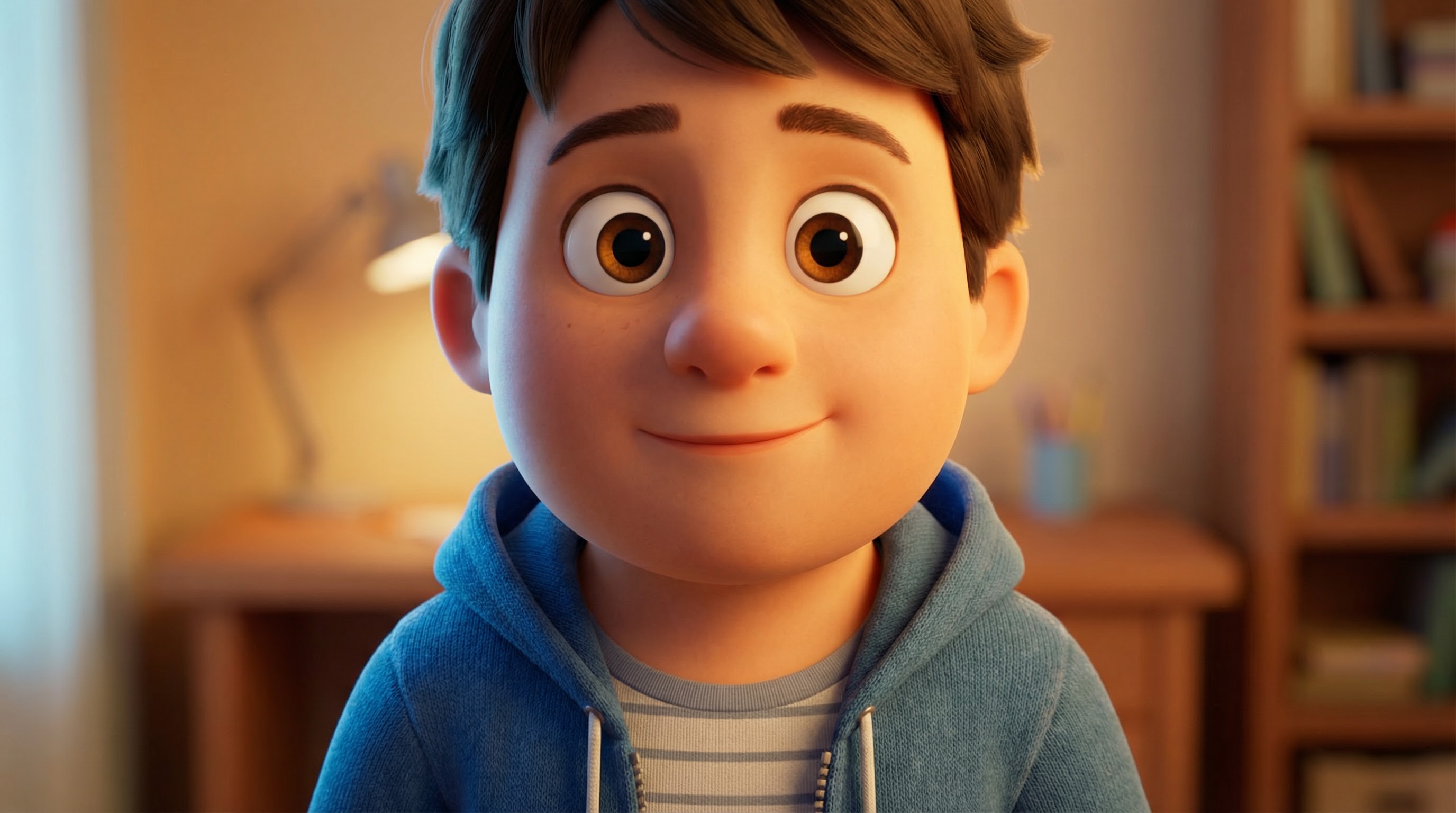
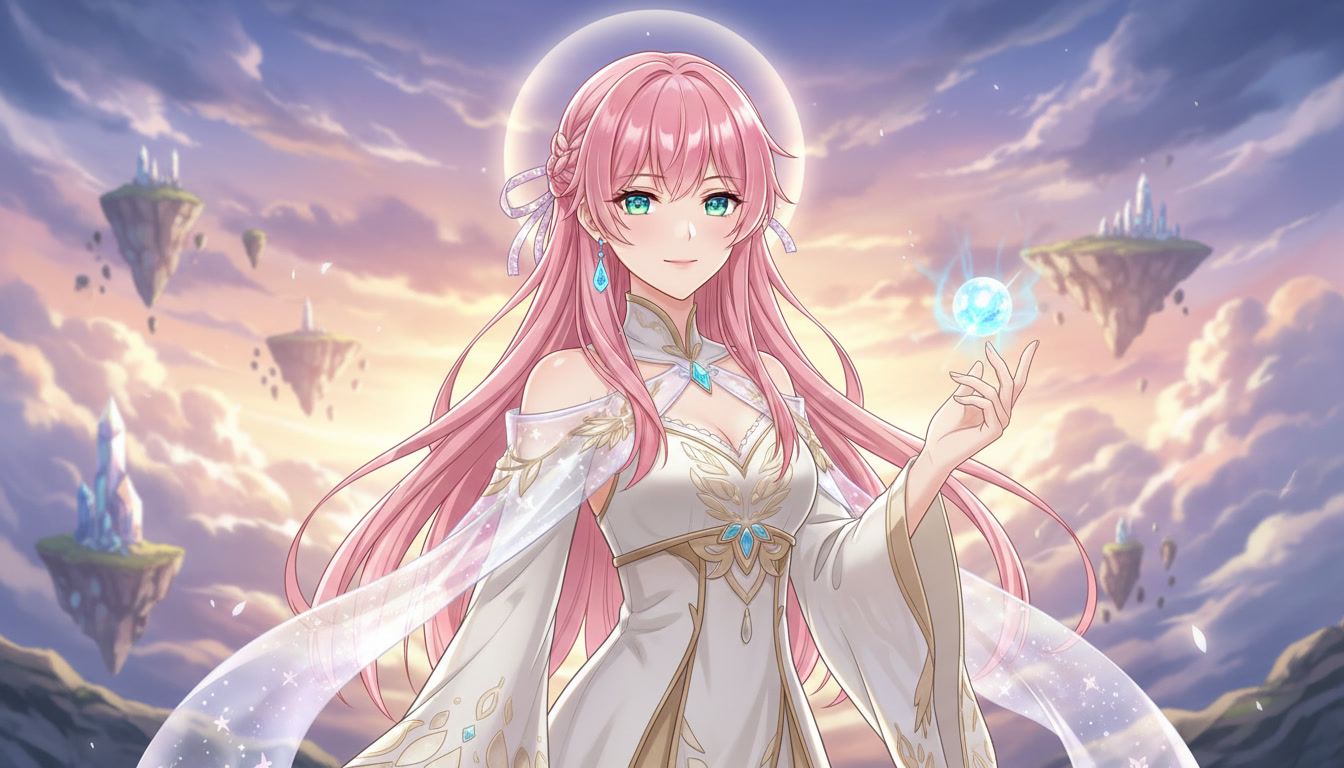
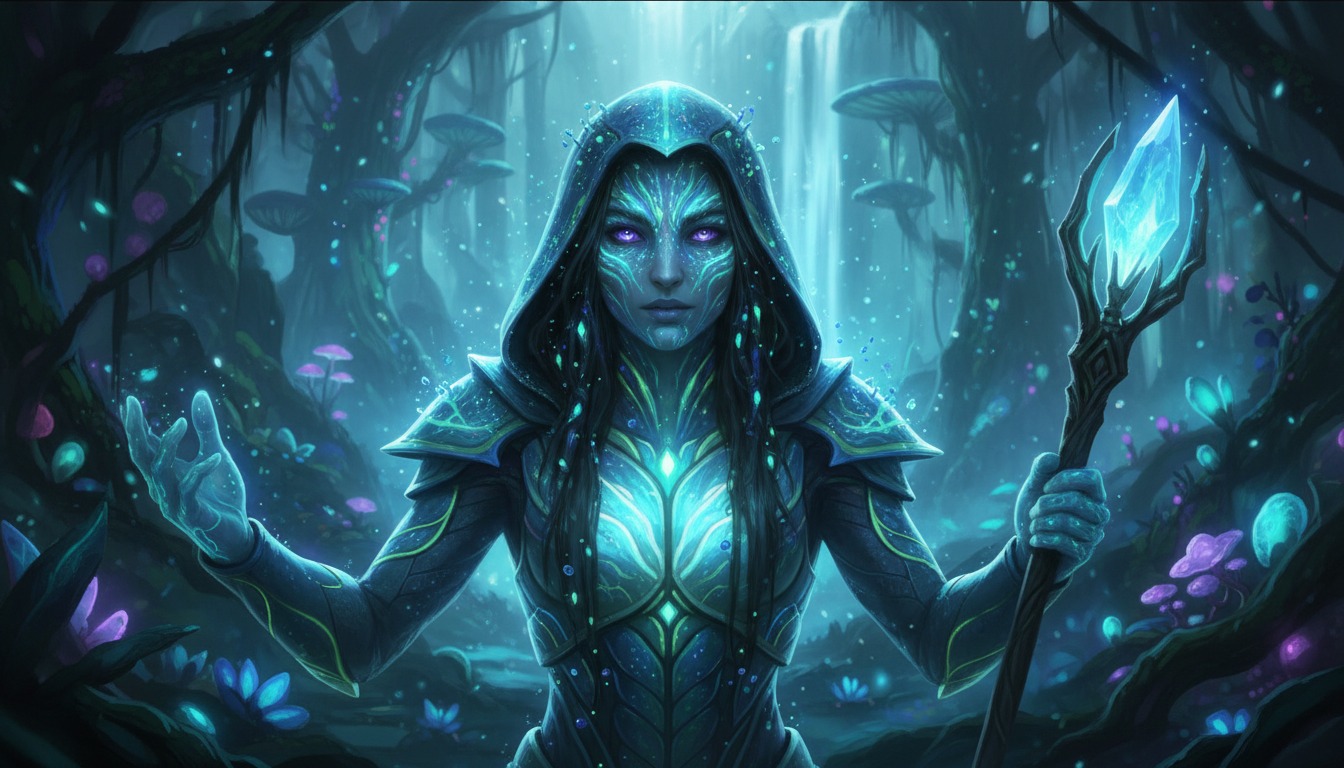
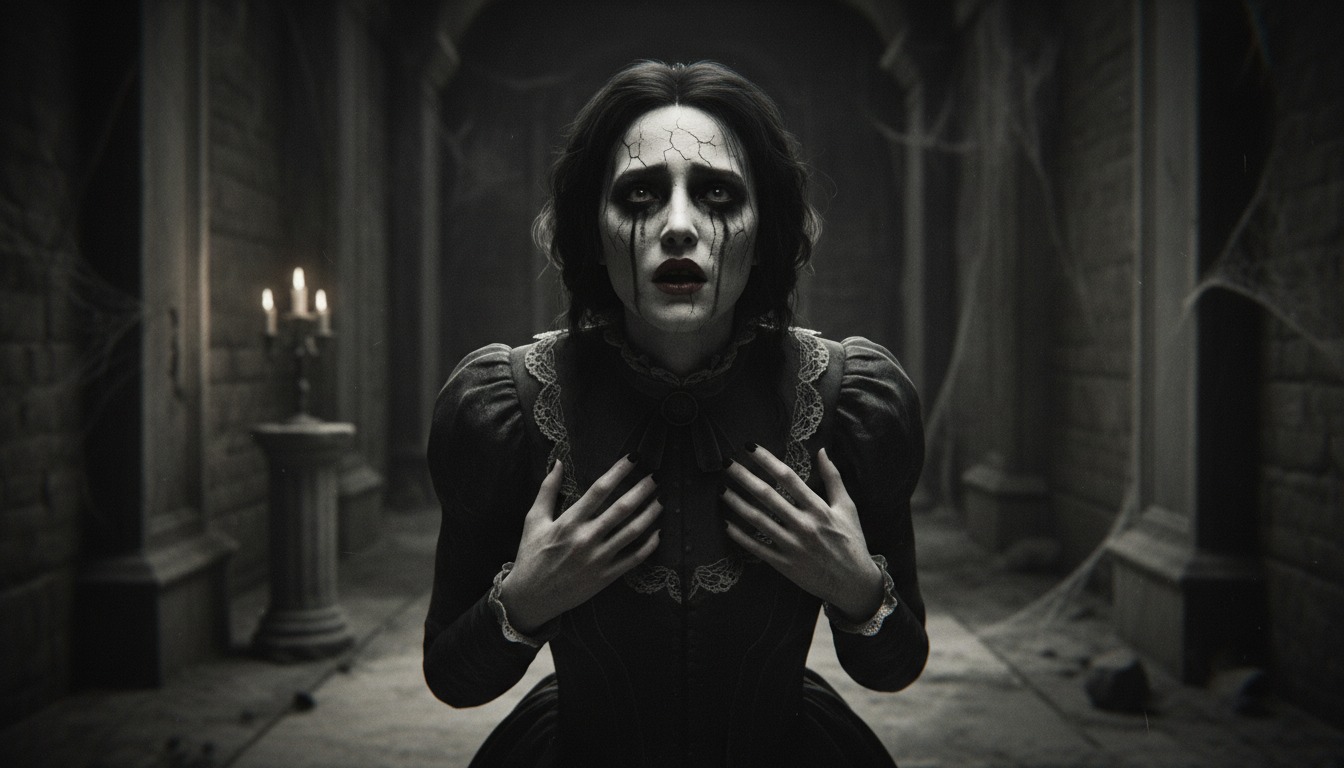
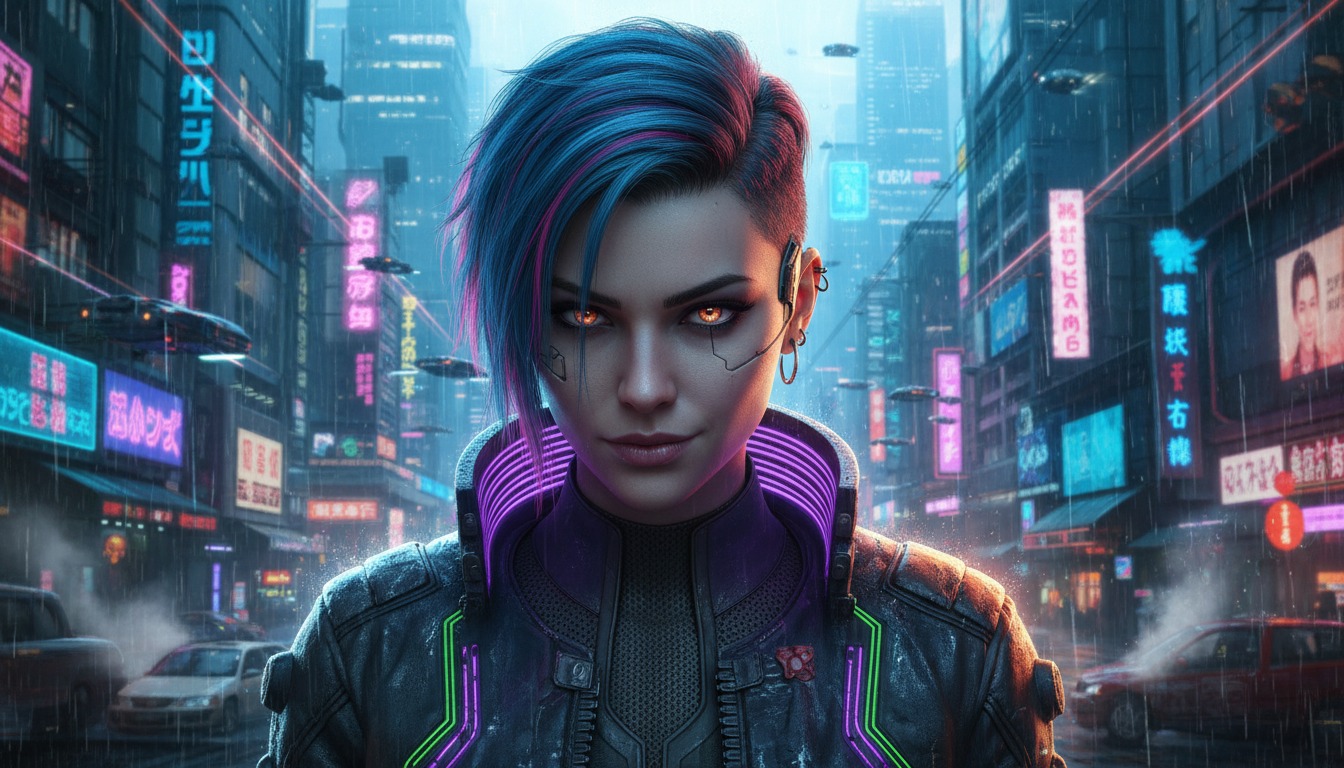
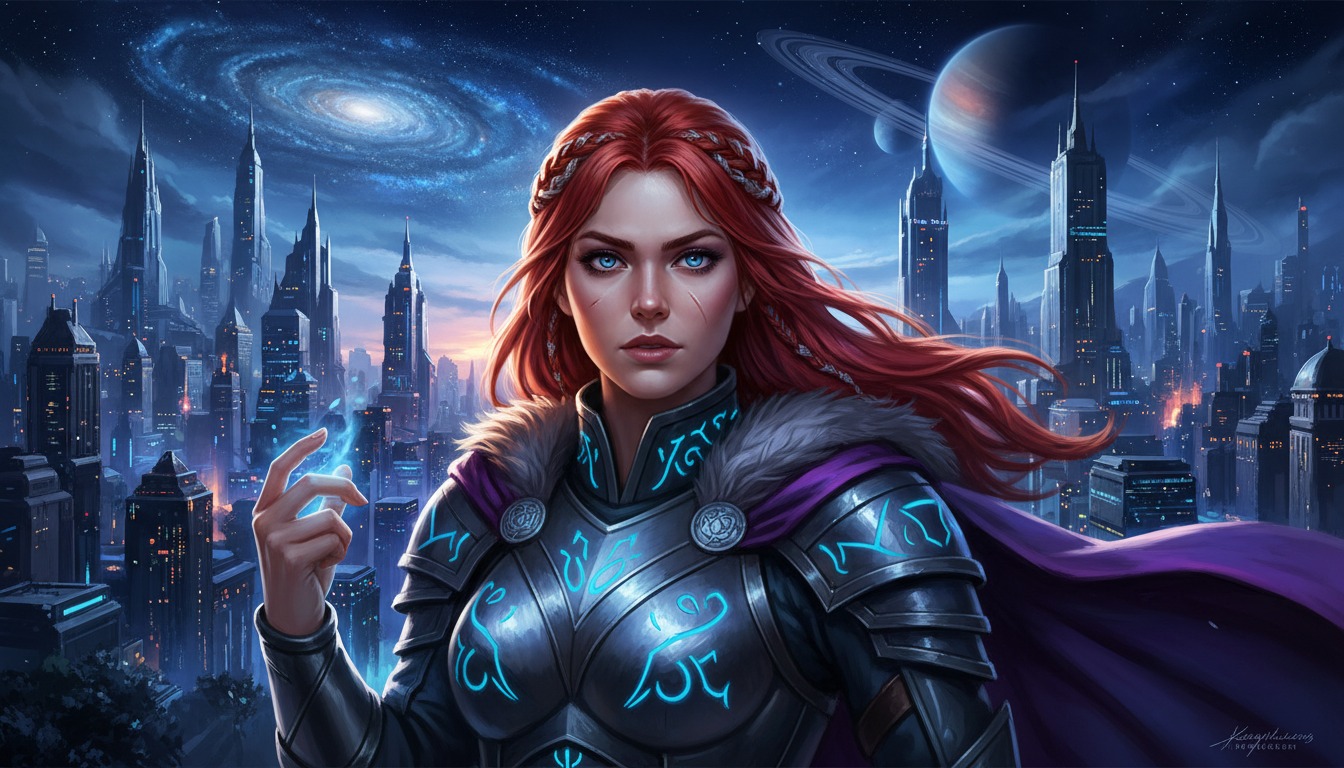
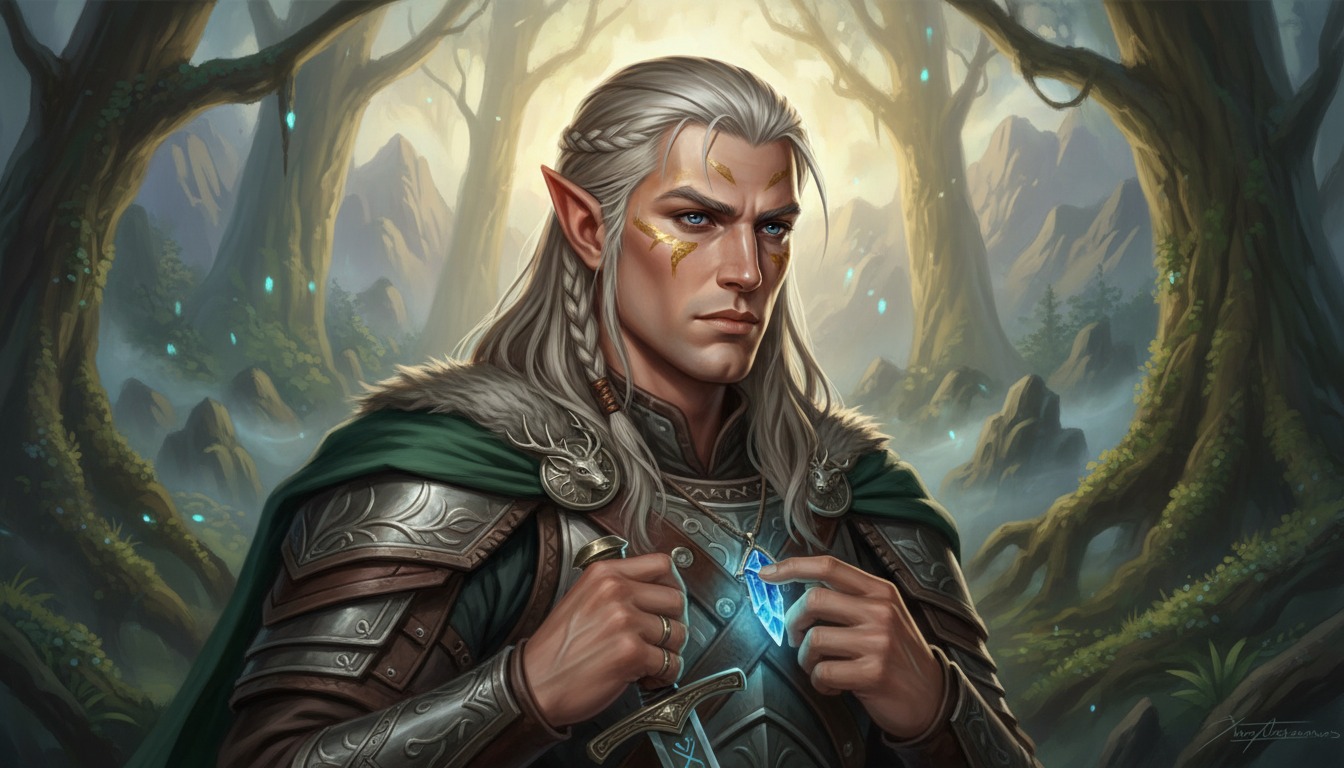
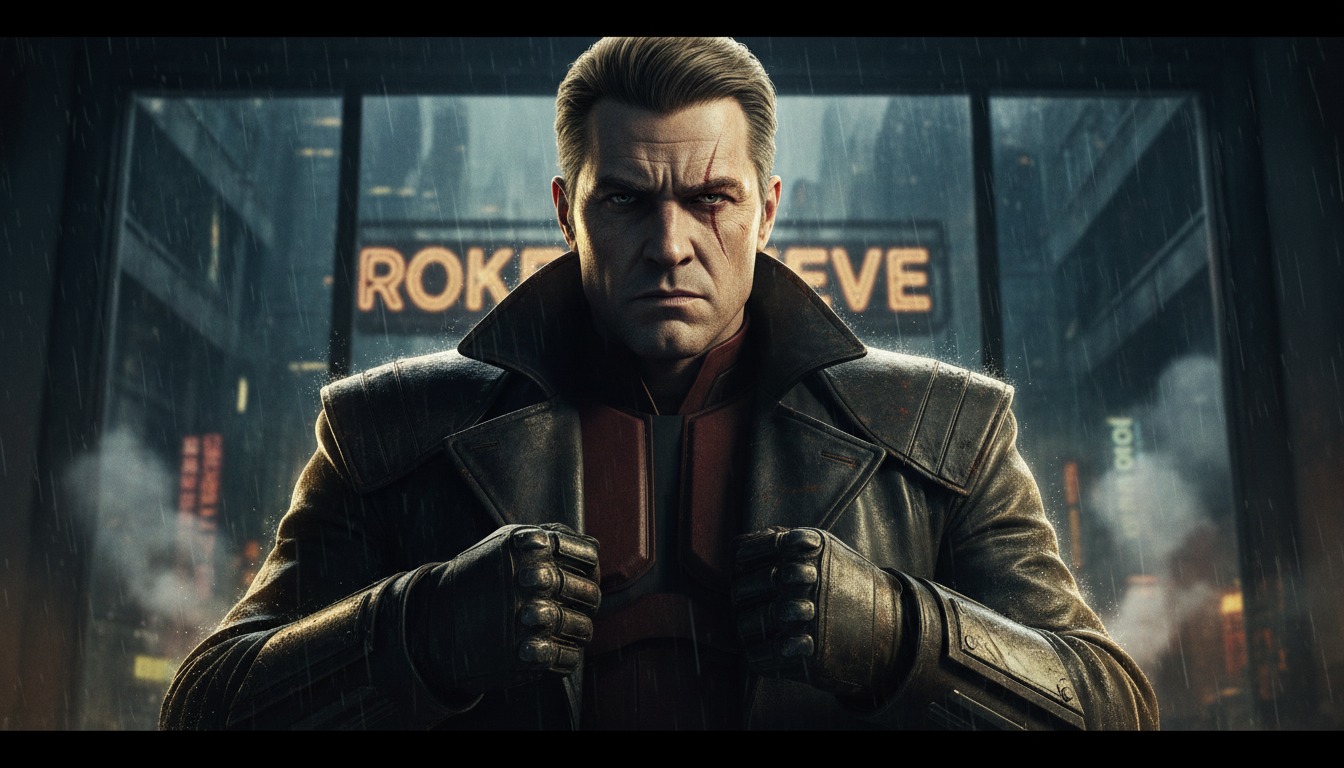
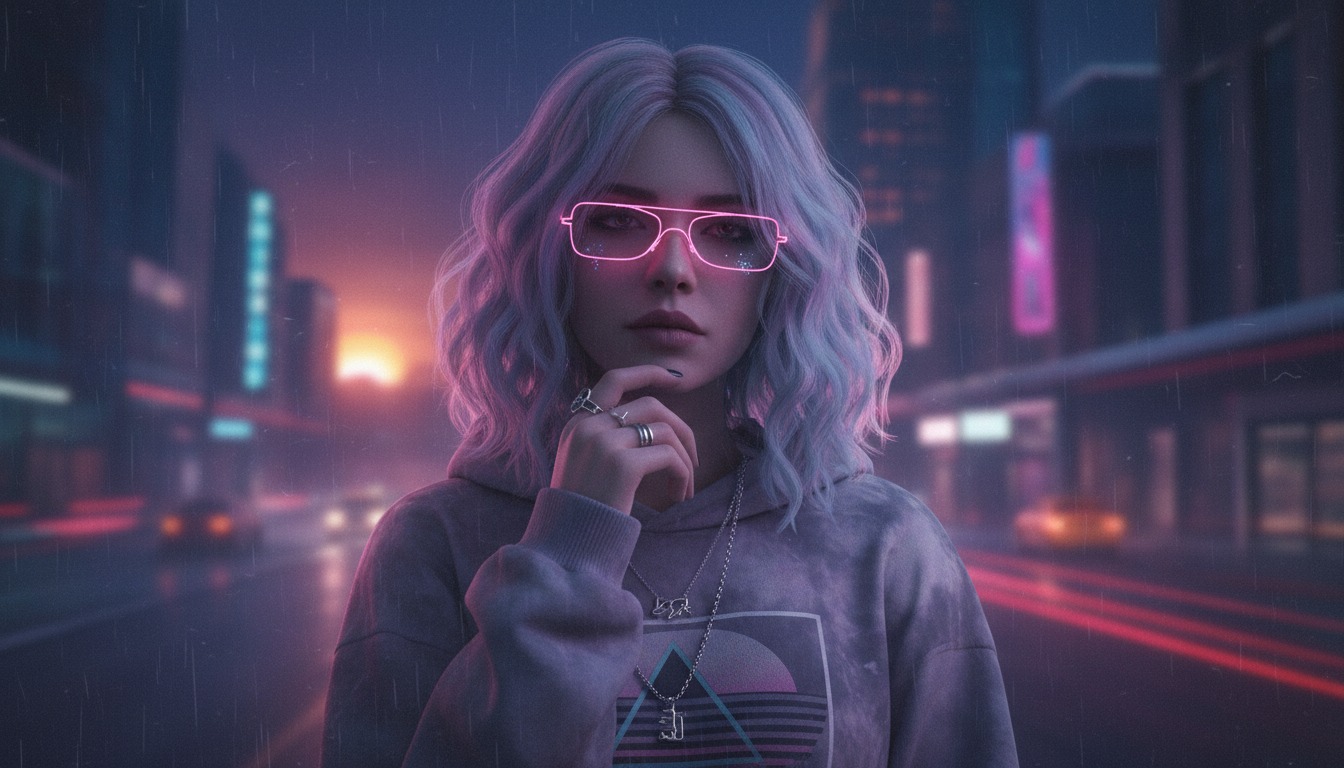
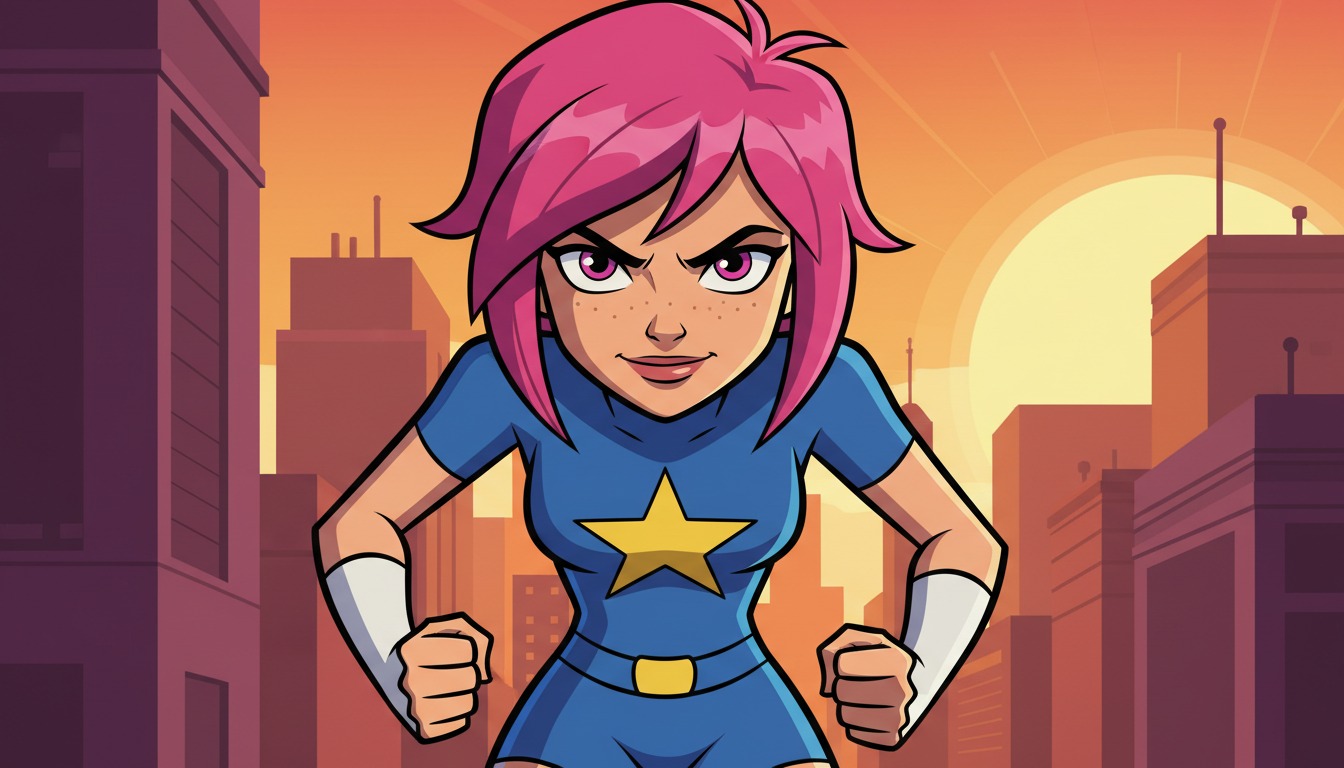
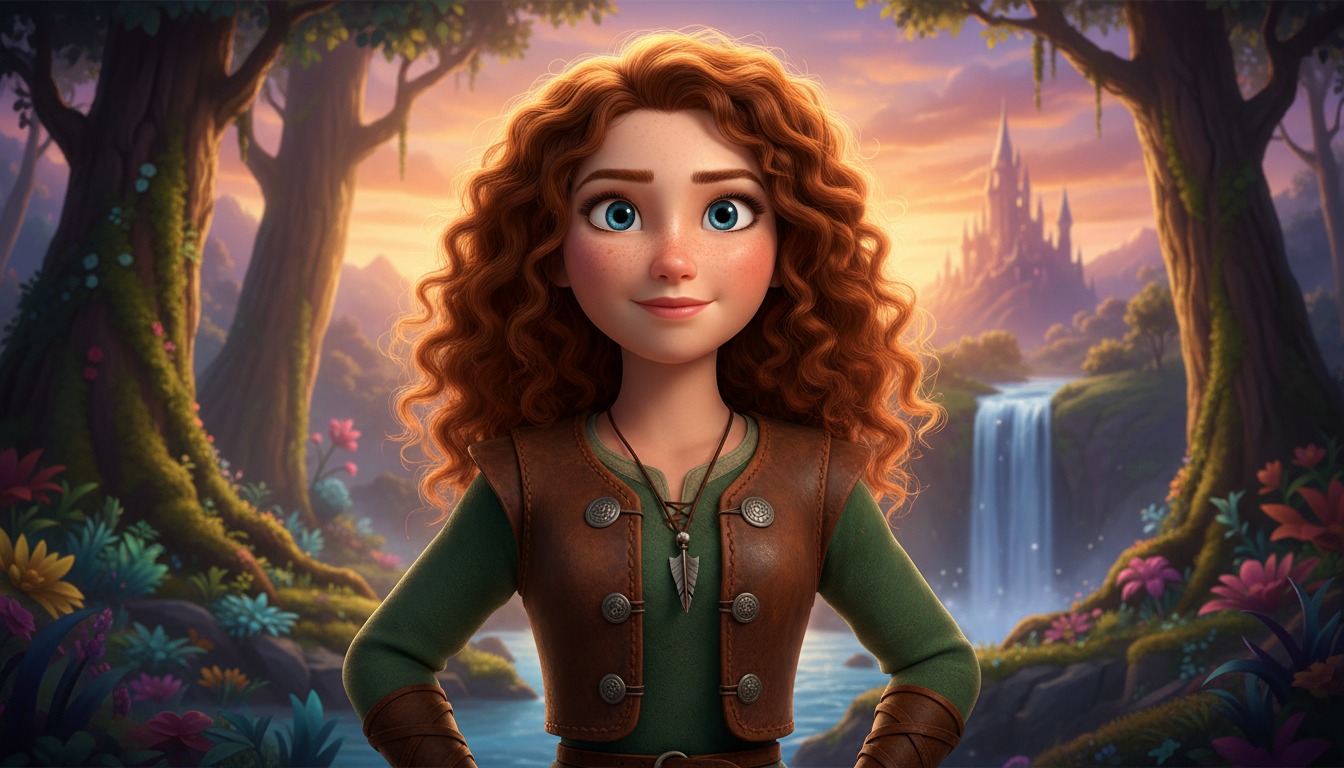
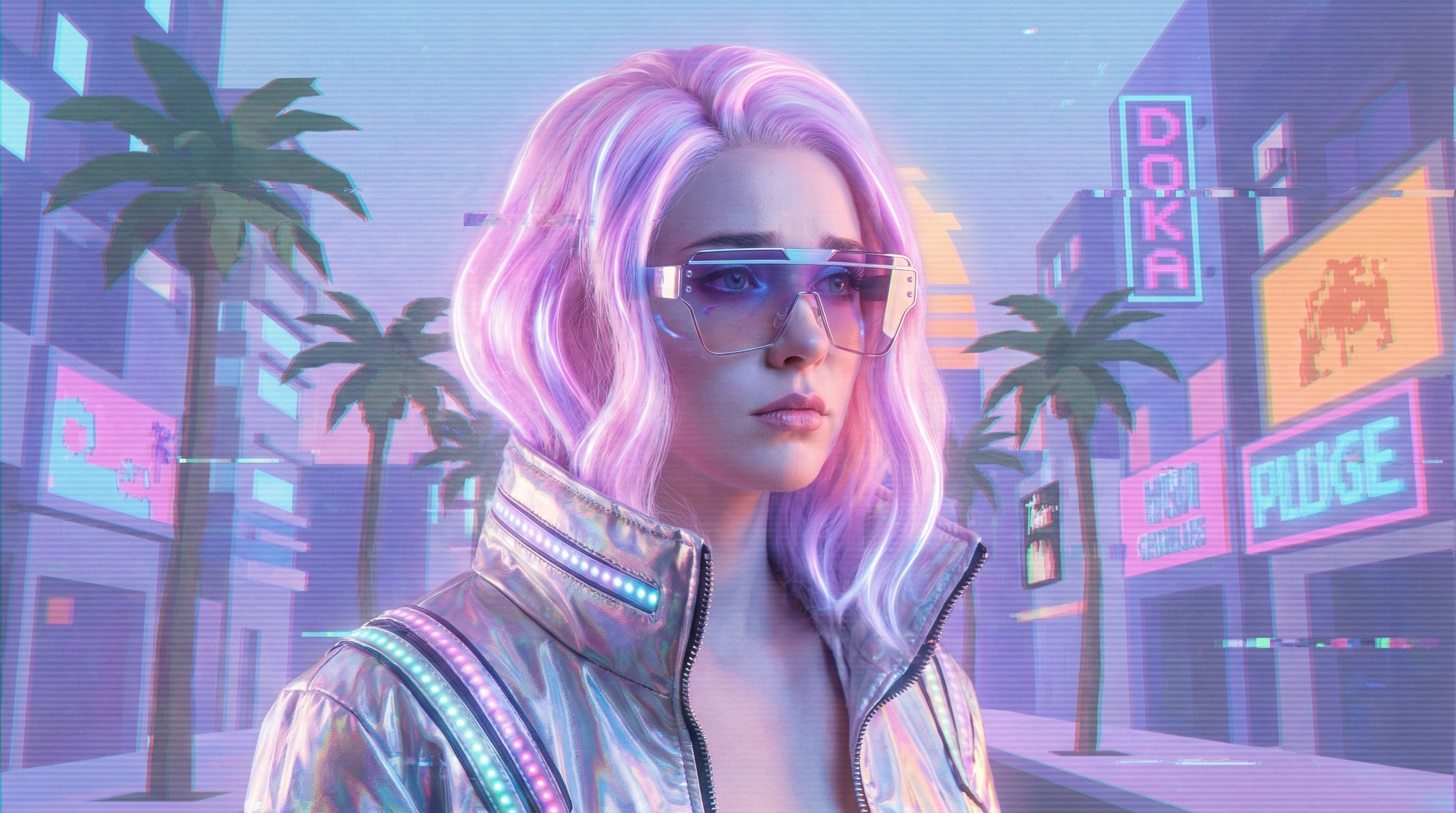
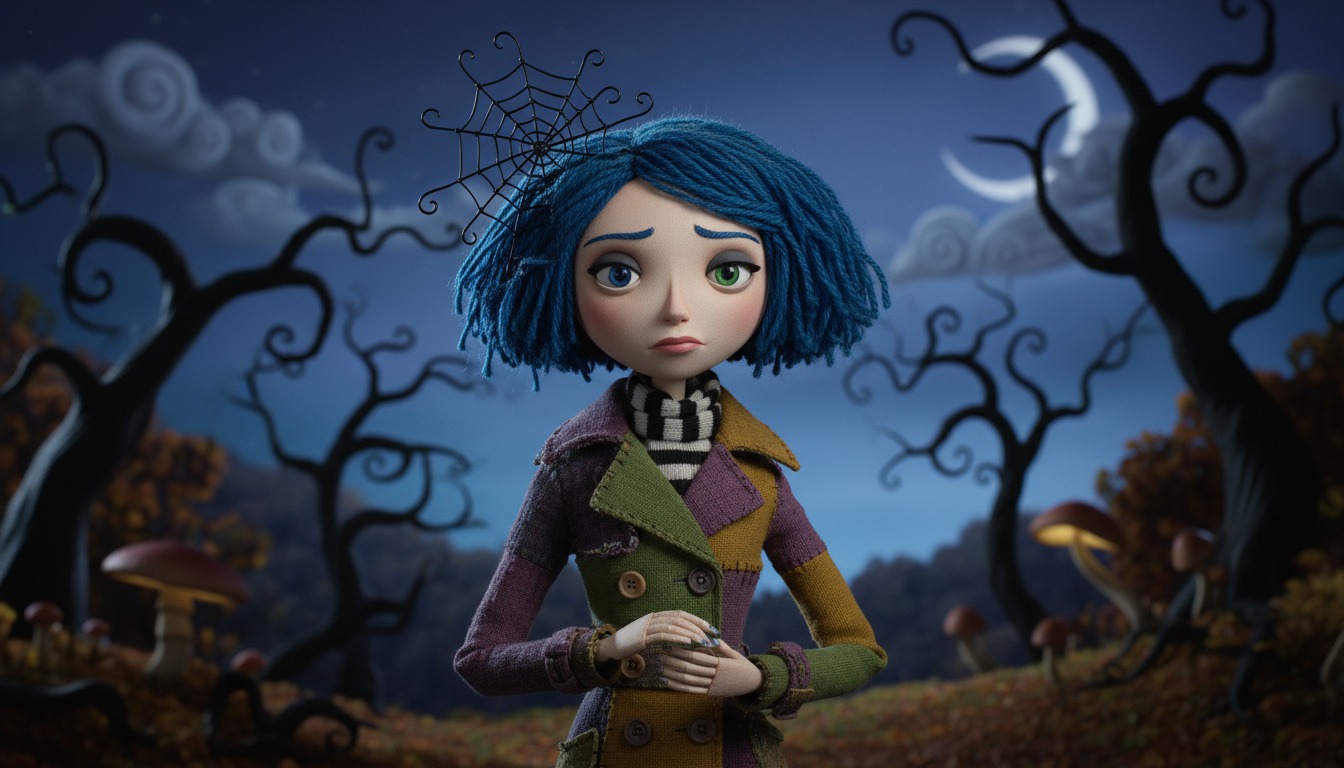
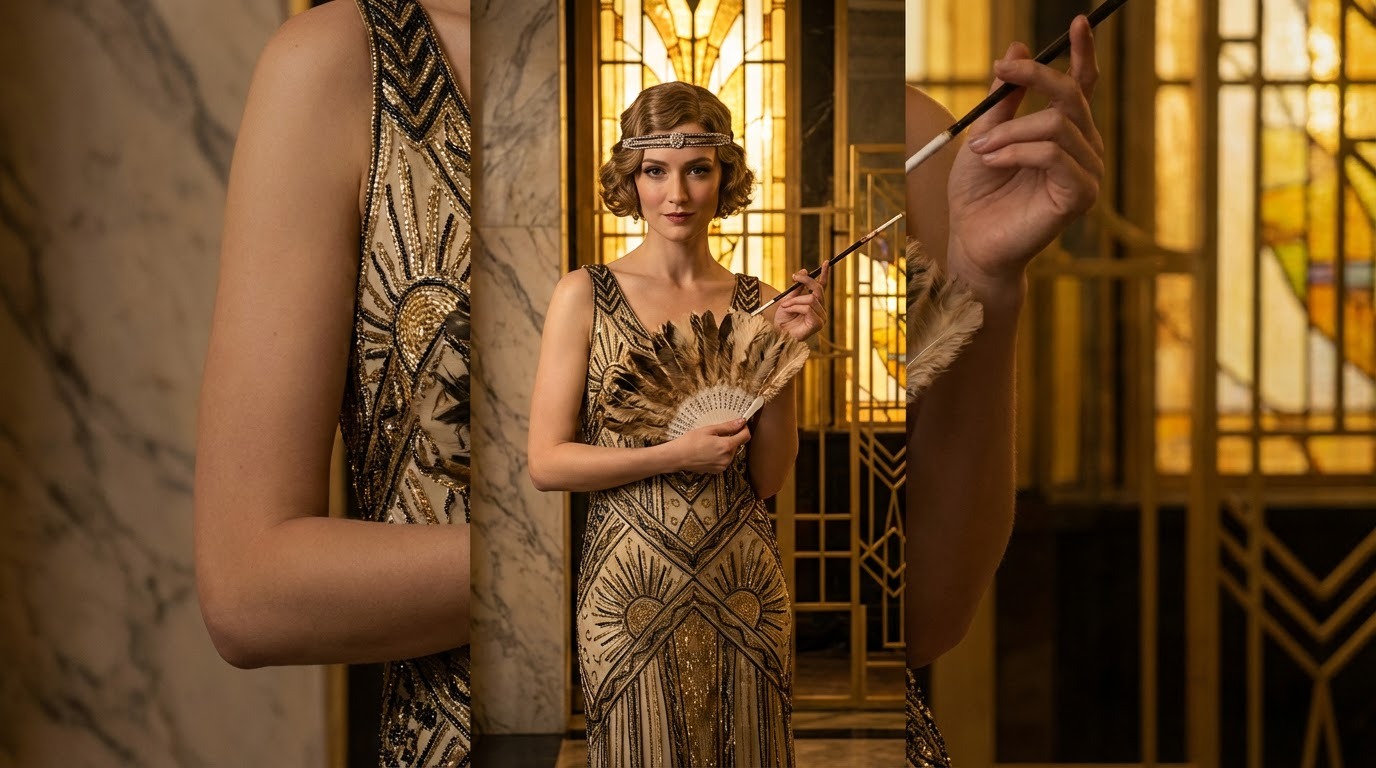
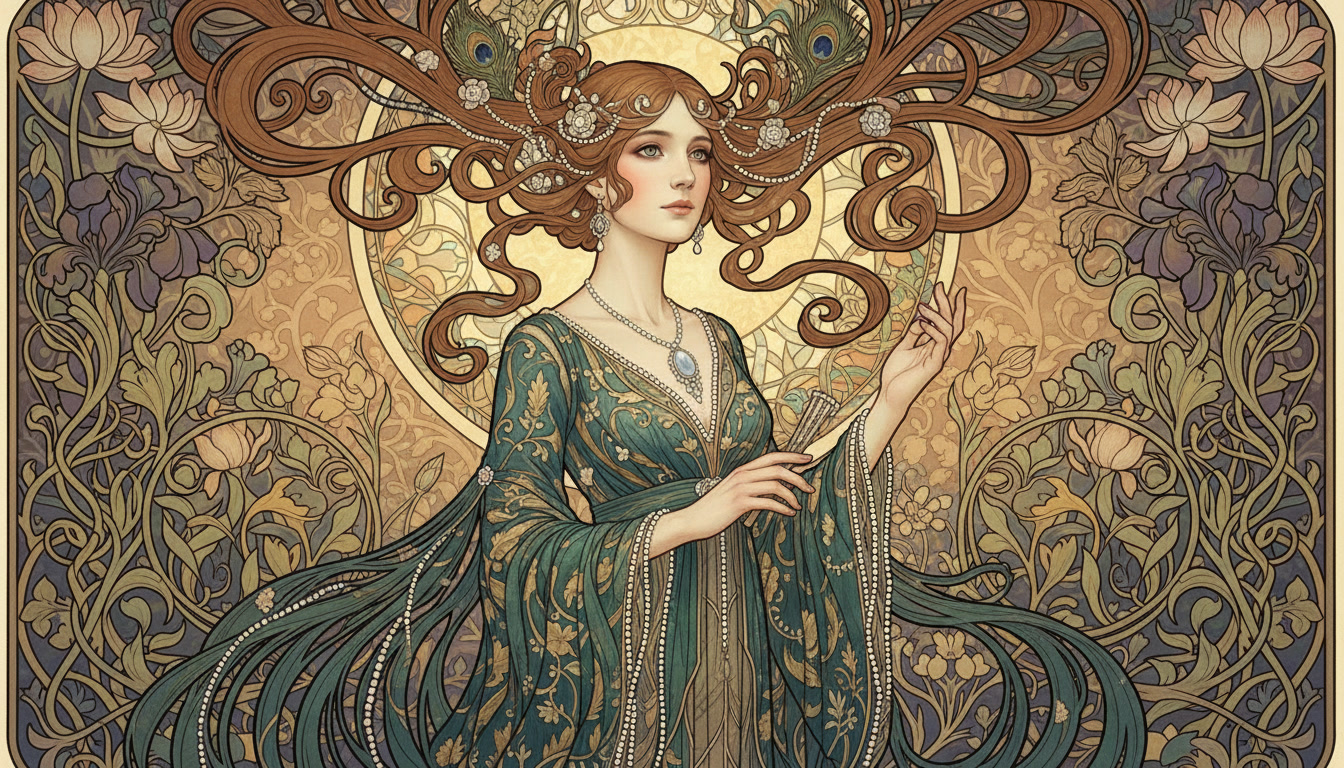
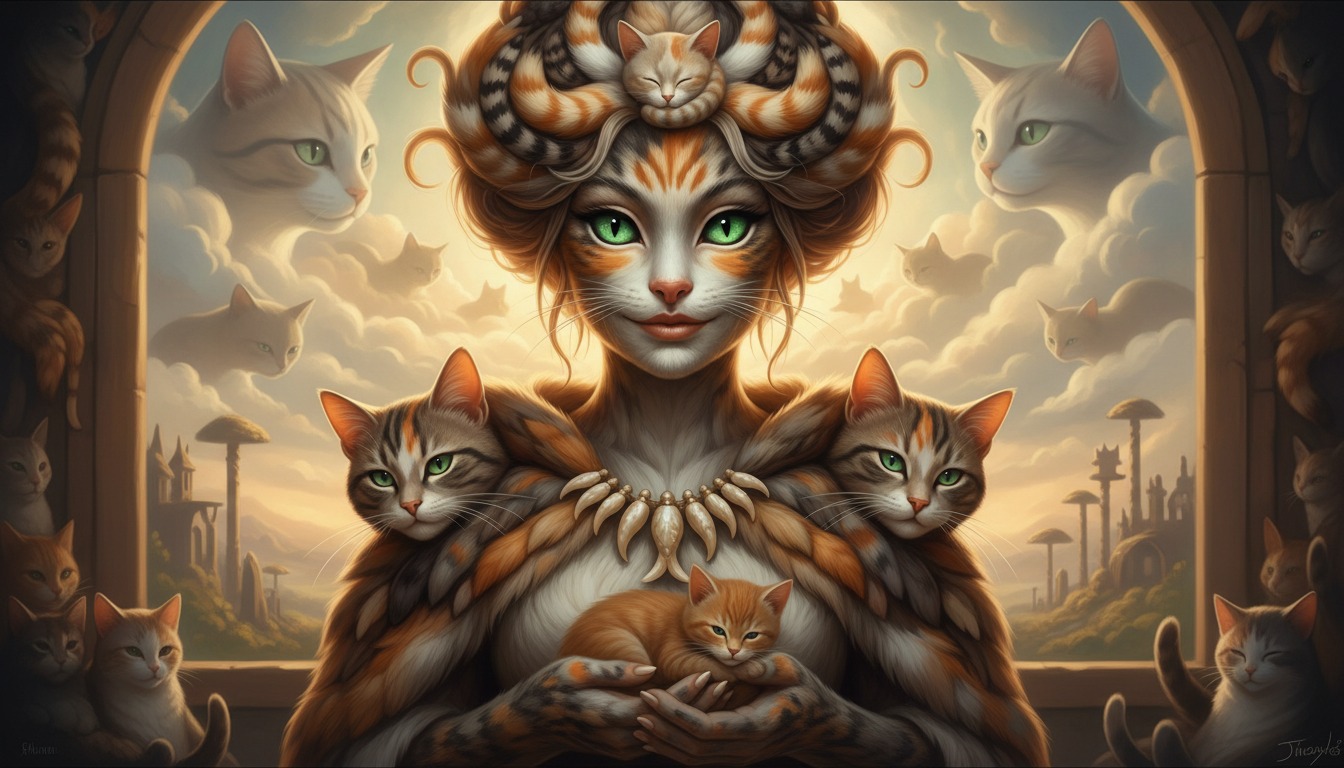
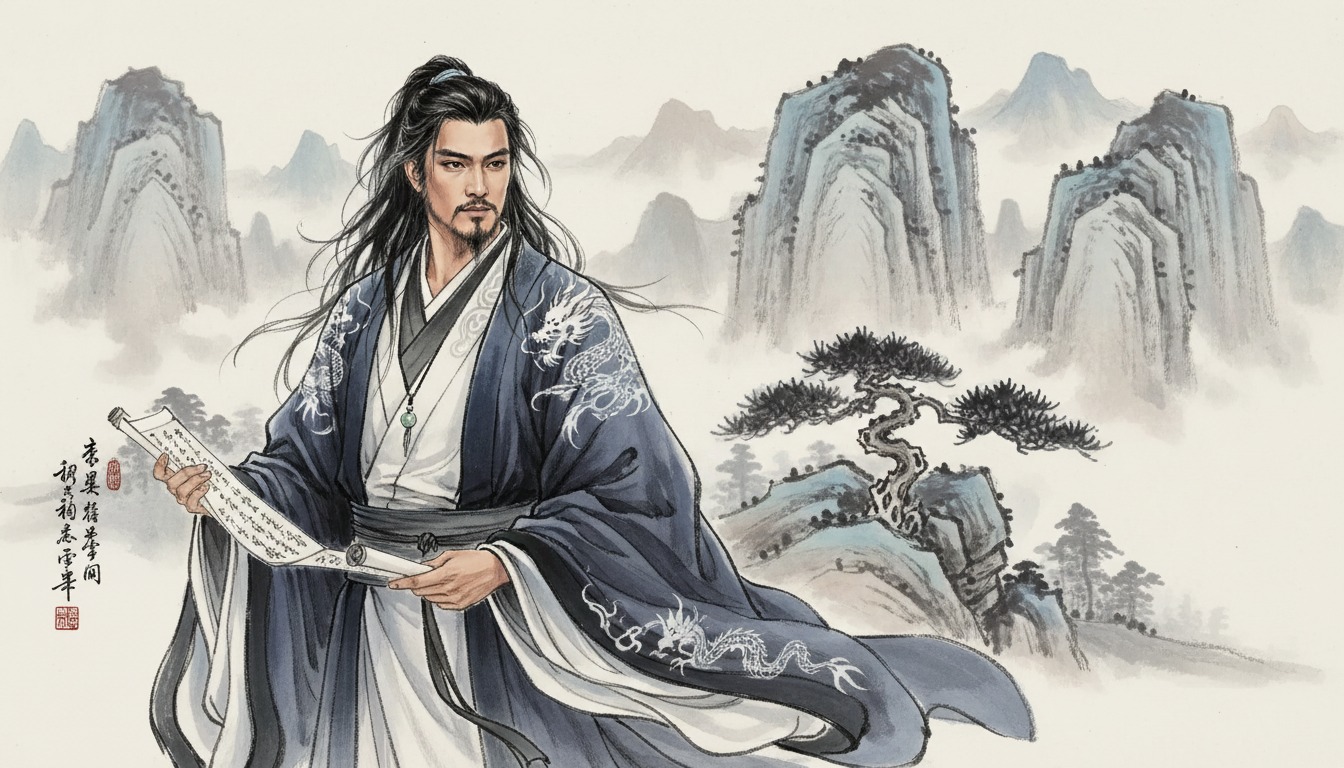
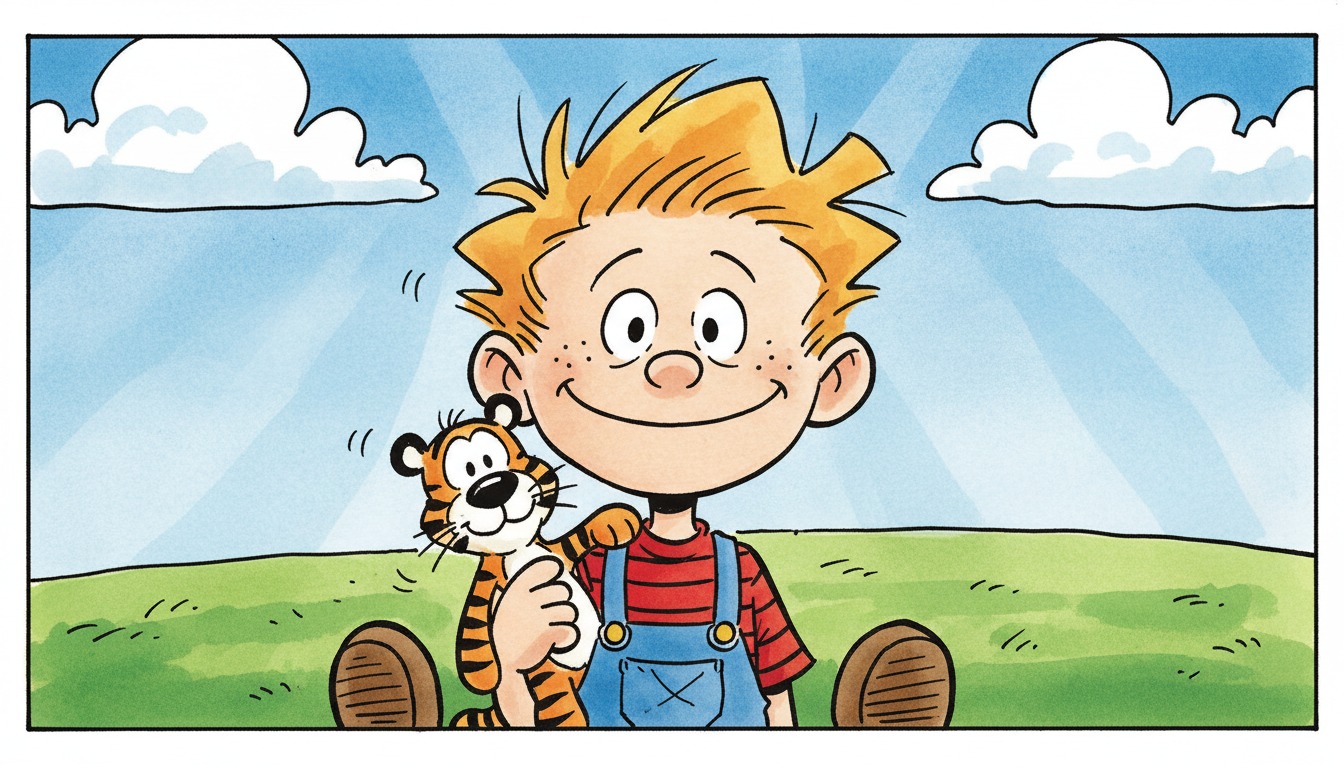
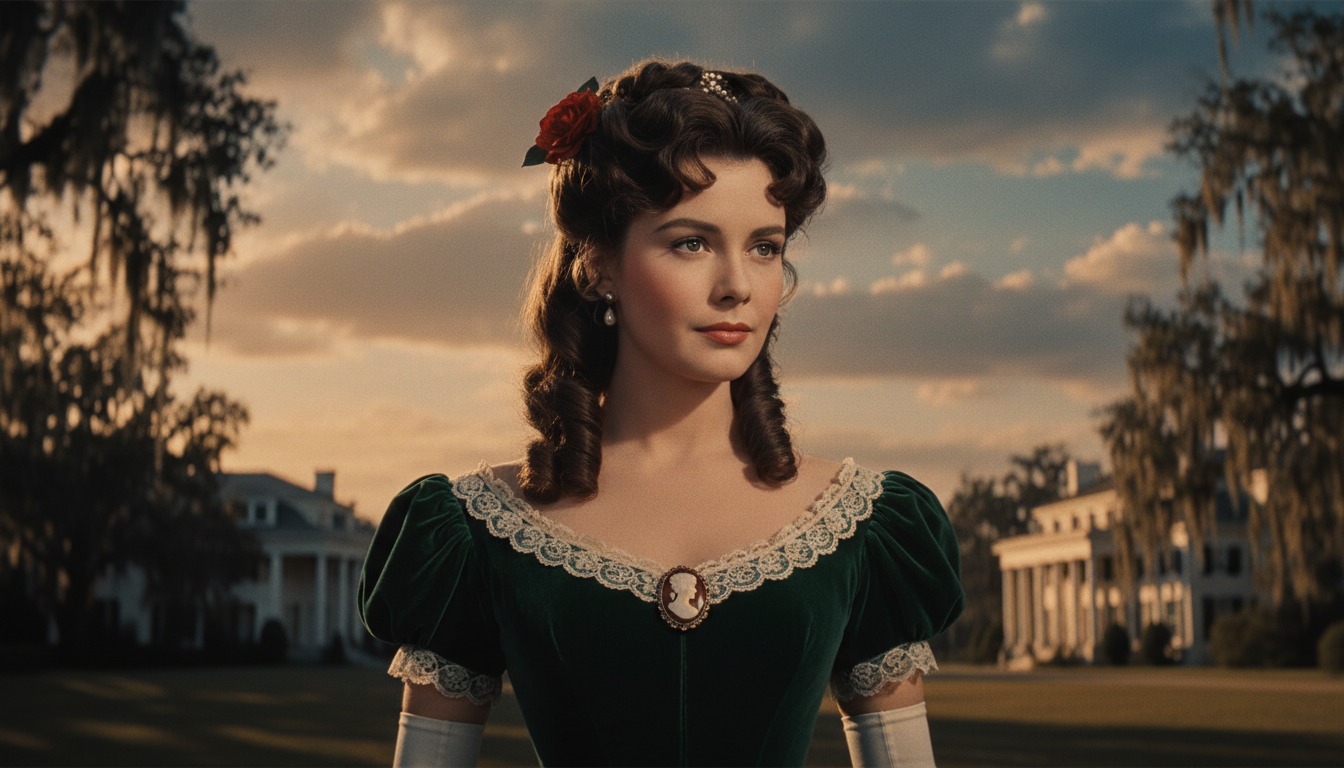
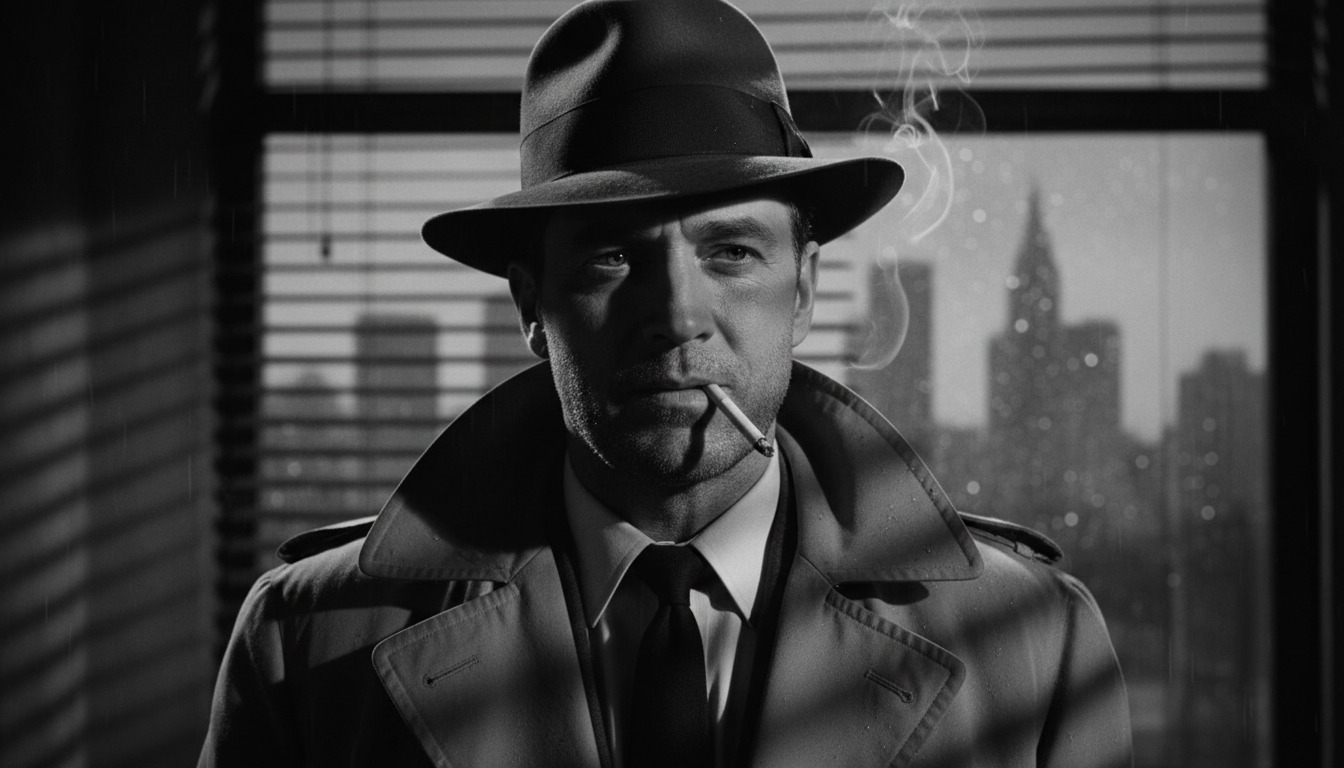
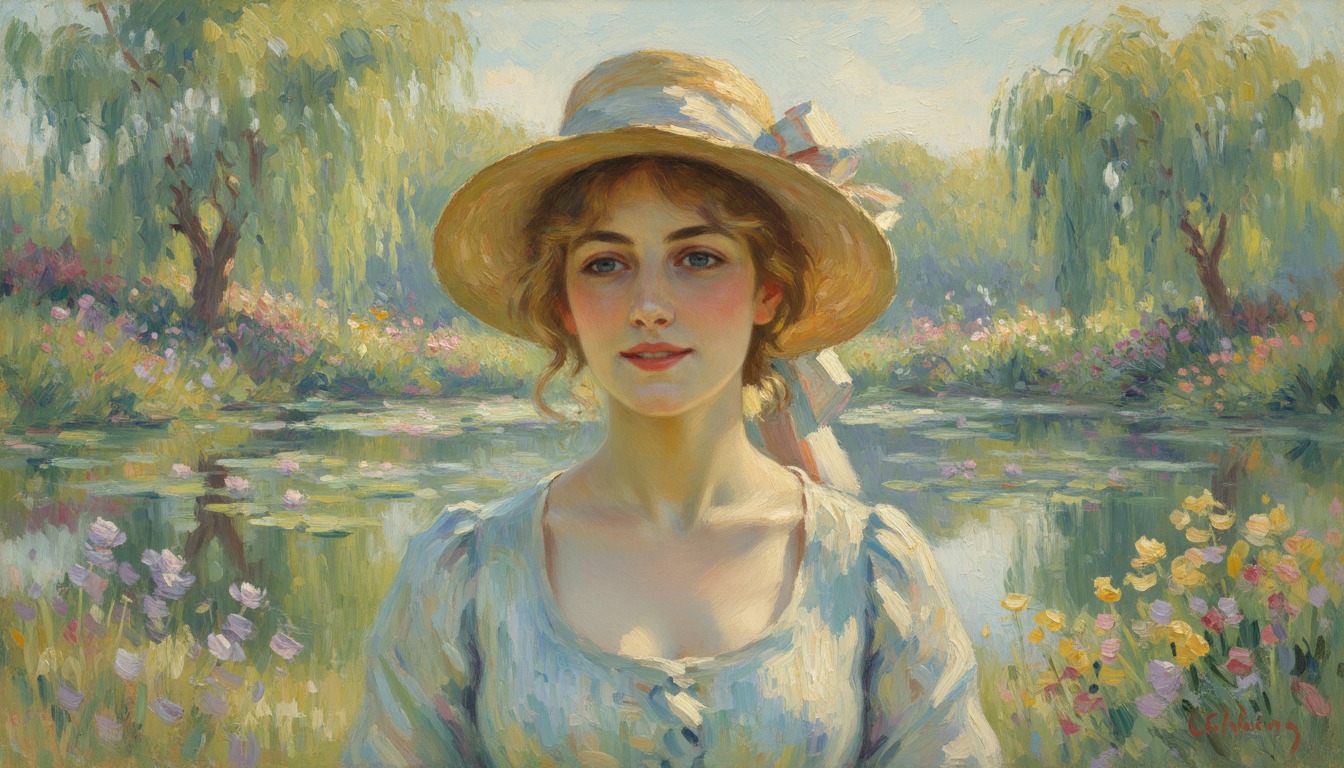
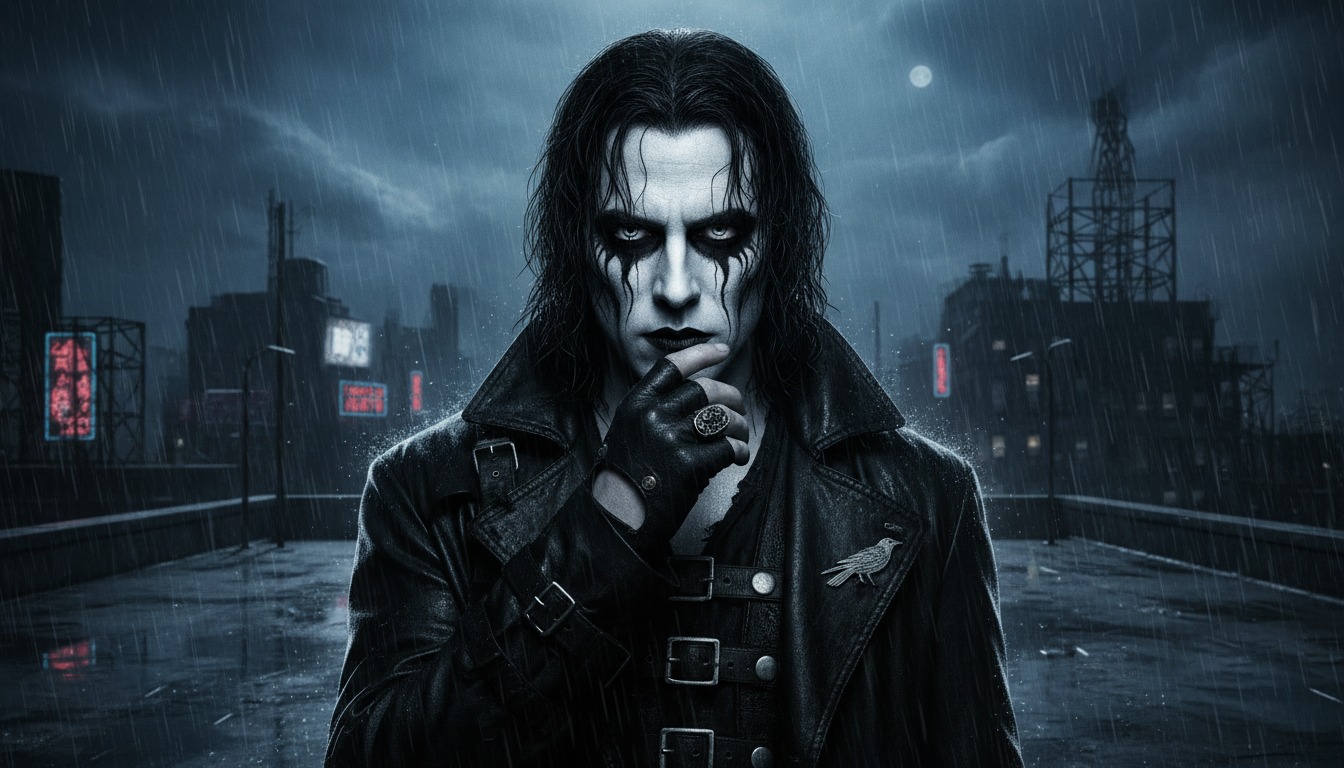
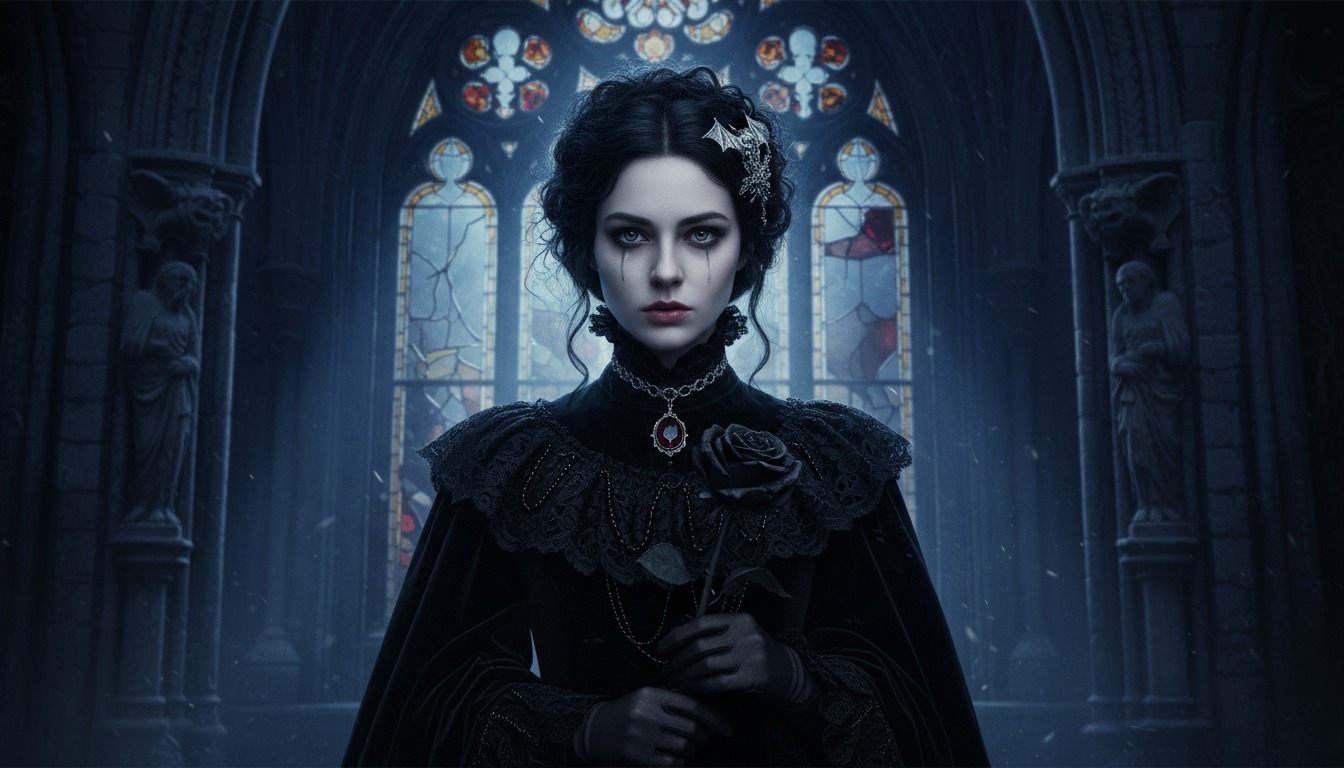
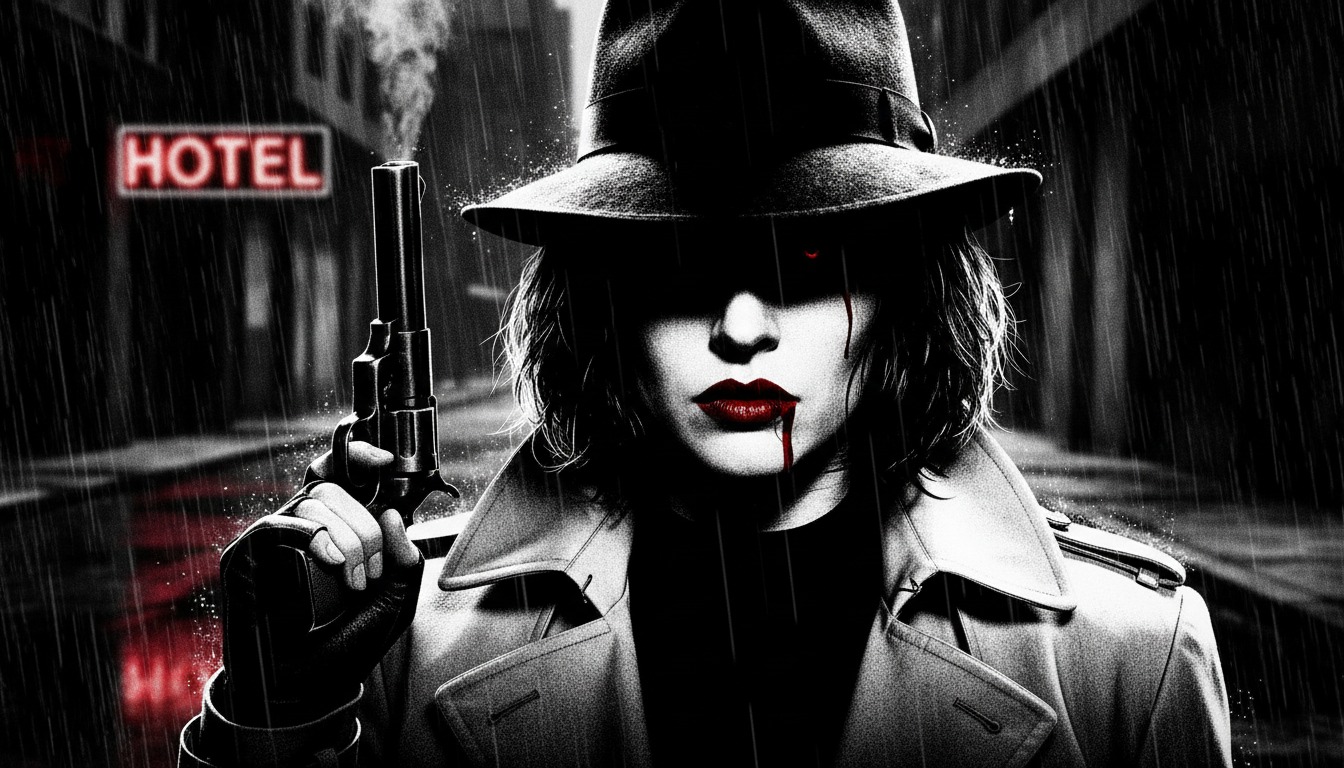
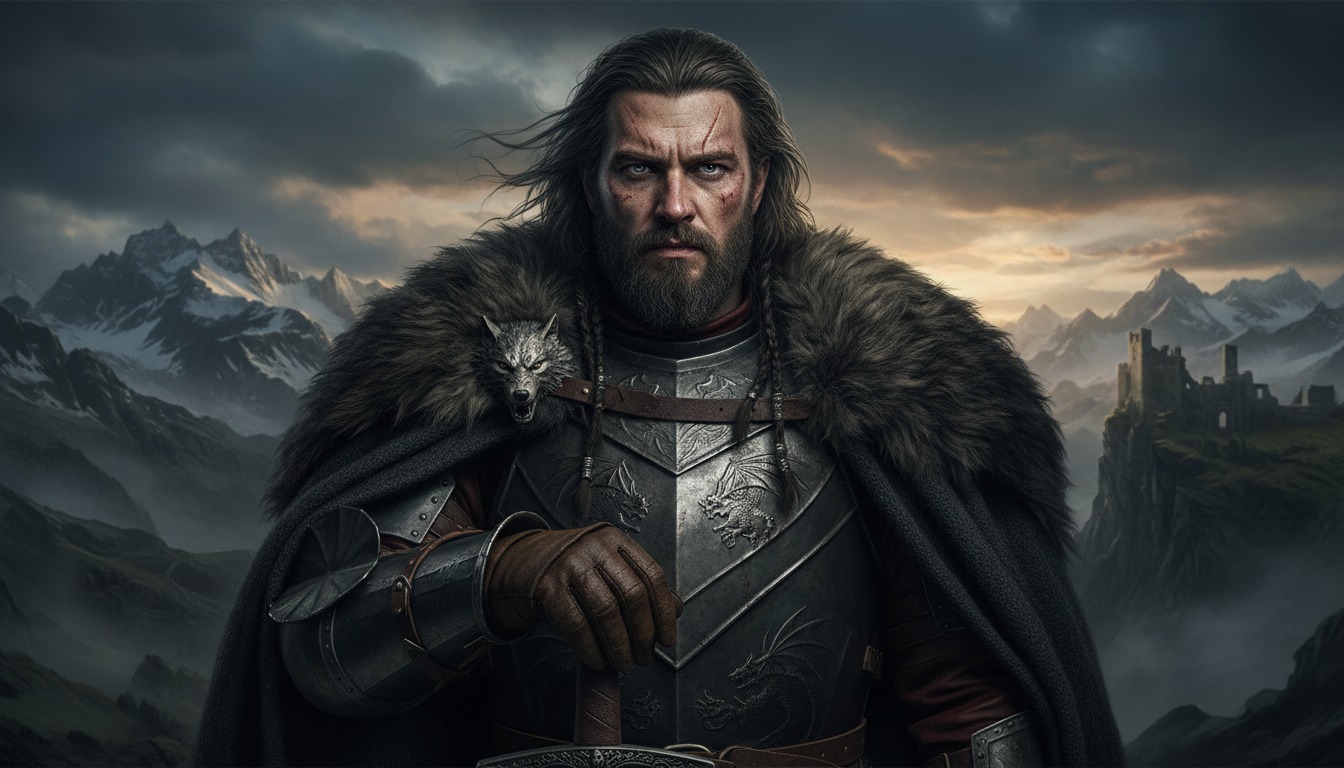
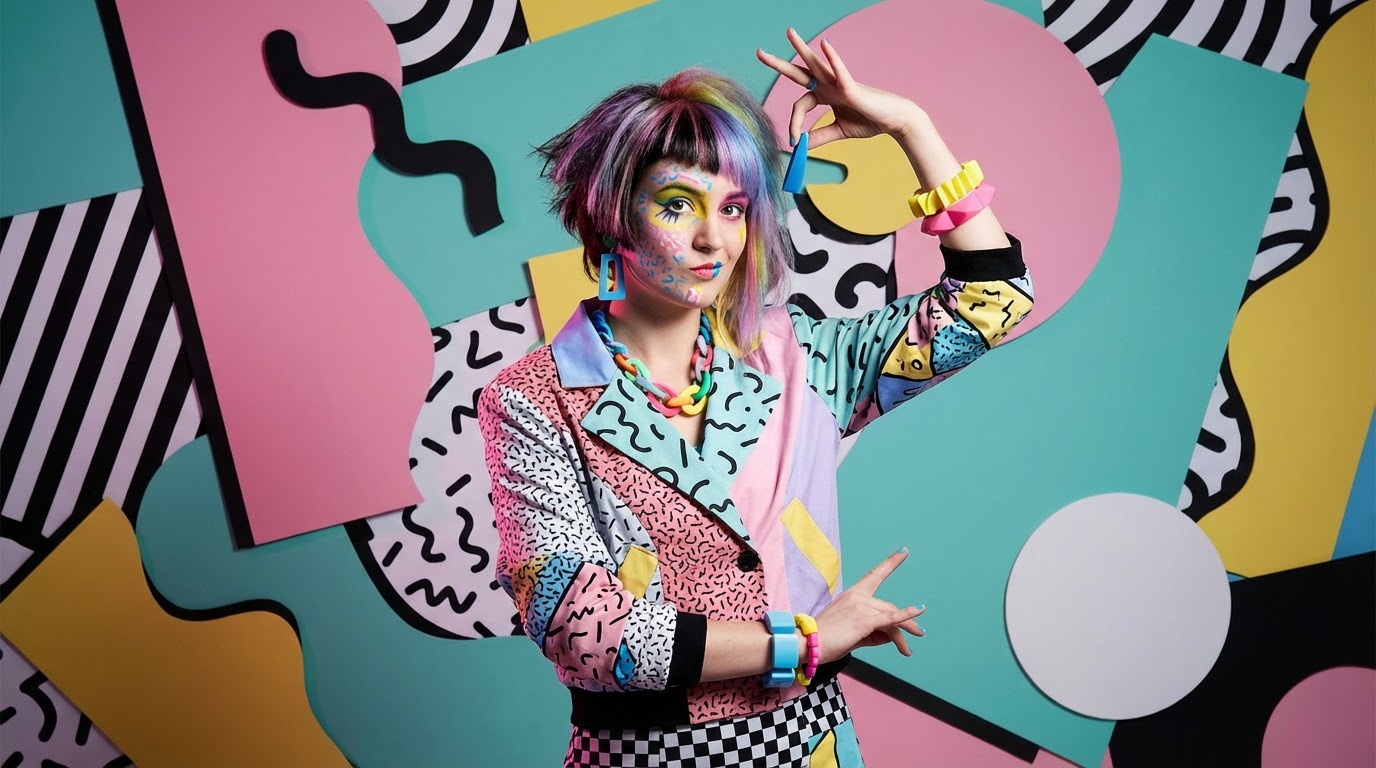
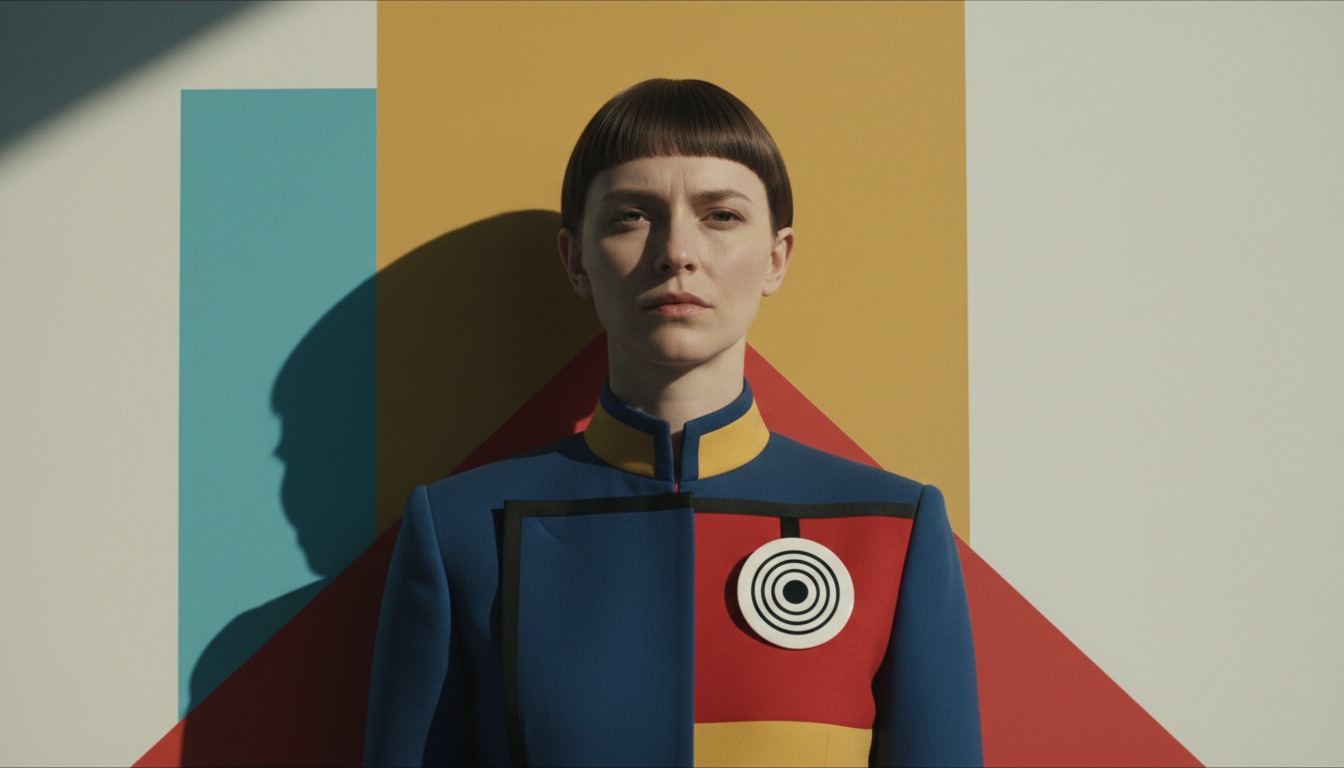
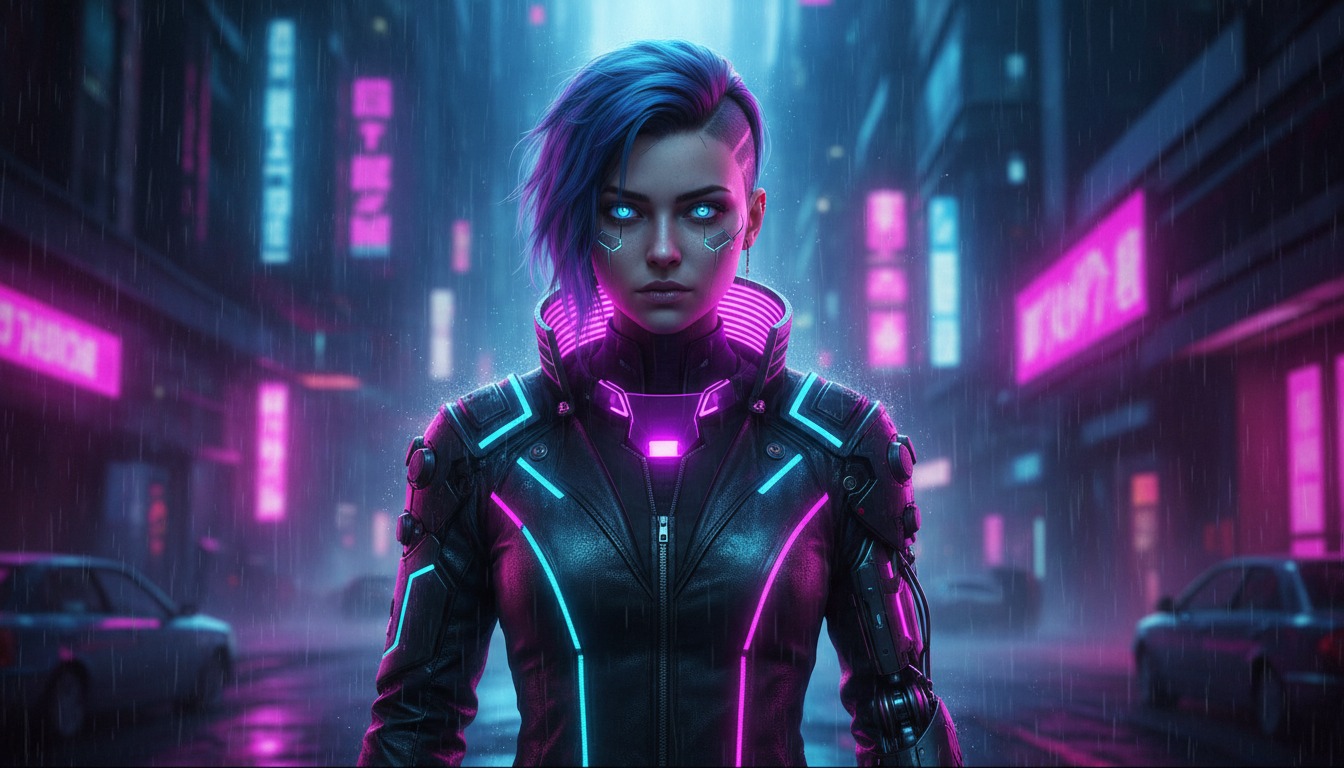
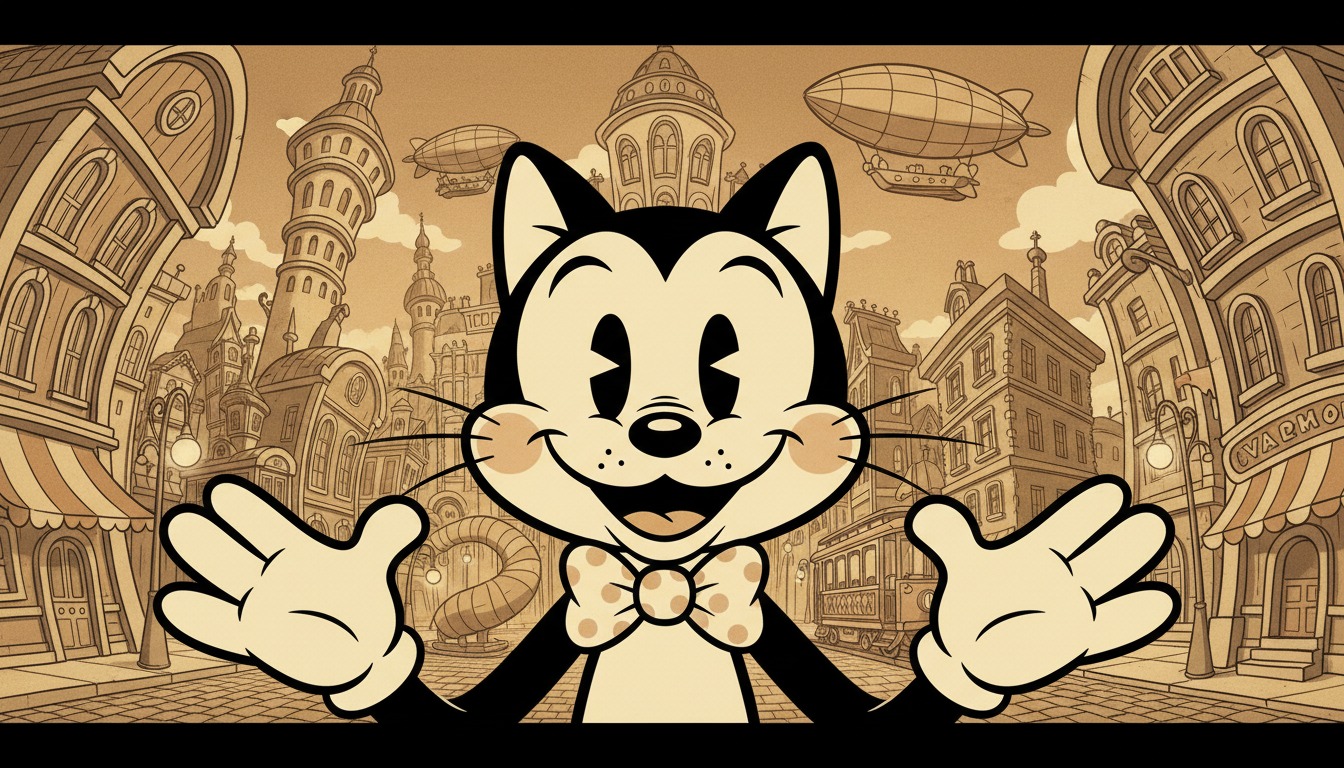
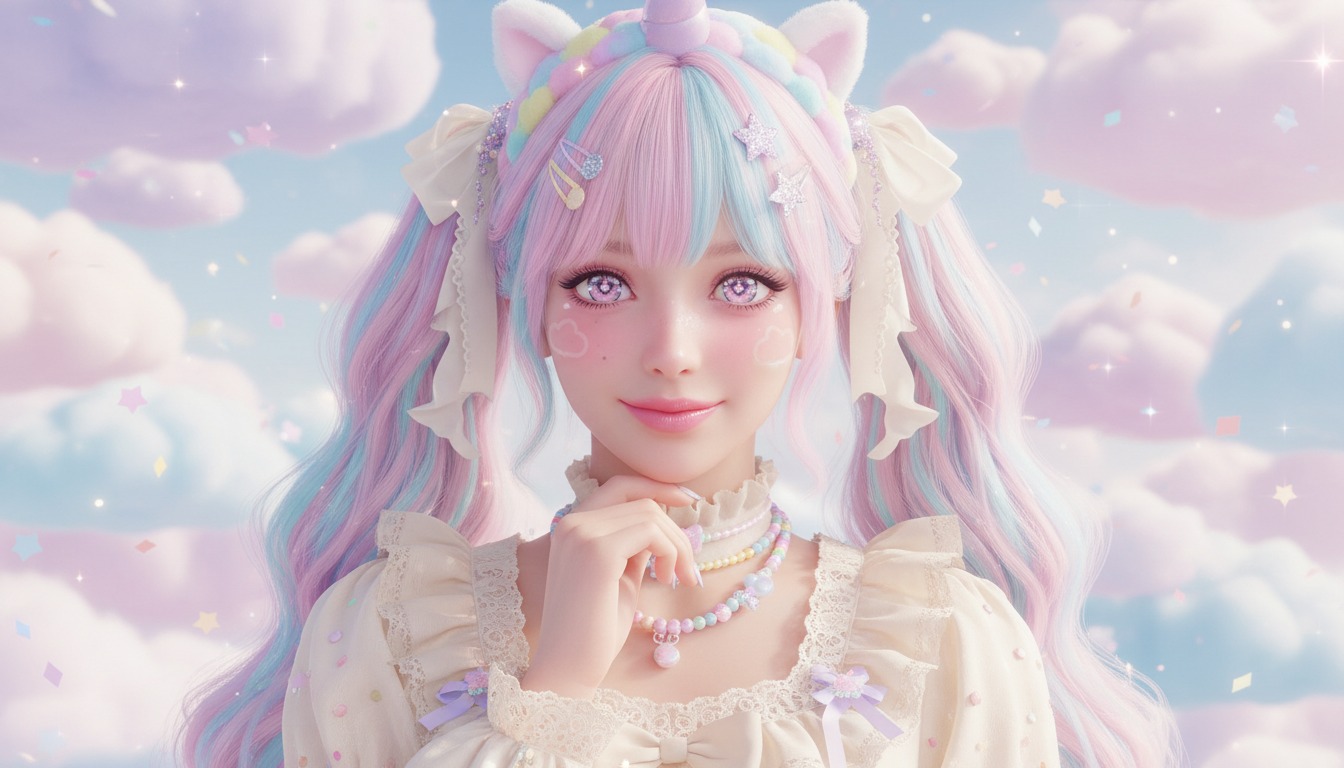
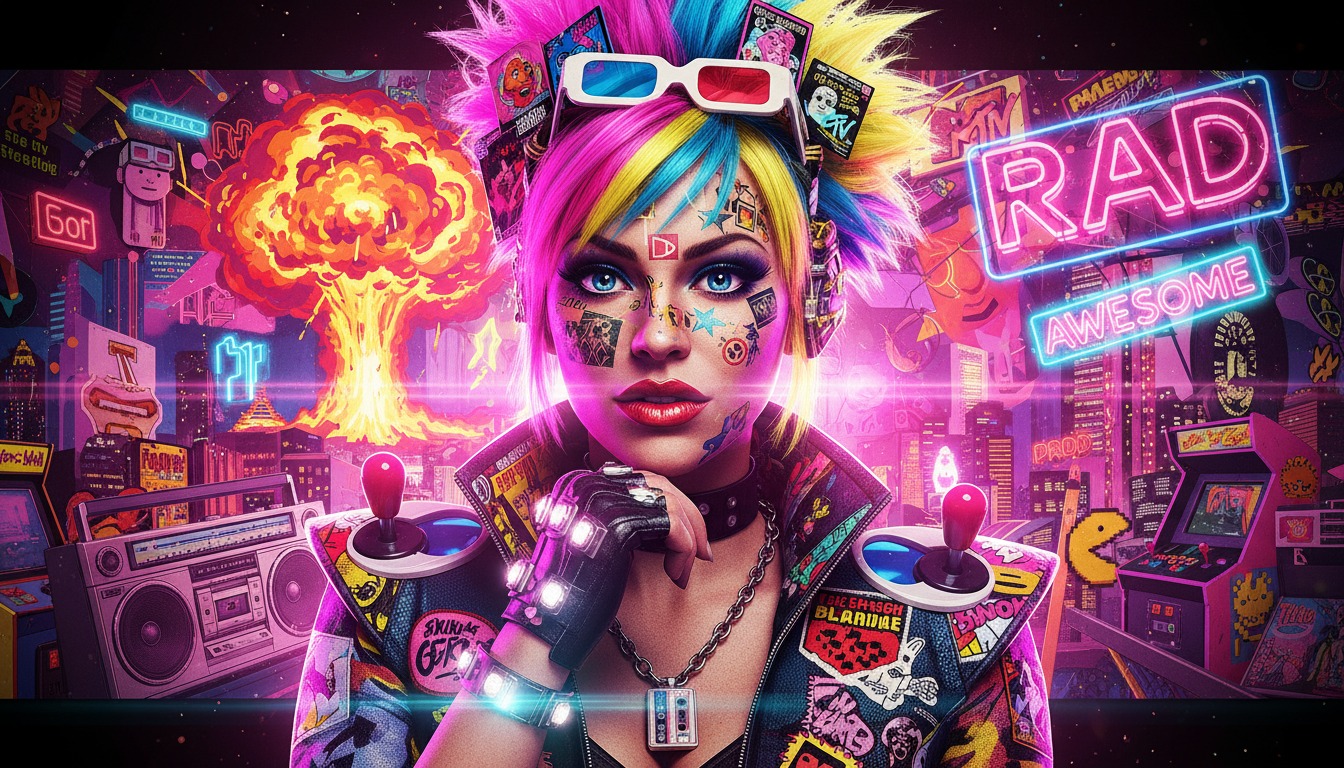
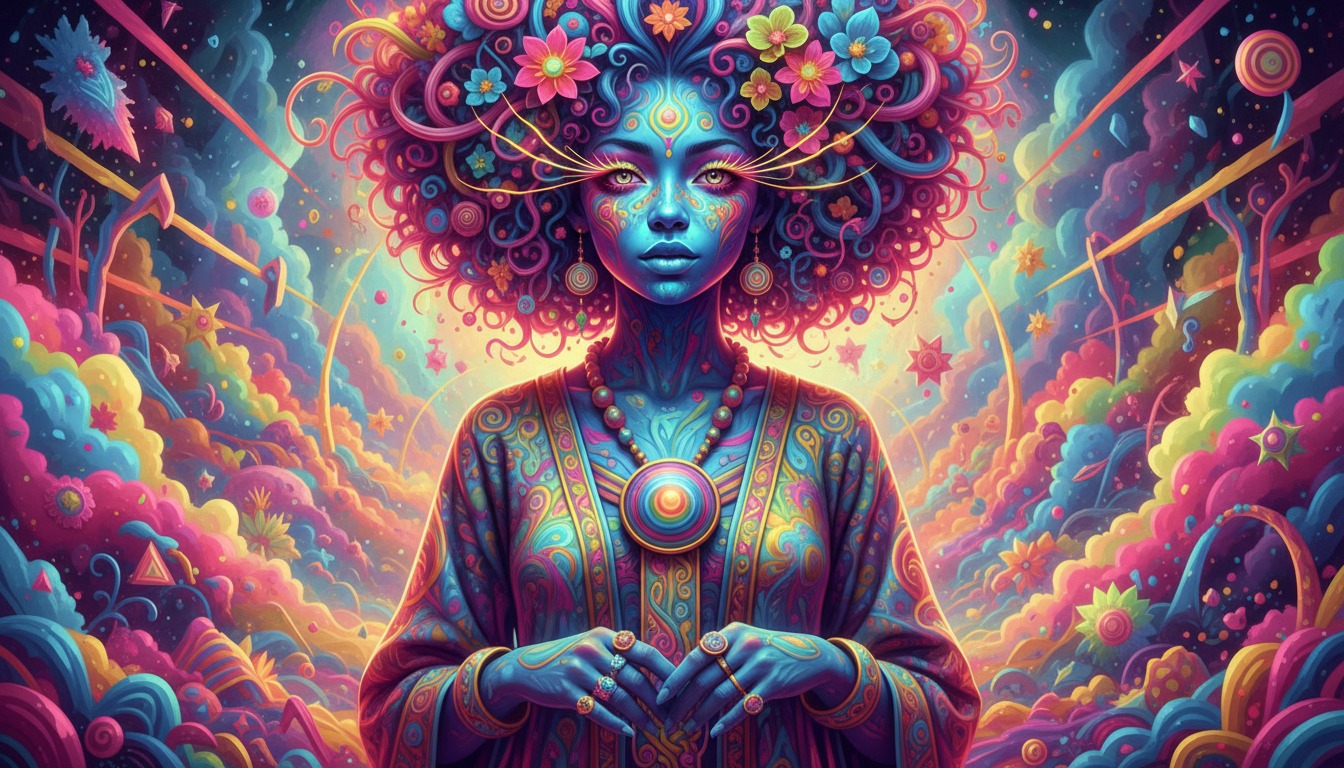
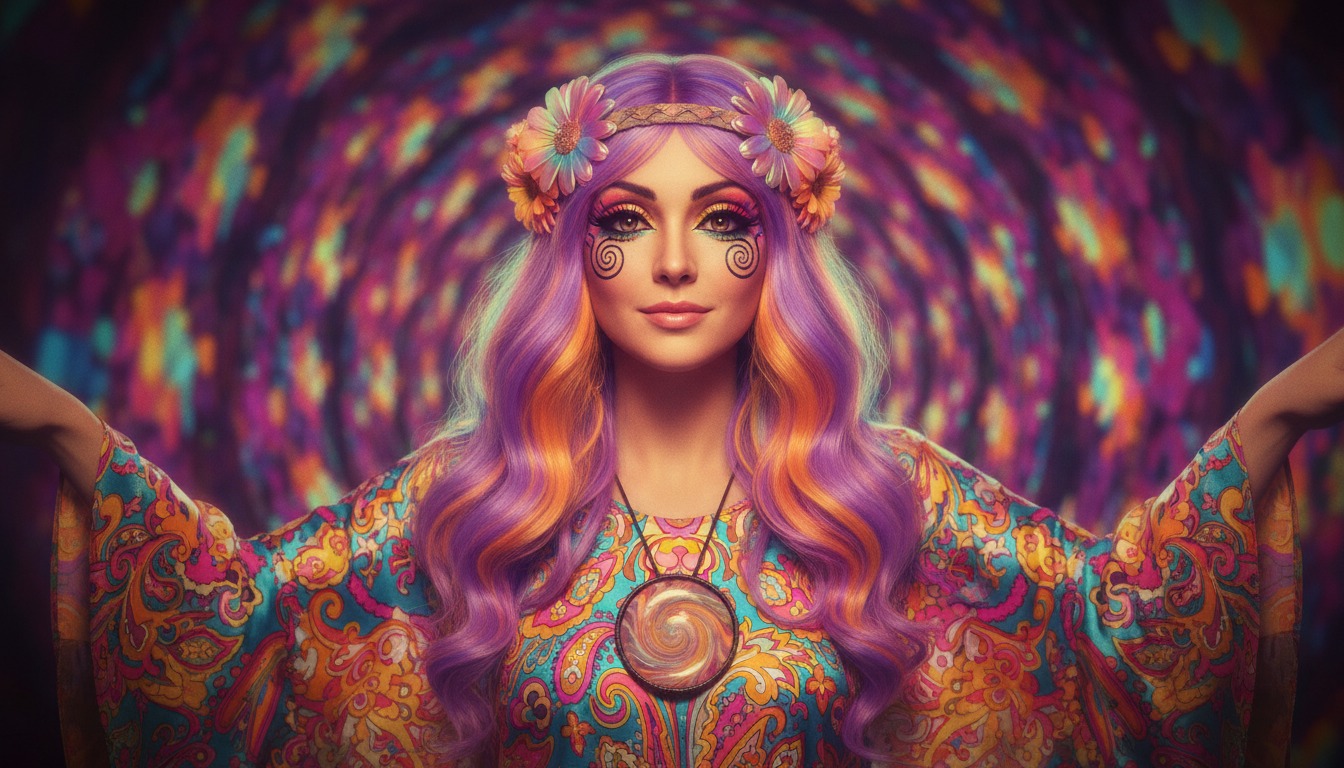
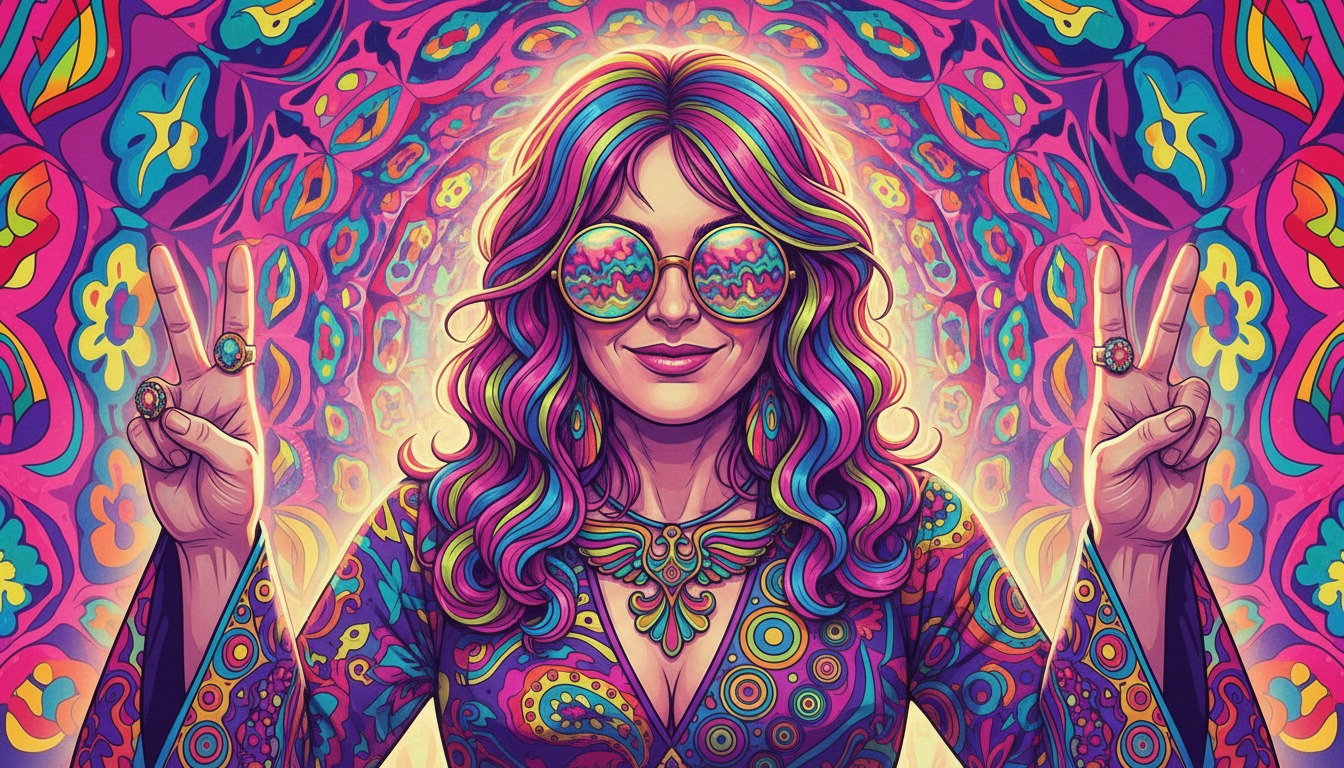
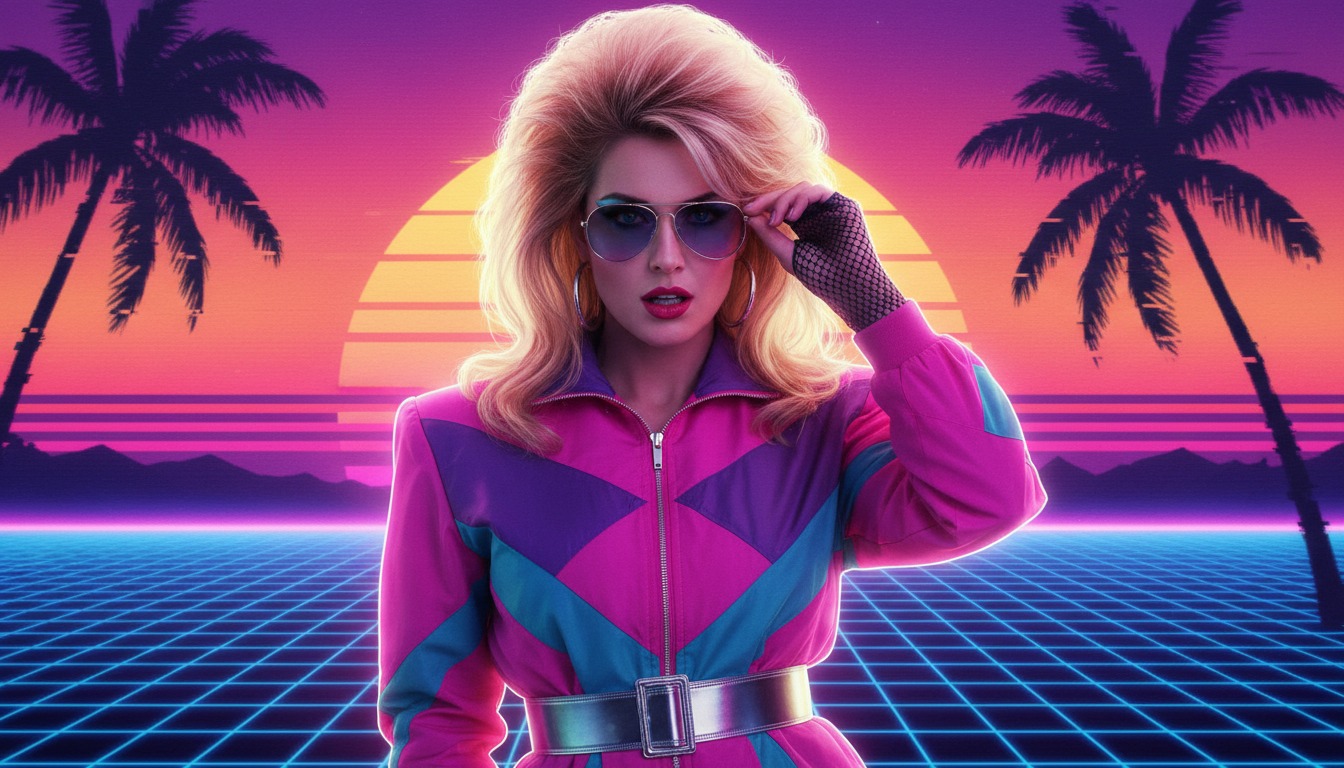
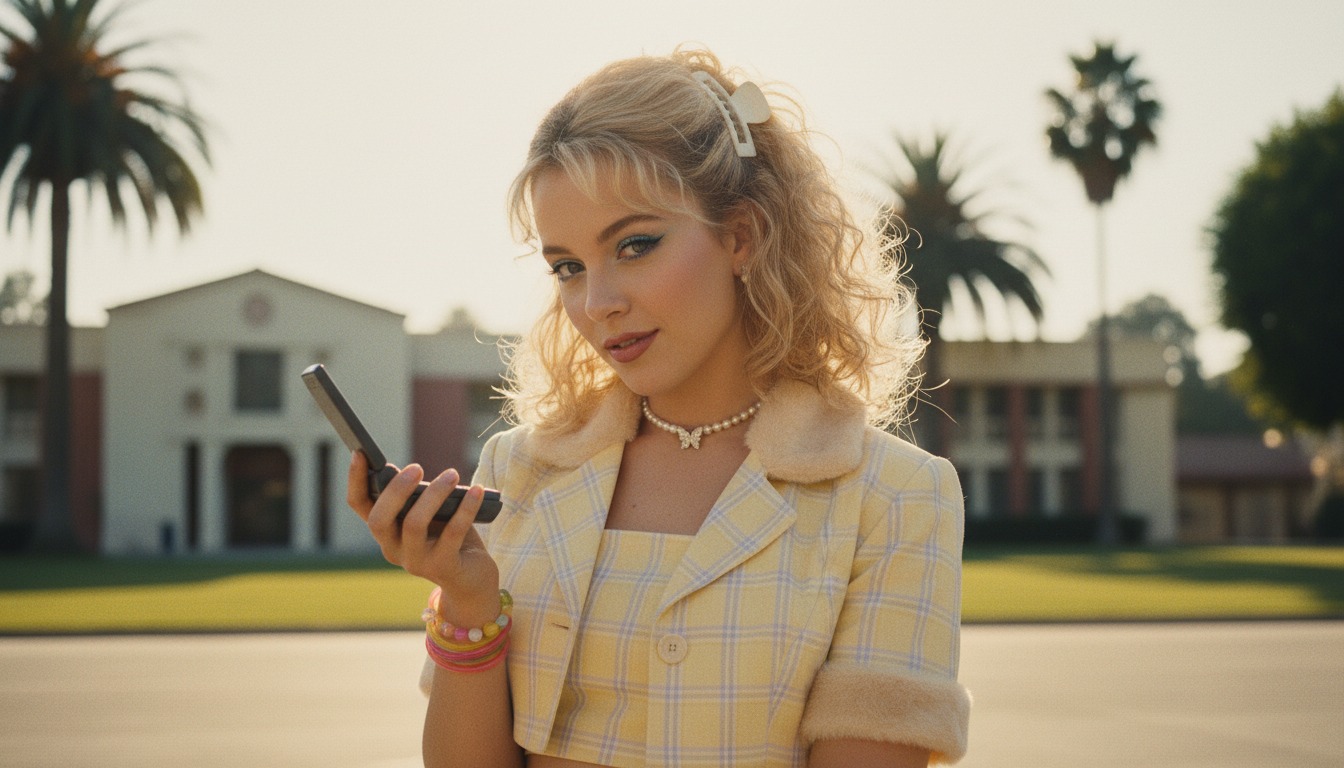
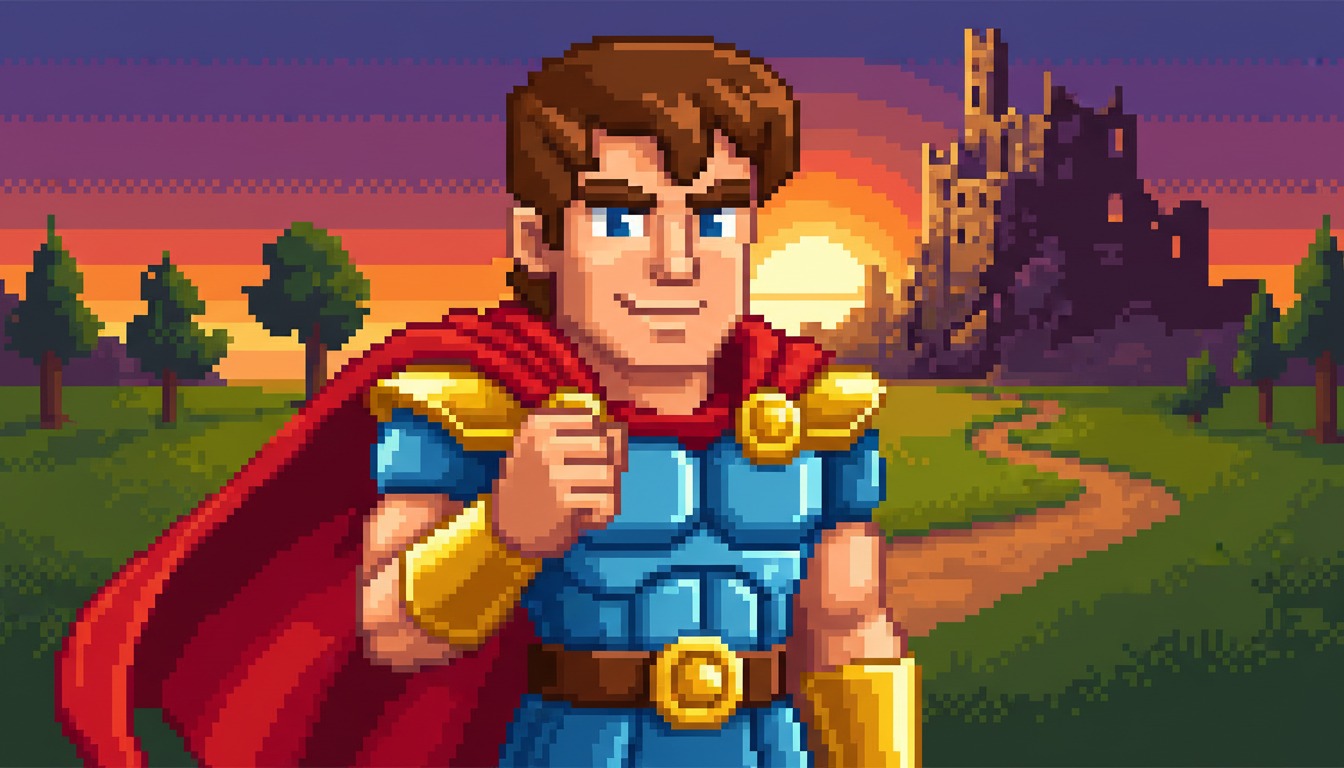
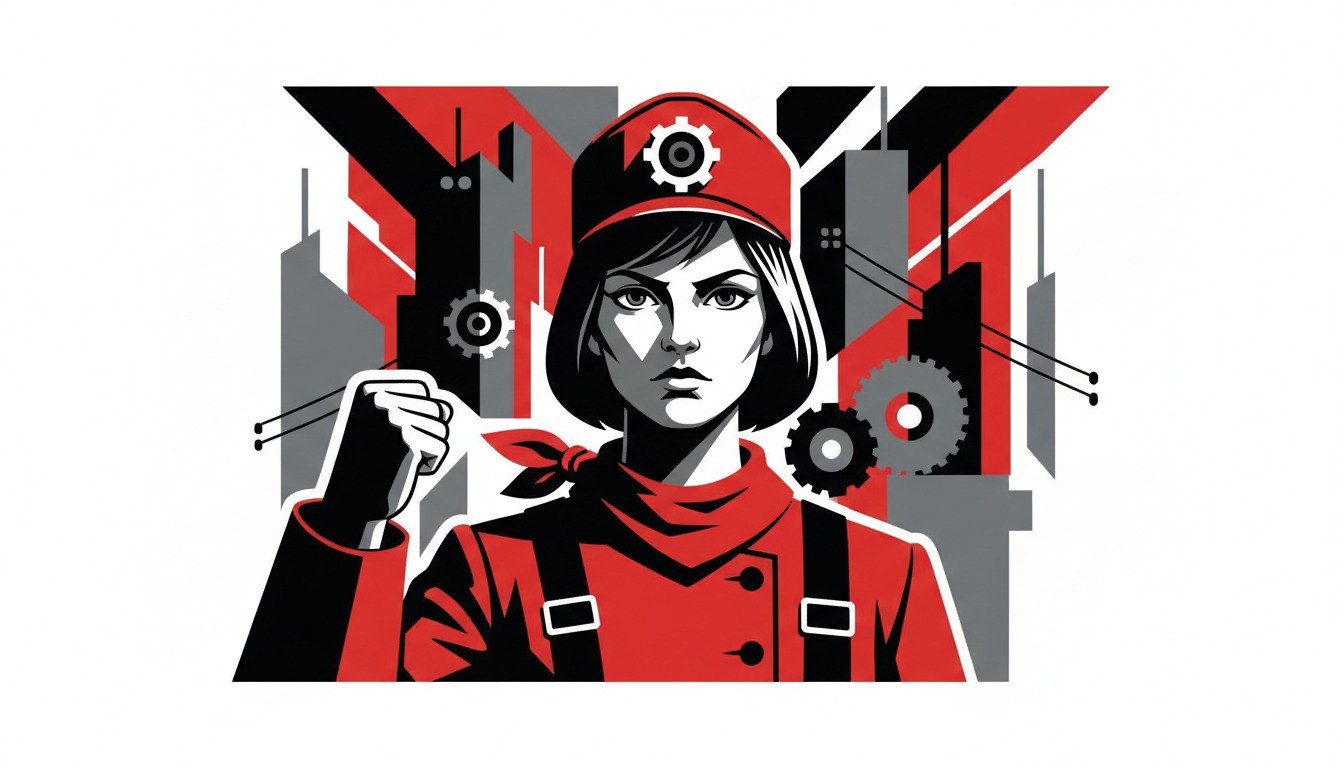
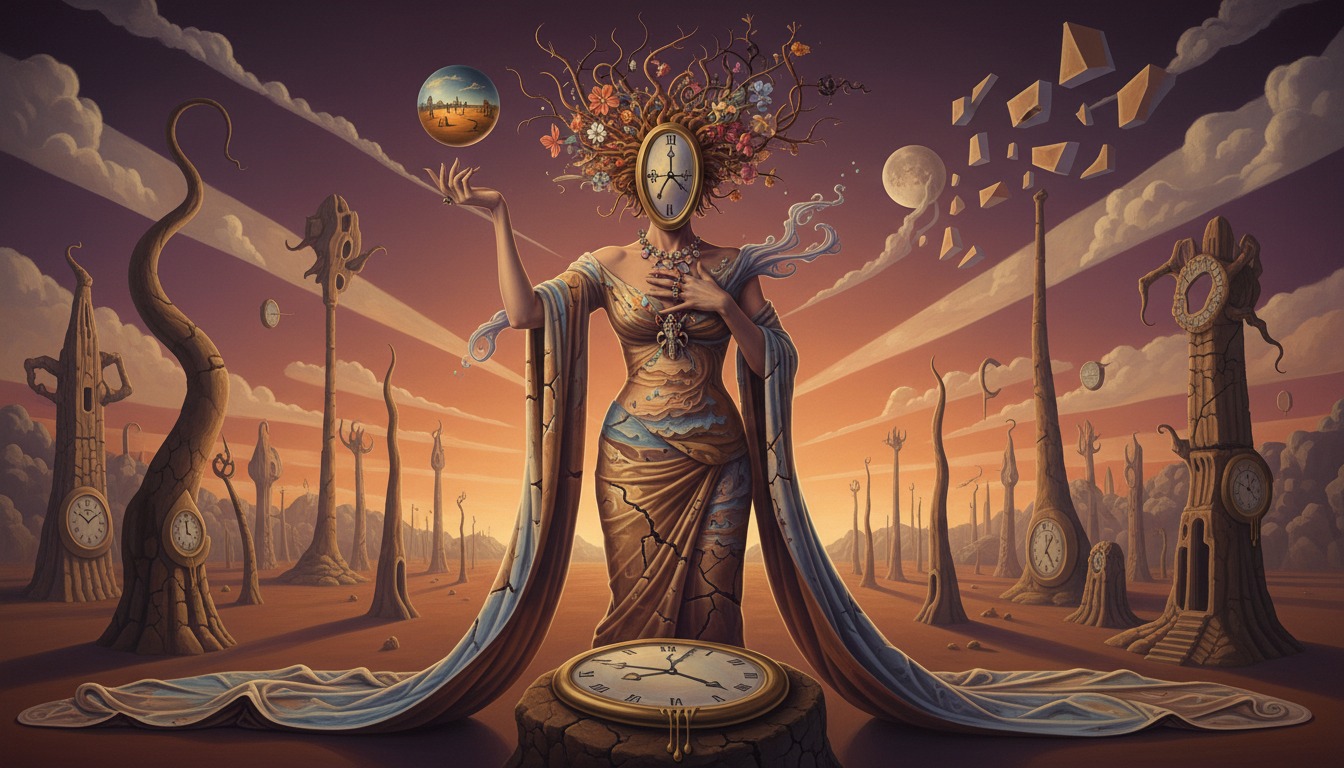
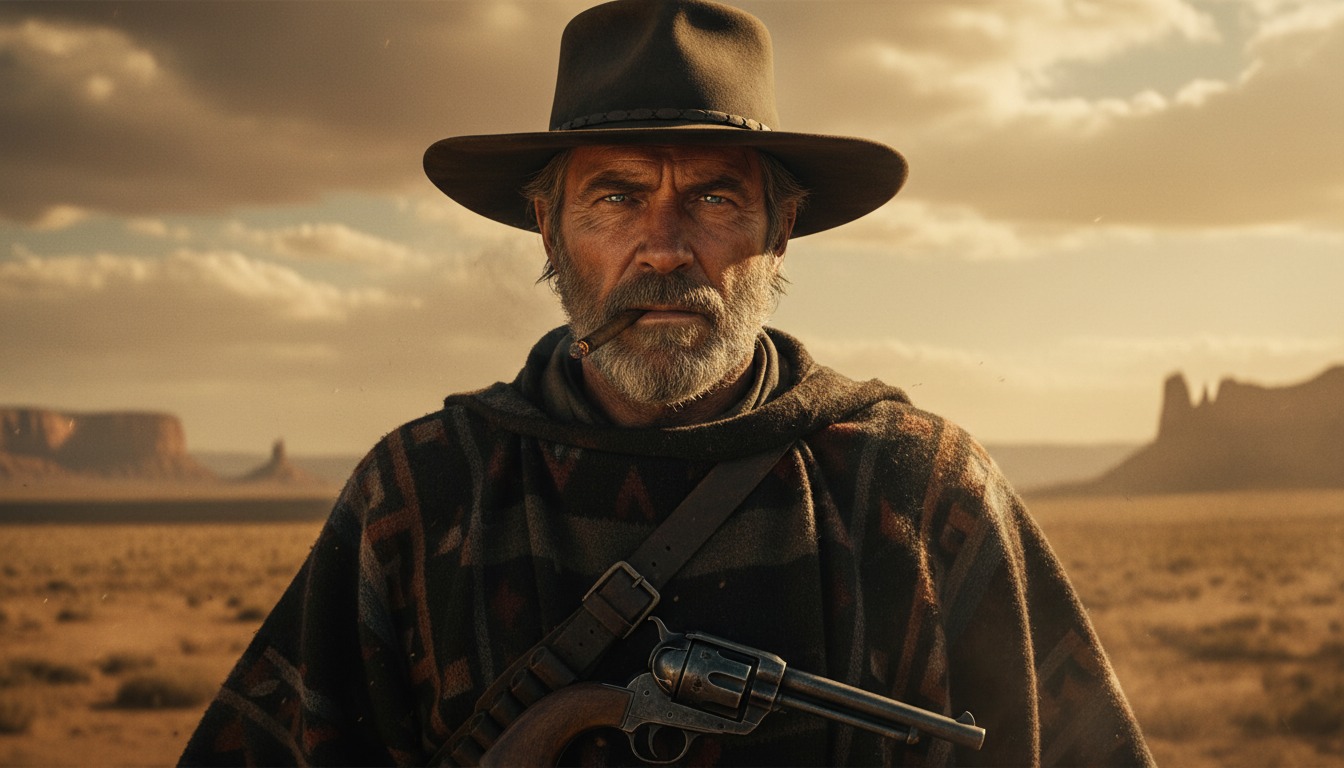
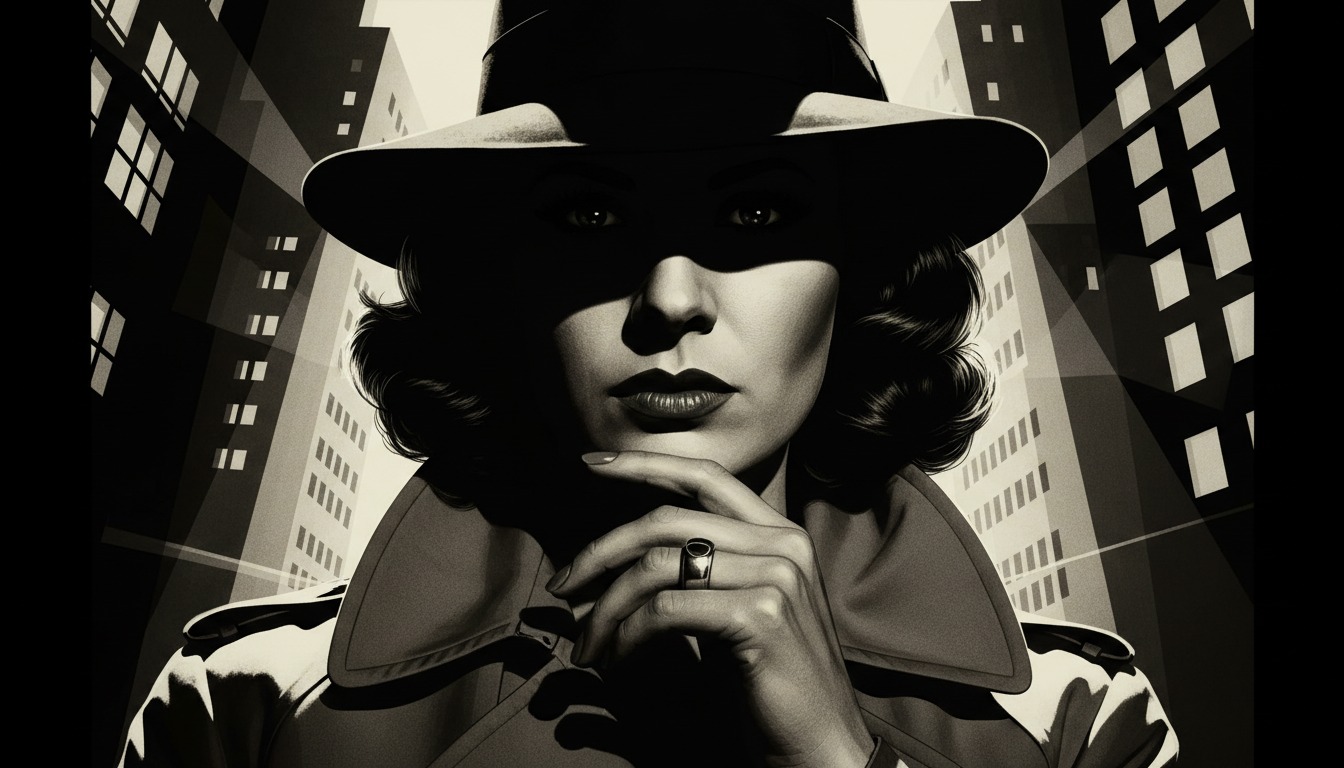
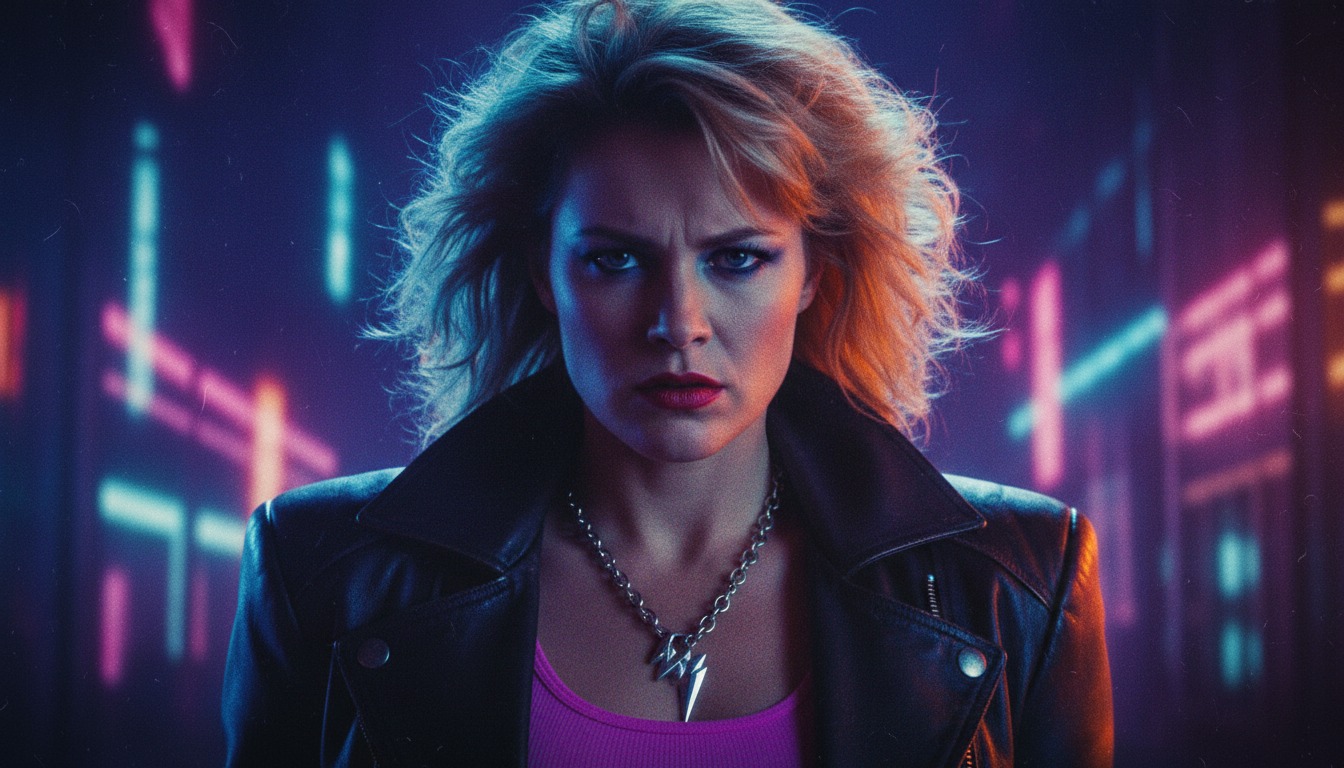
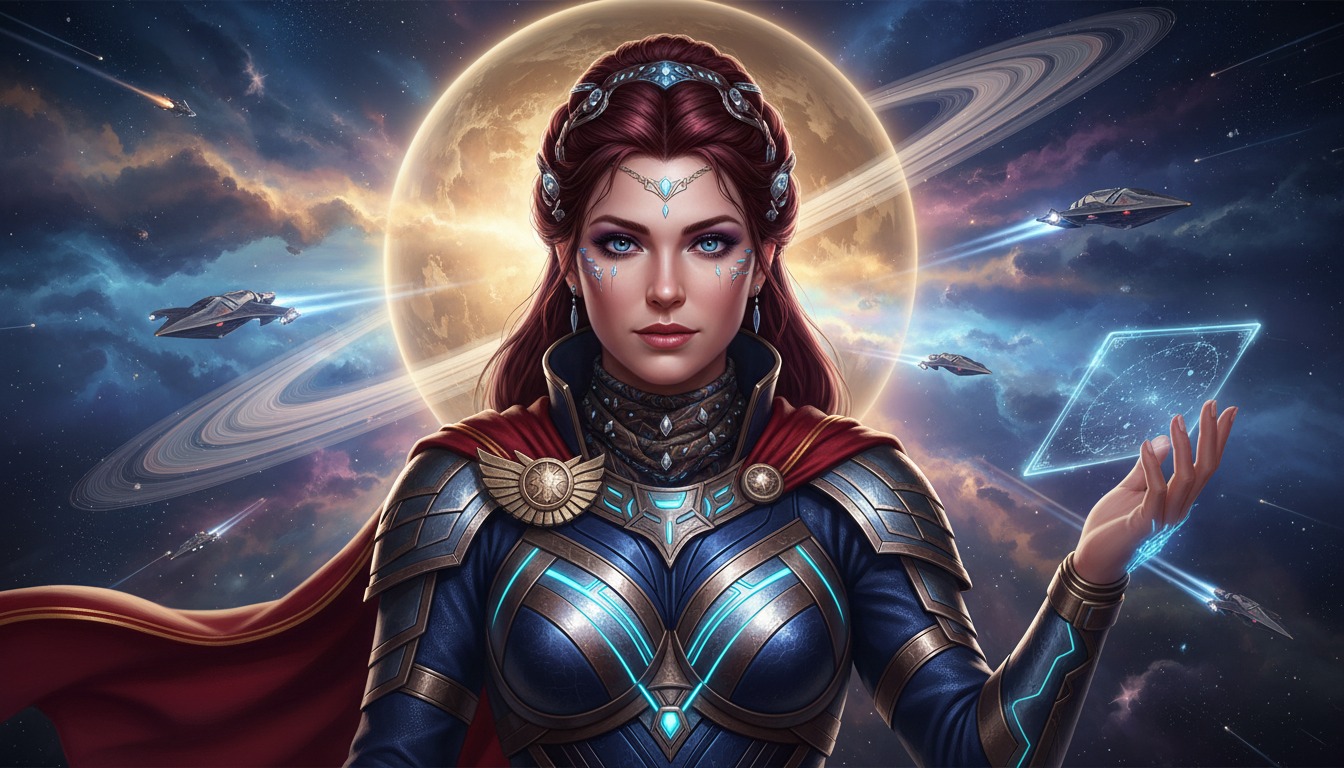
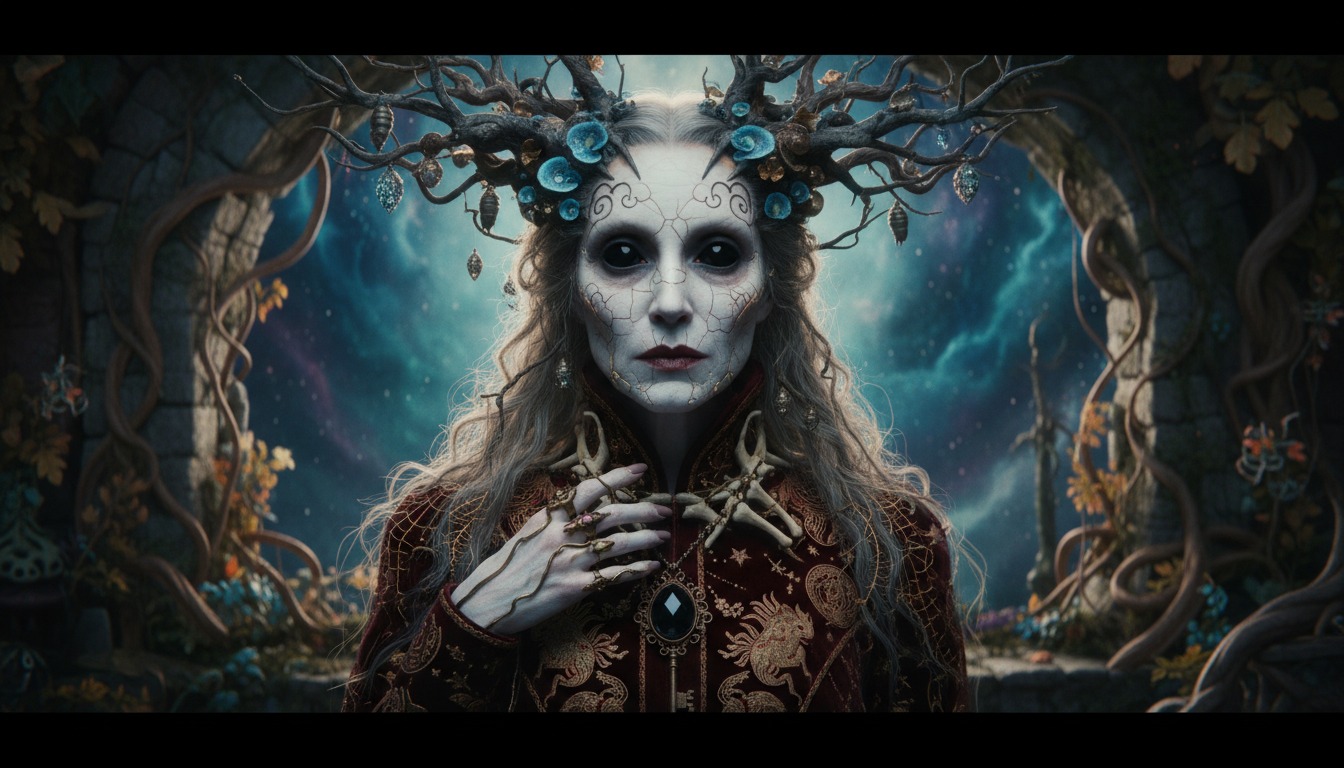
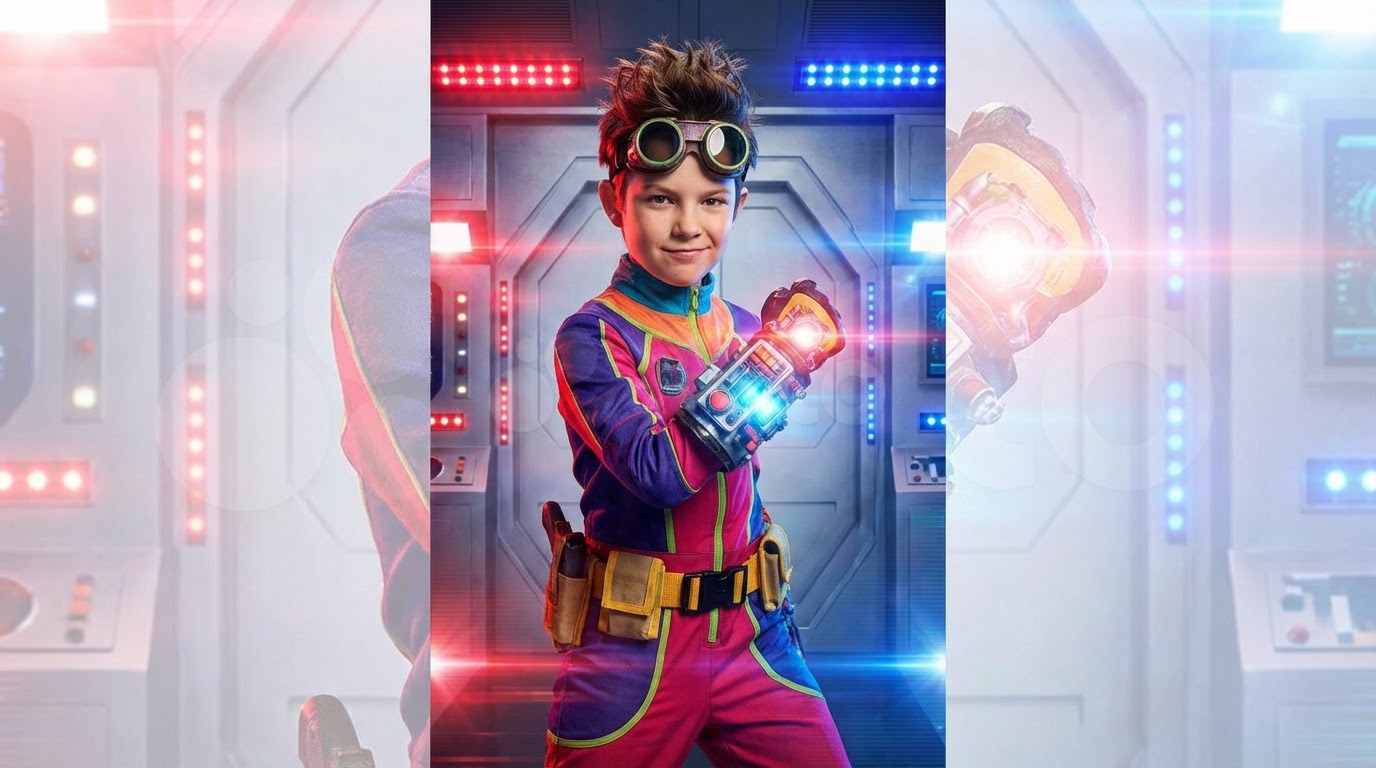
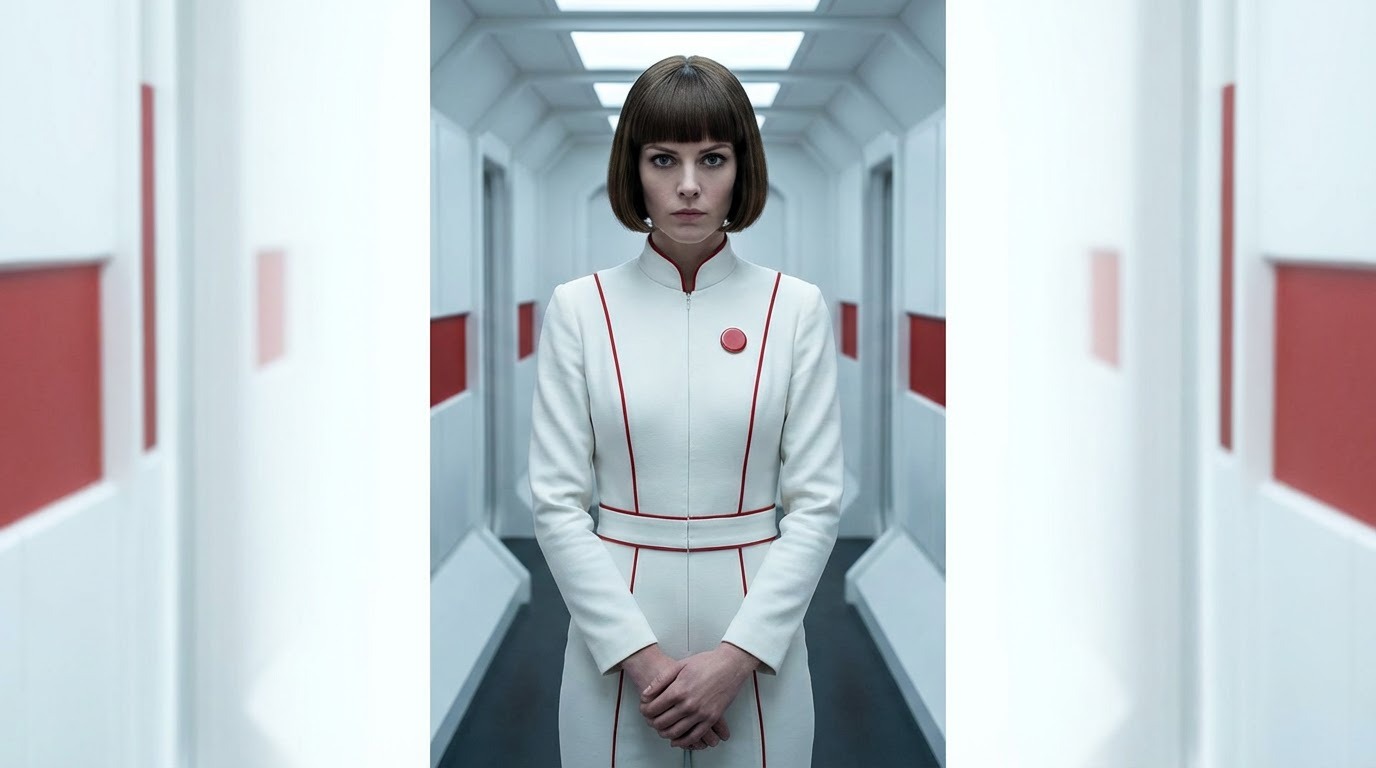
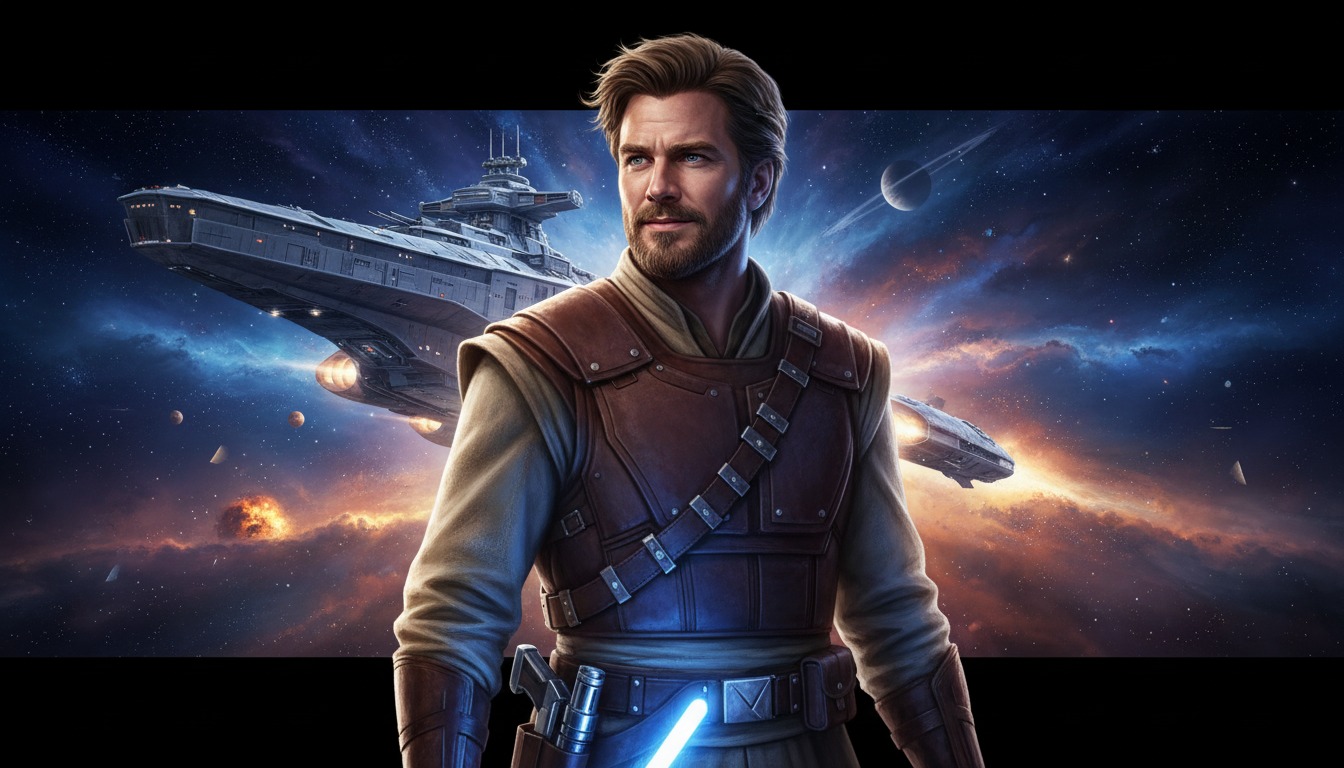
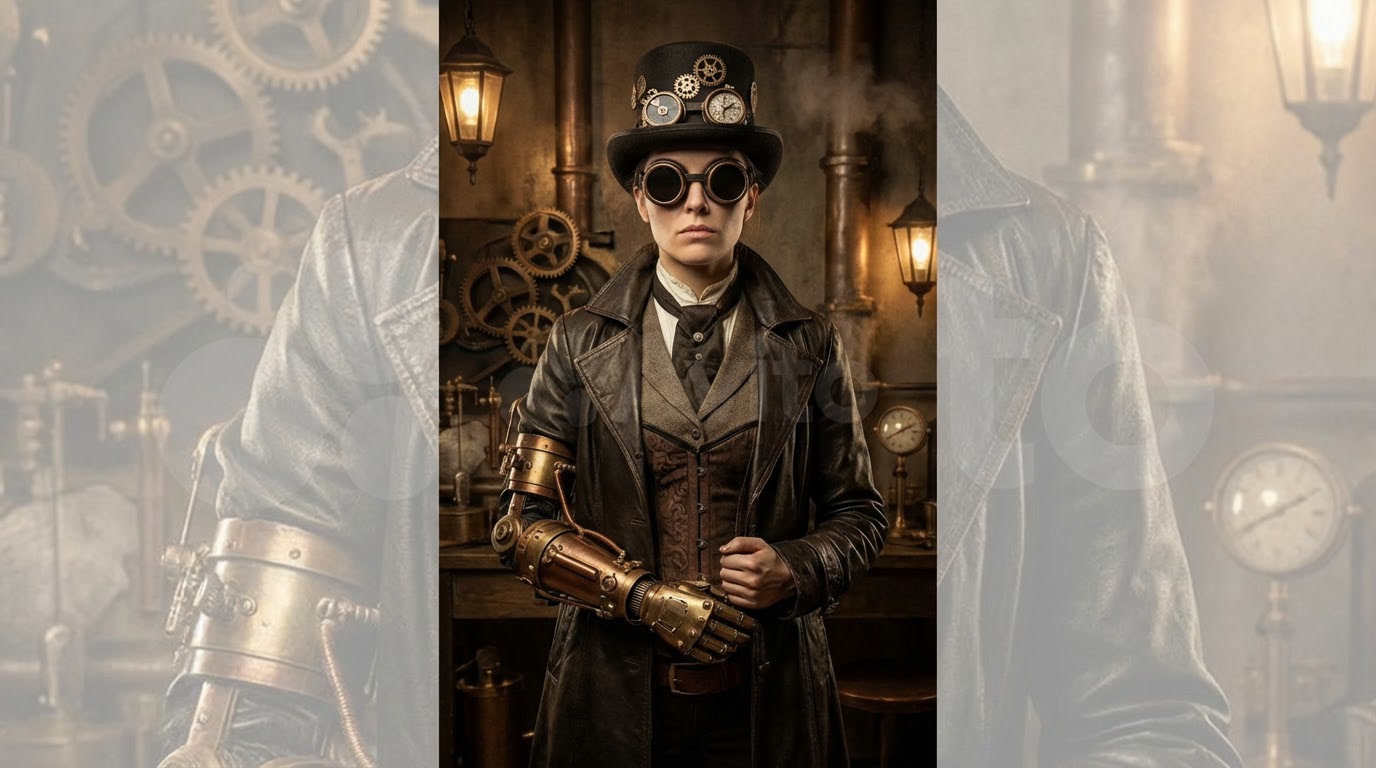
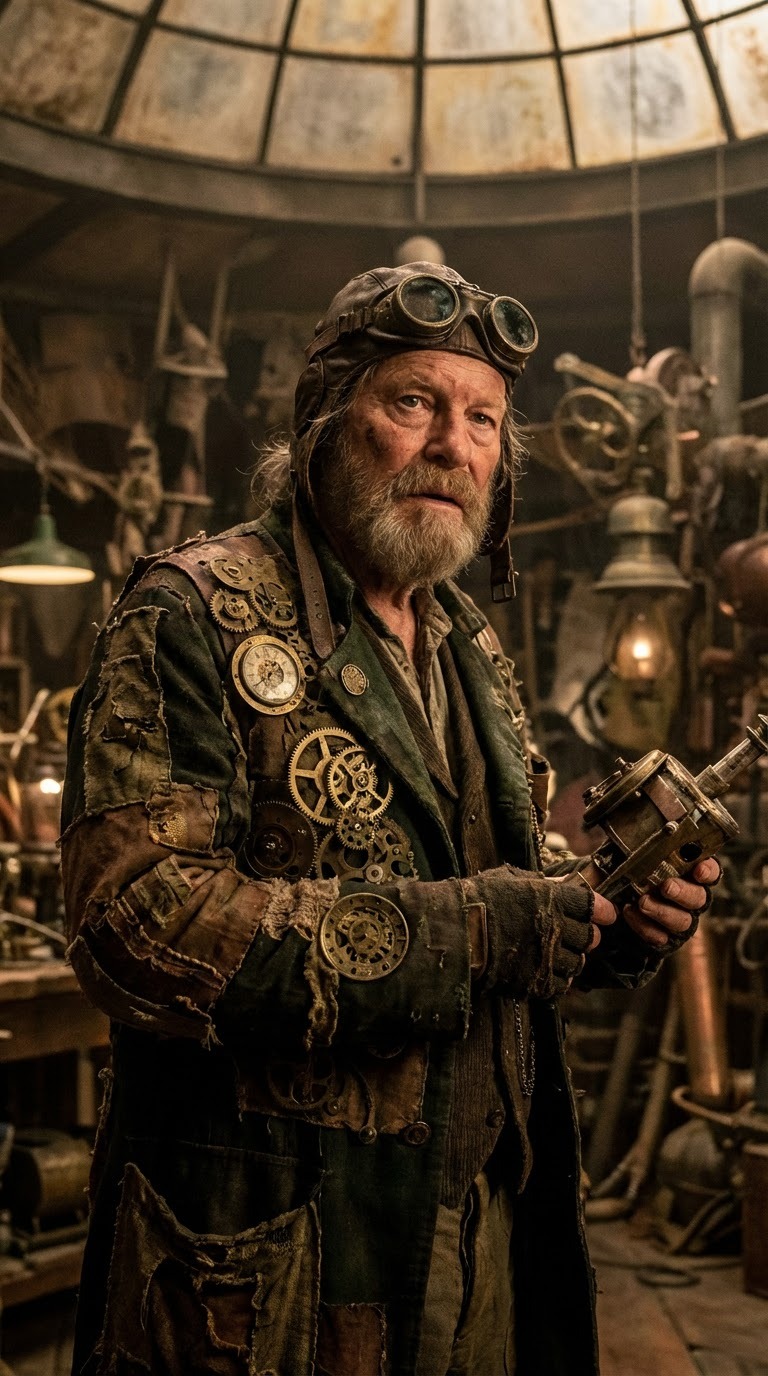
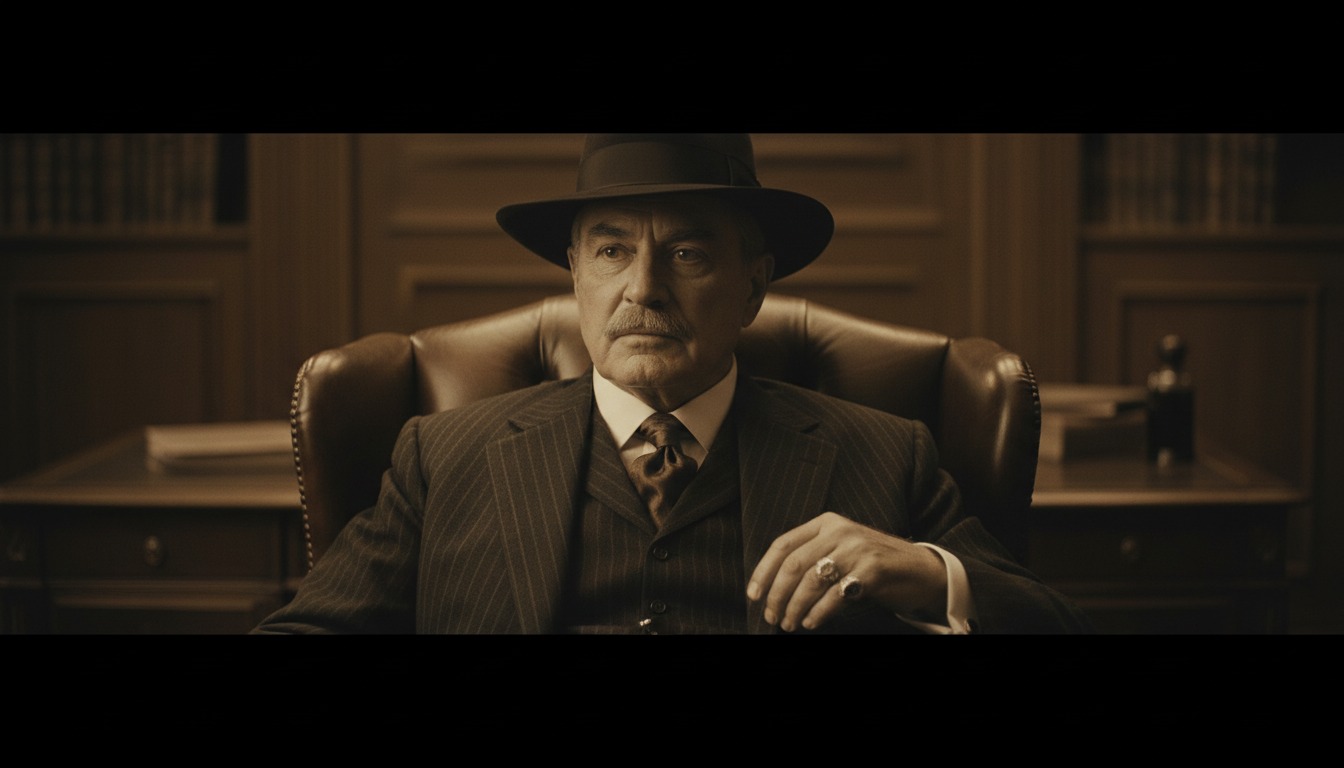
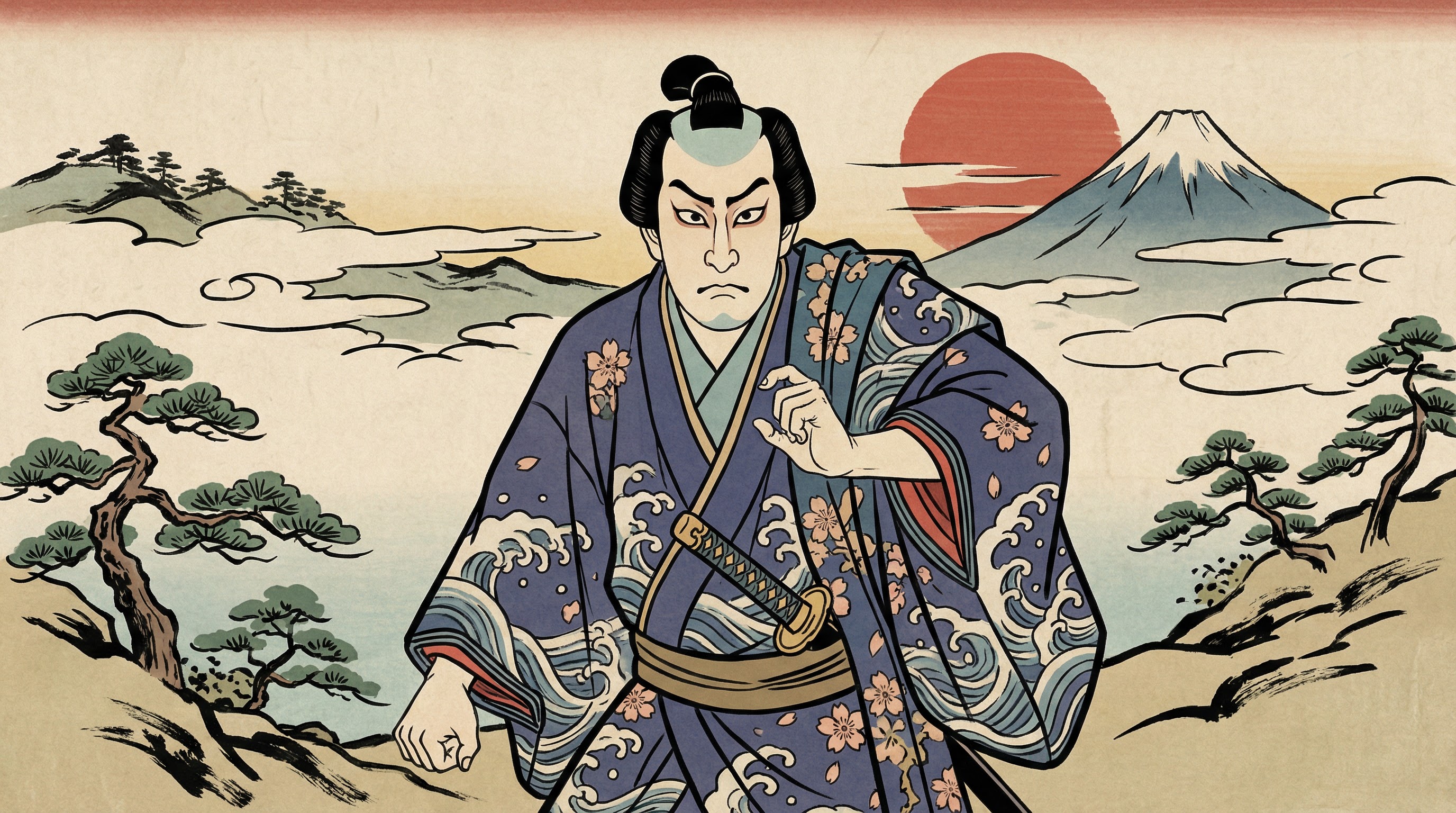
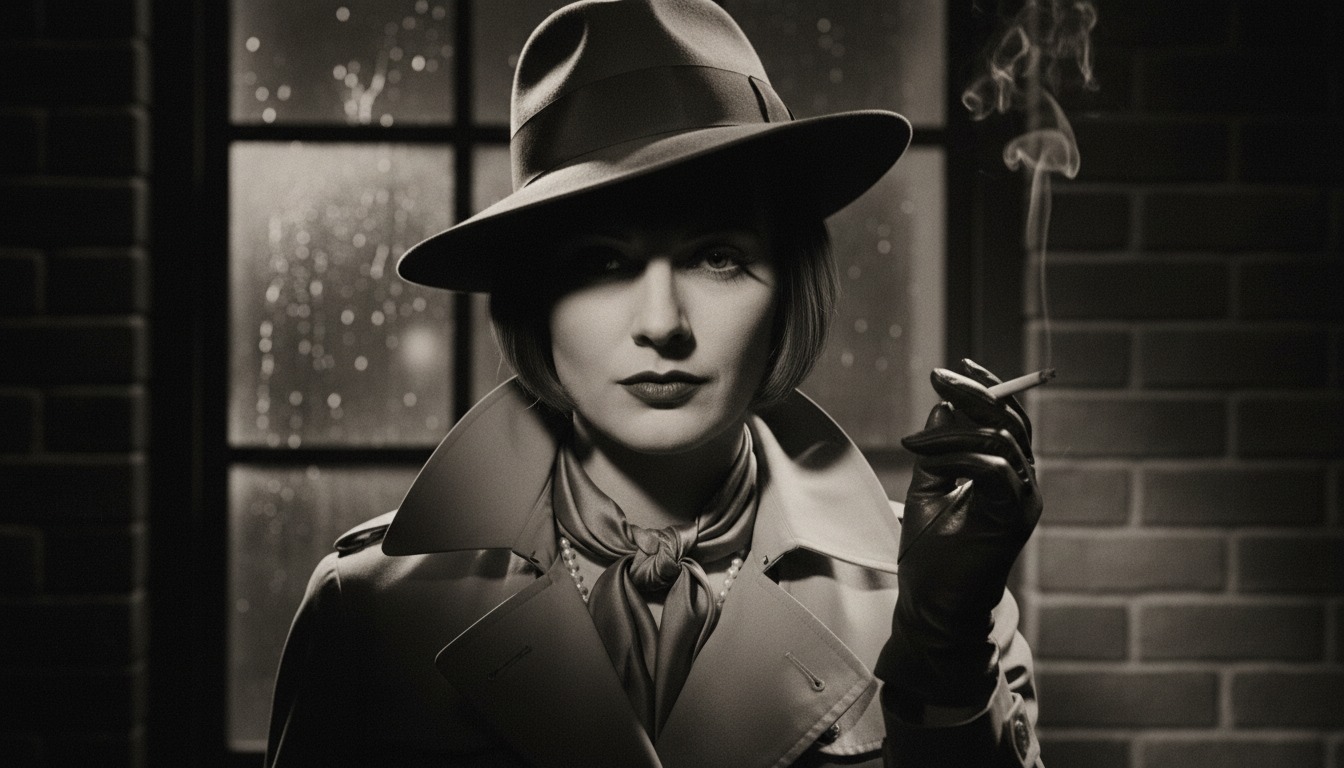
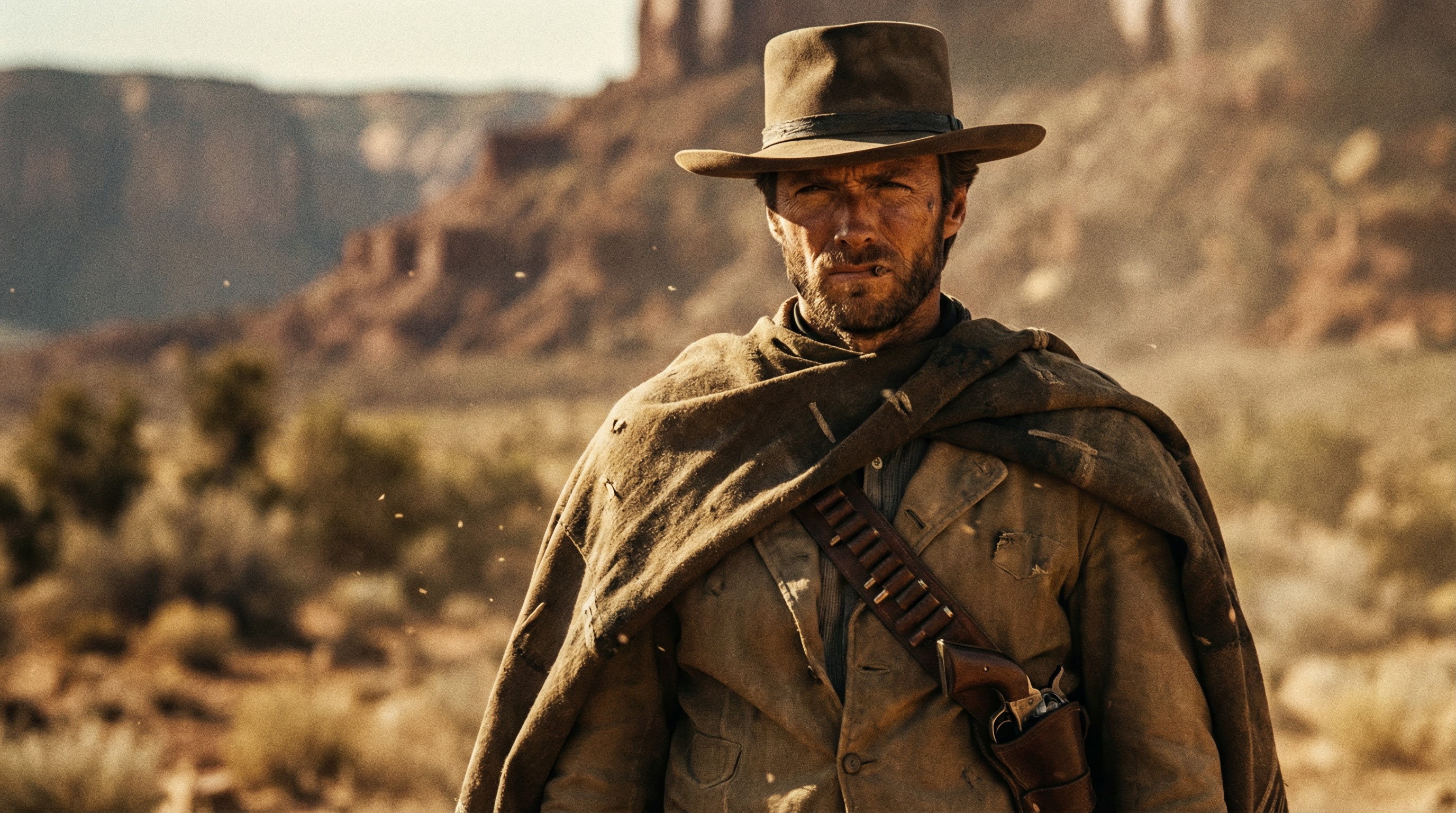
Traditional video production locks you into expensive equipment that determines your visual style. Achieving specific aesthetics requires specialized gear, professional color grading, and post-production expertise. Choose from 16 predefined visual styles including photographic, anime, cyberpunk, and more. Apply your selected style to video generation to maintain consistent visual branding across all content.
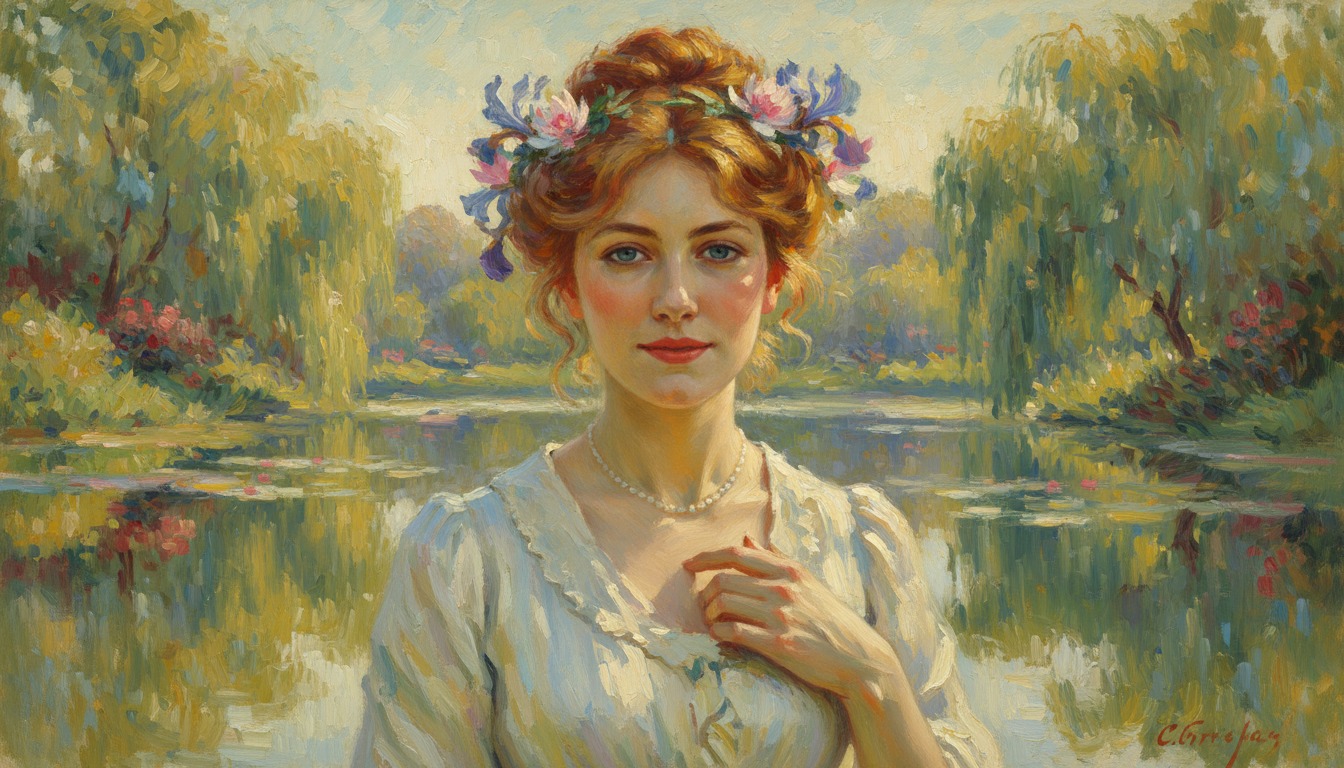
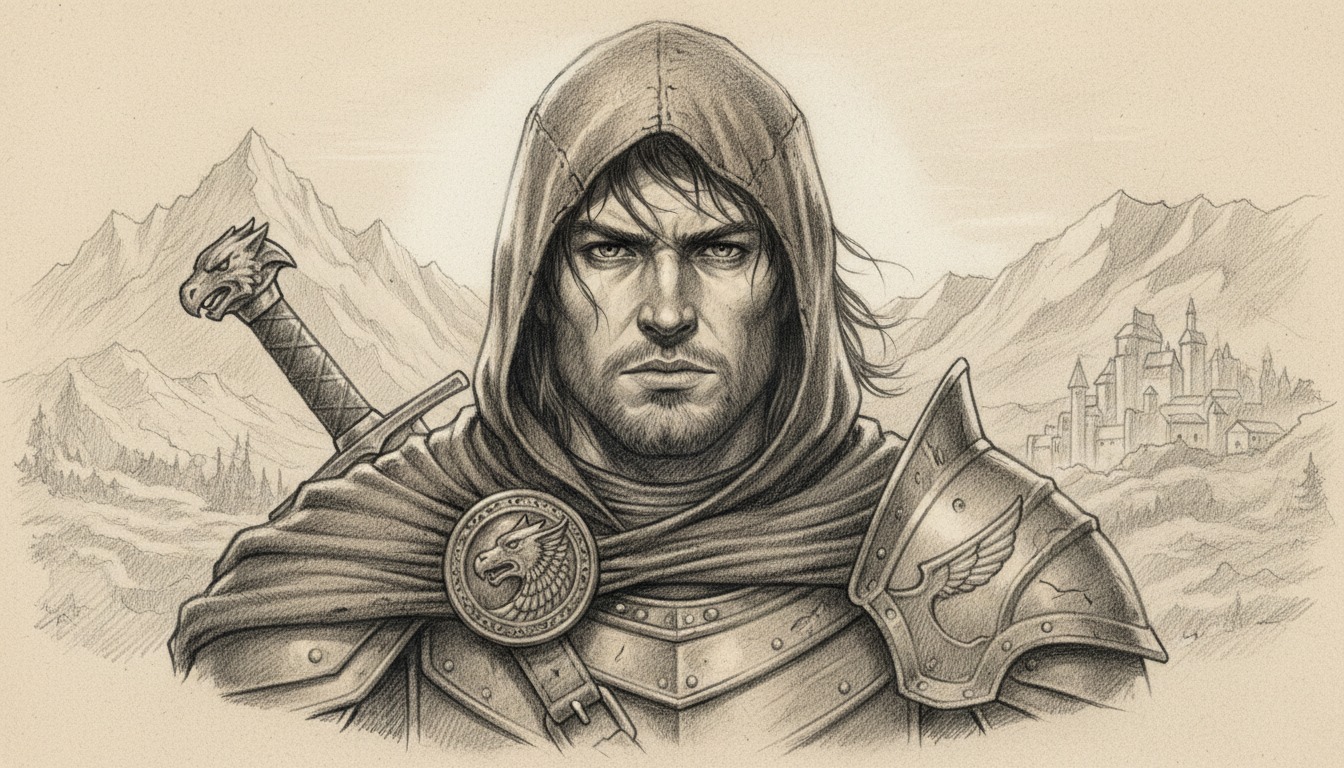
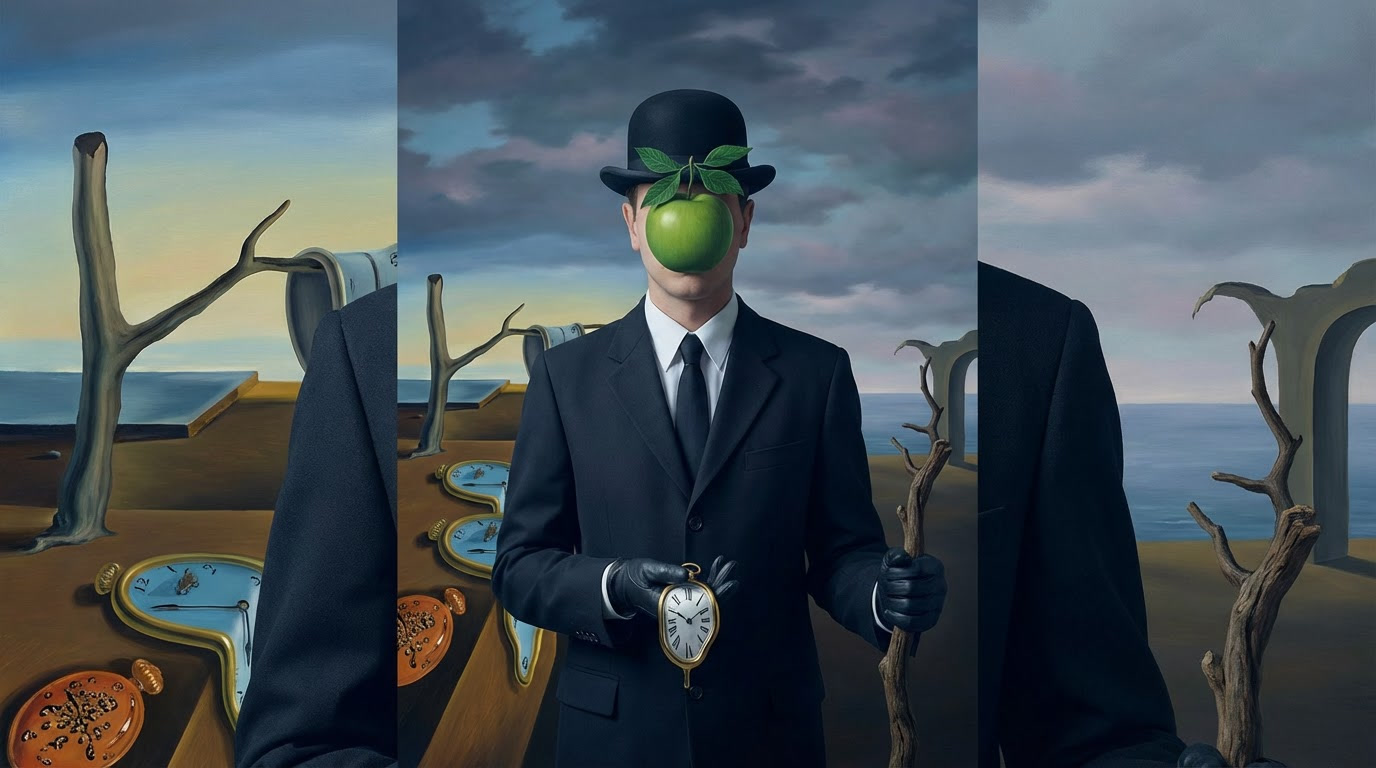
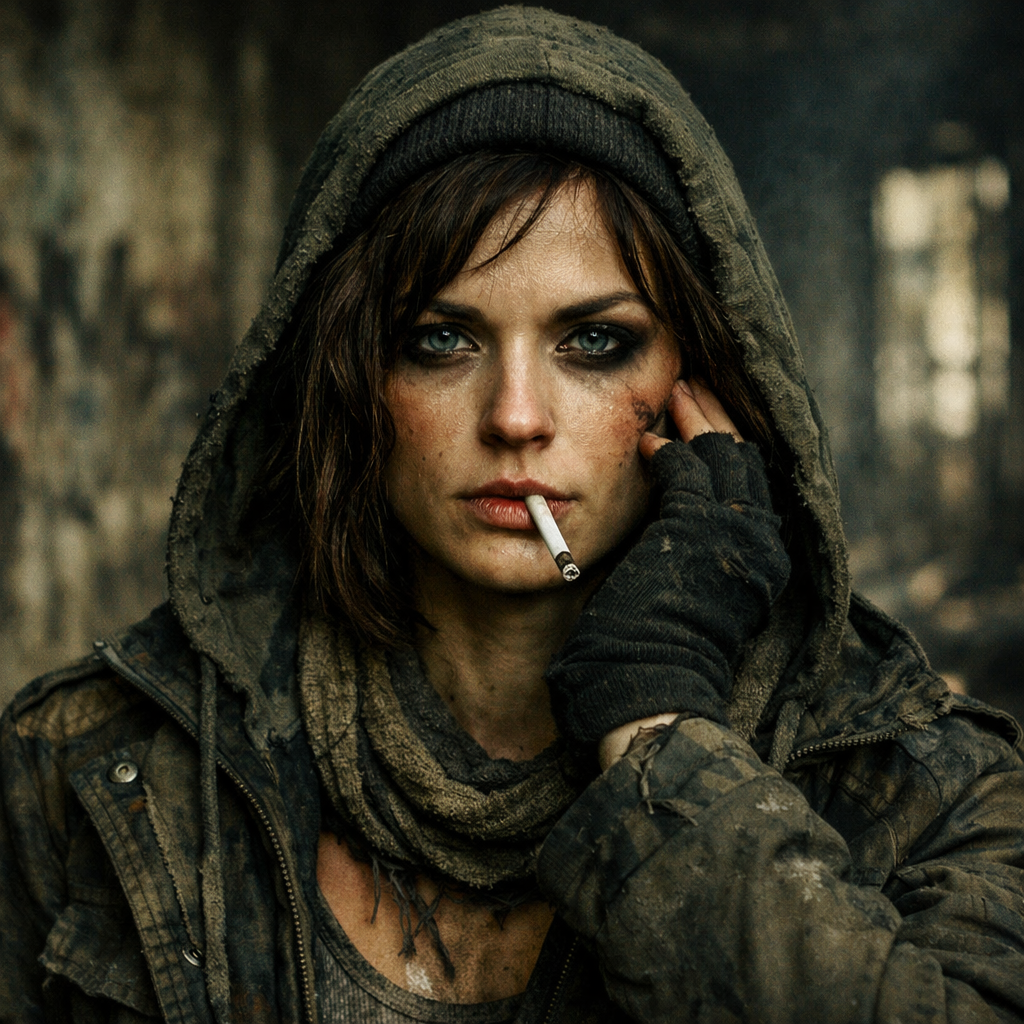
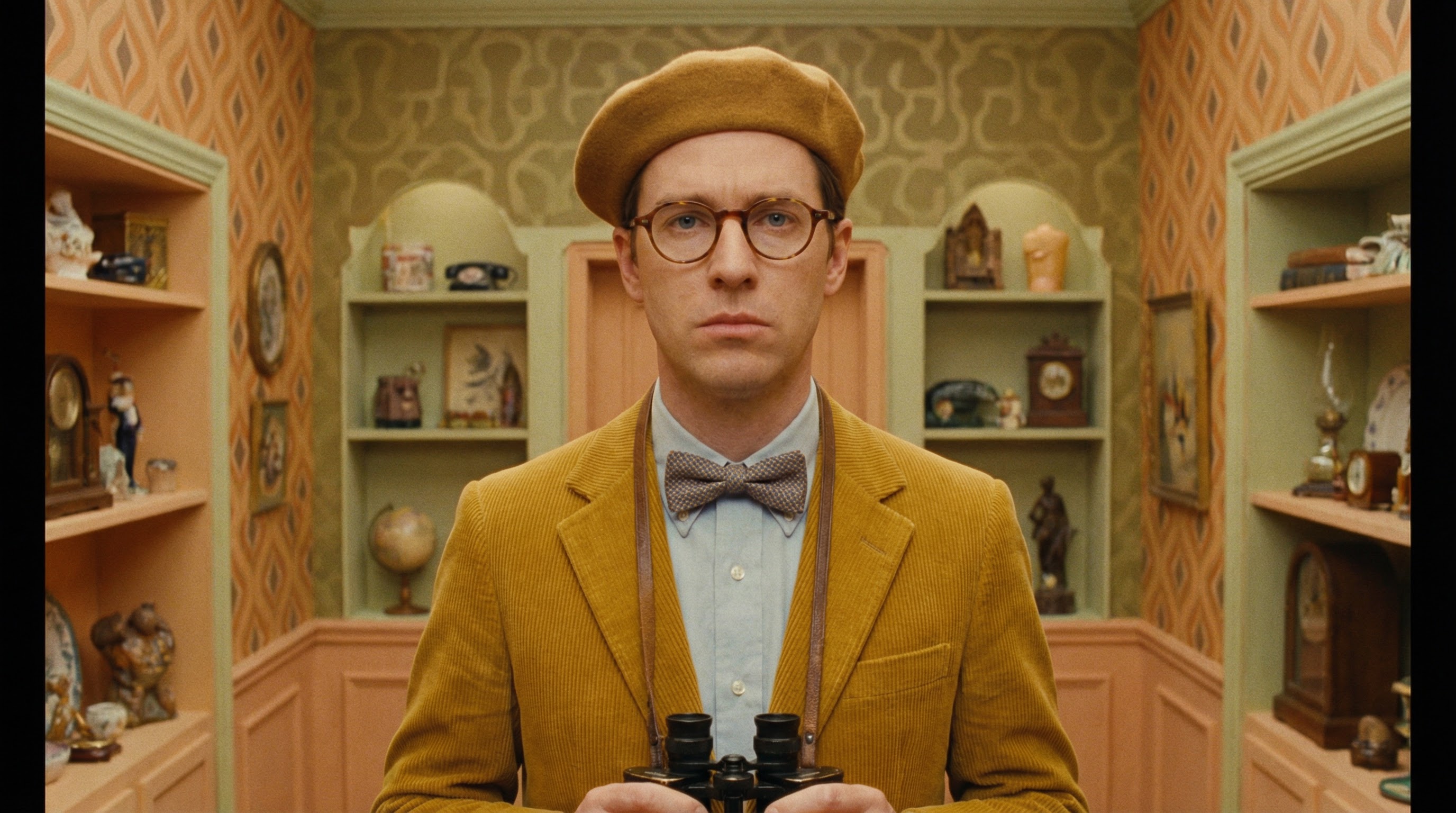
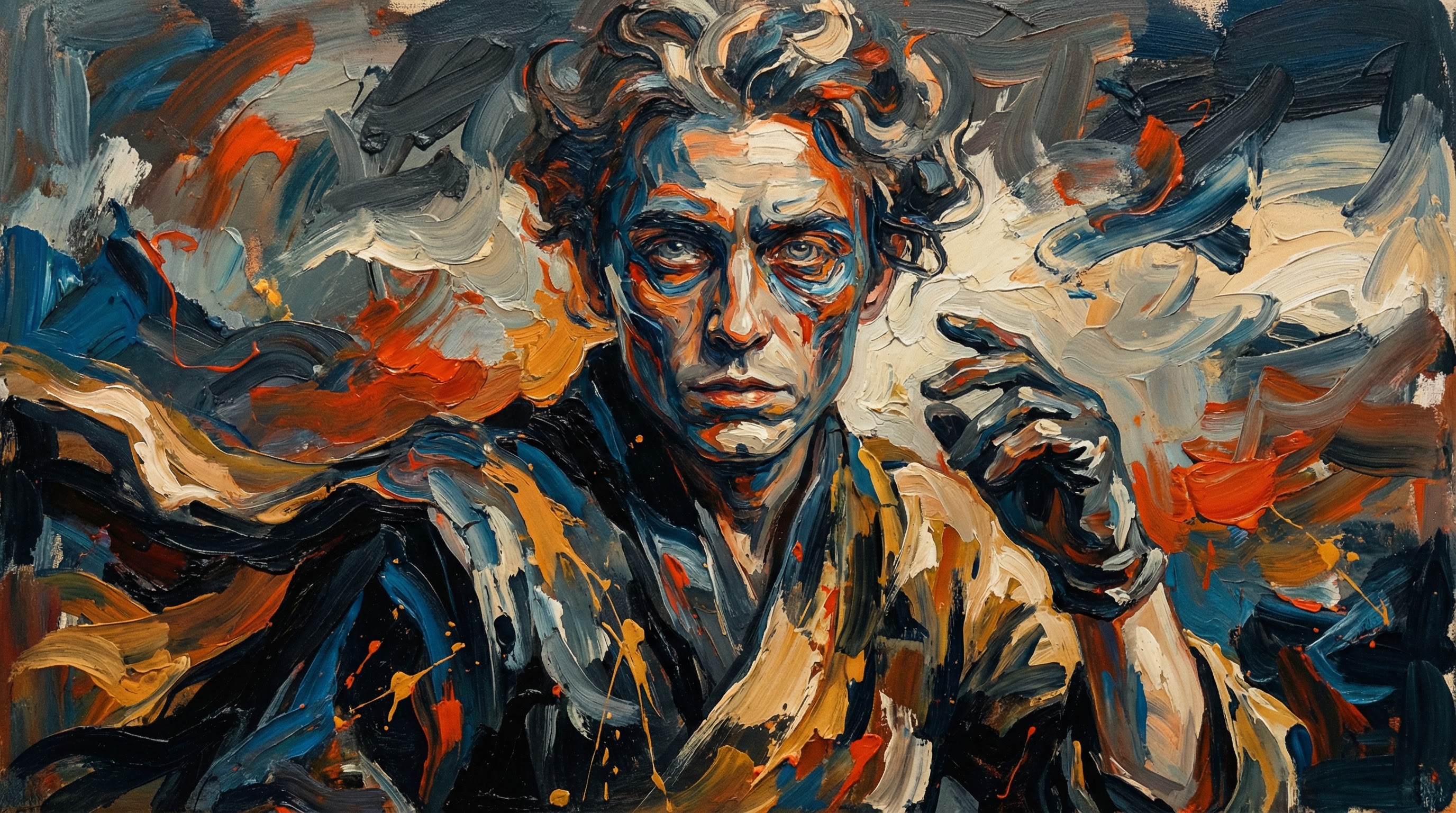
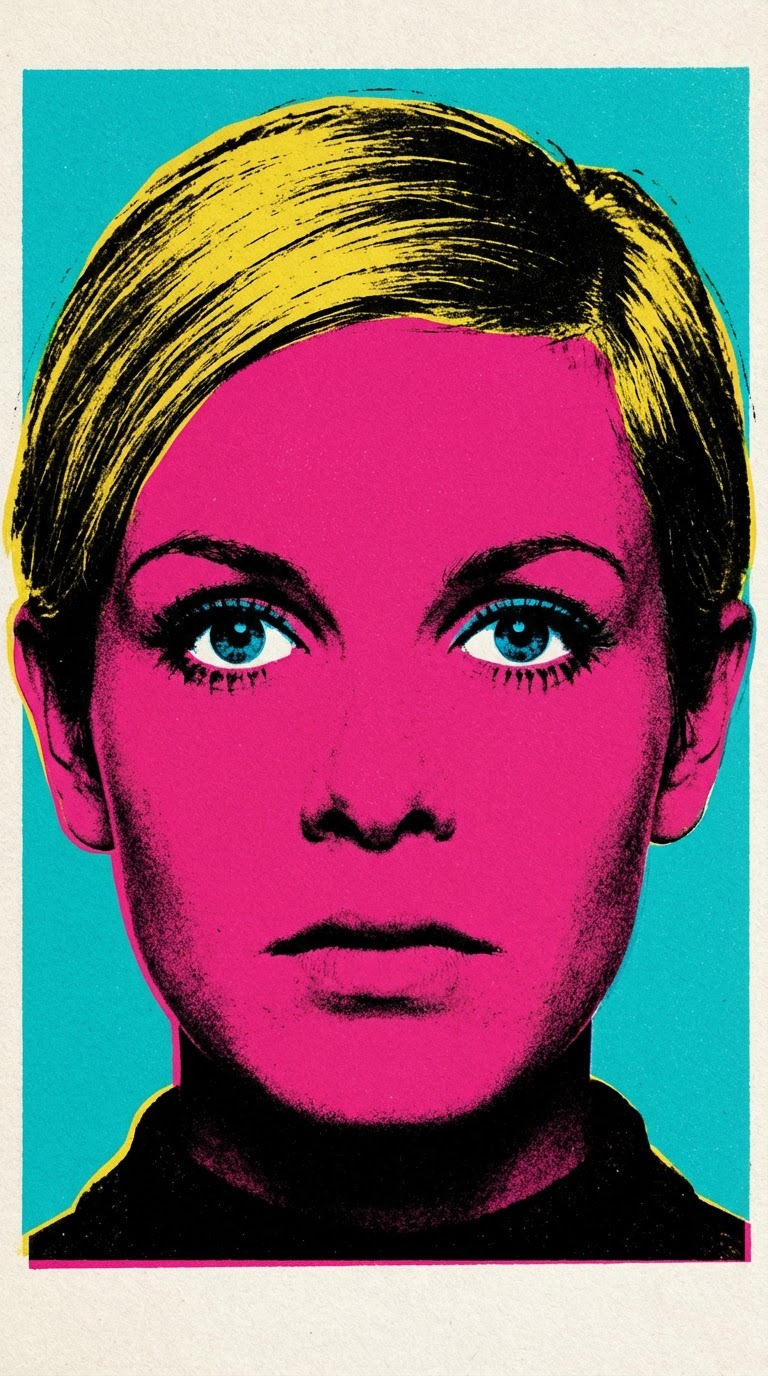
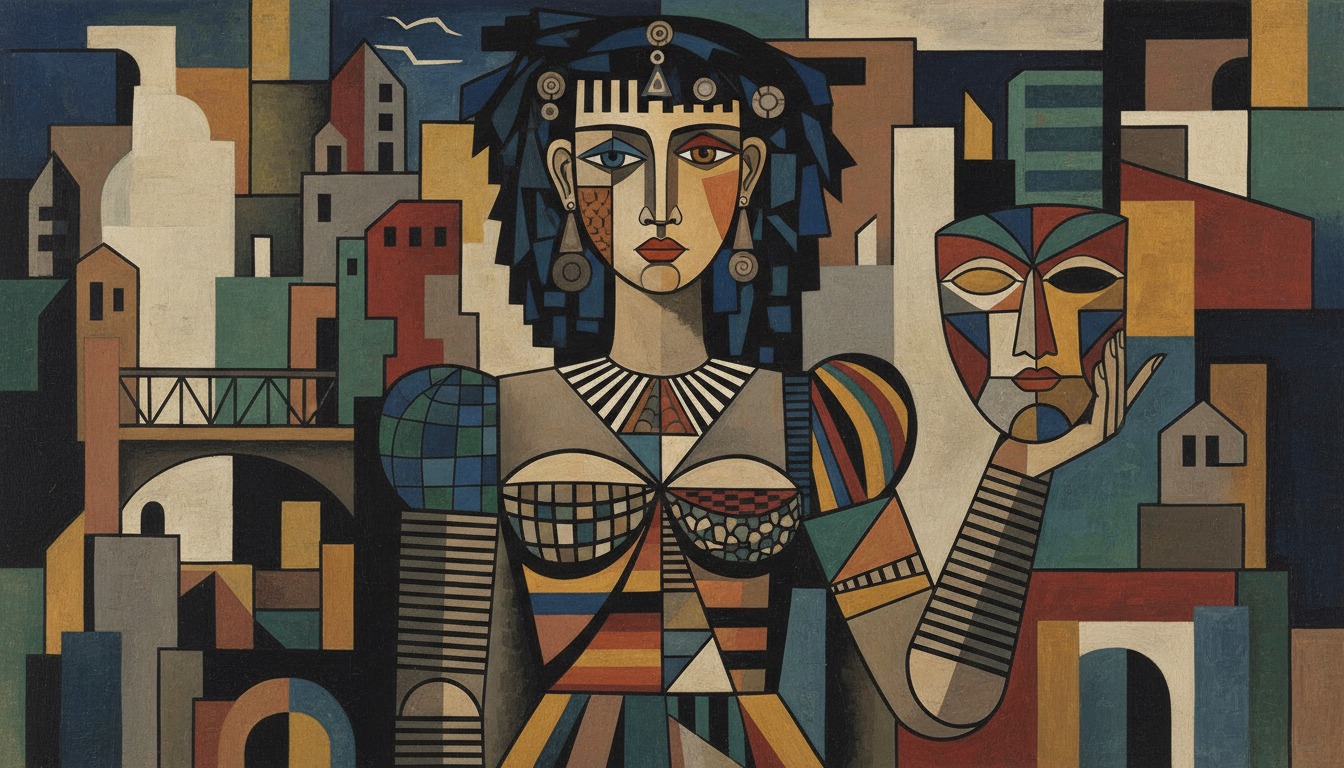
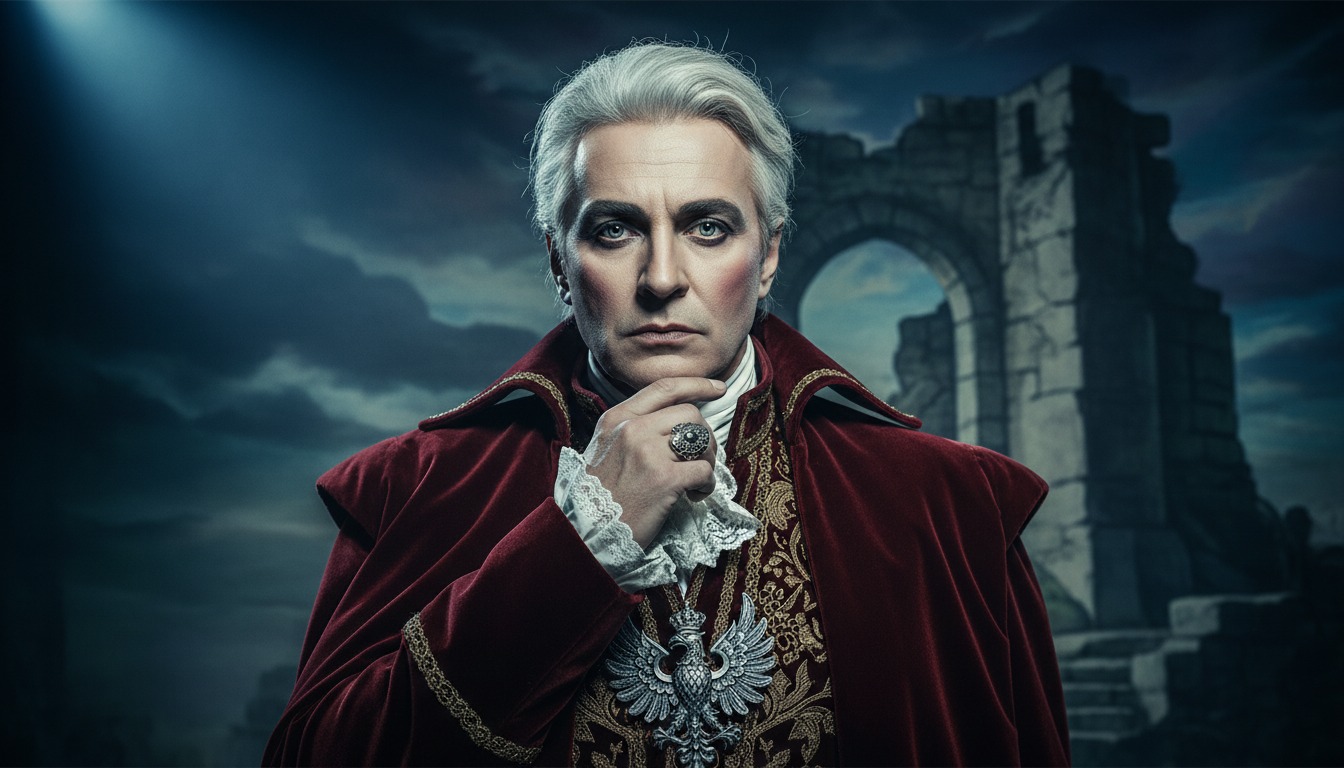
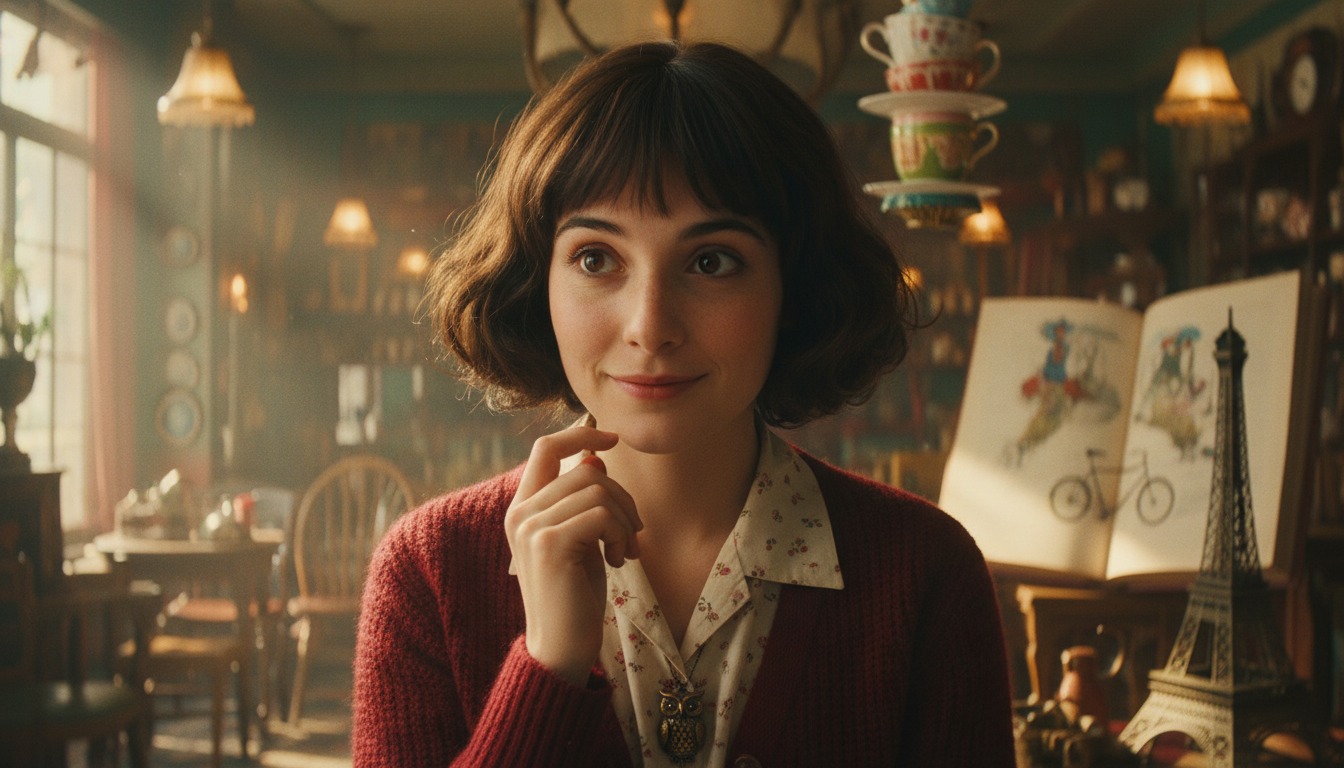
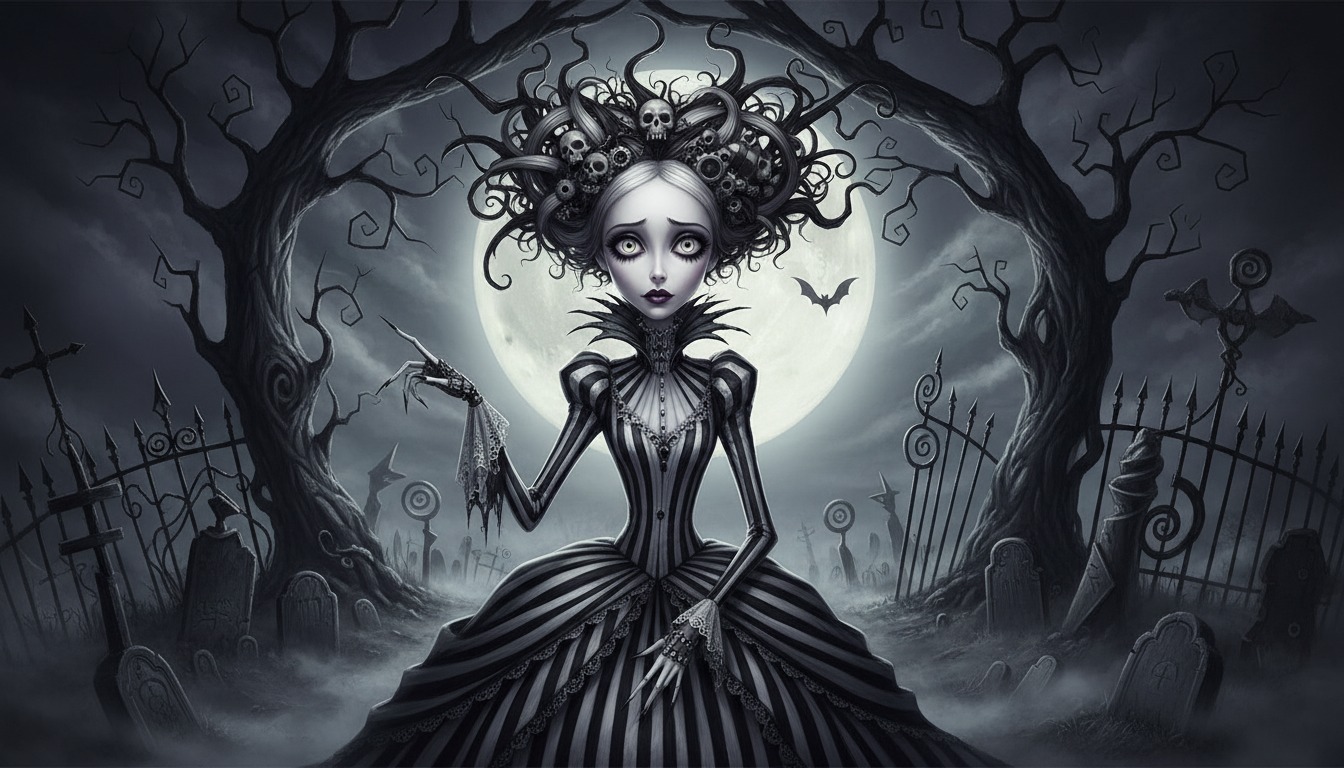
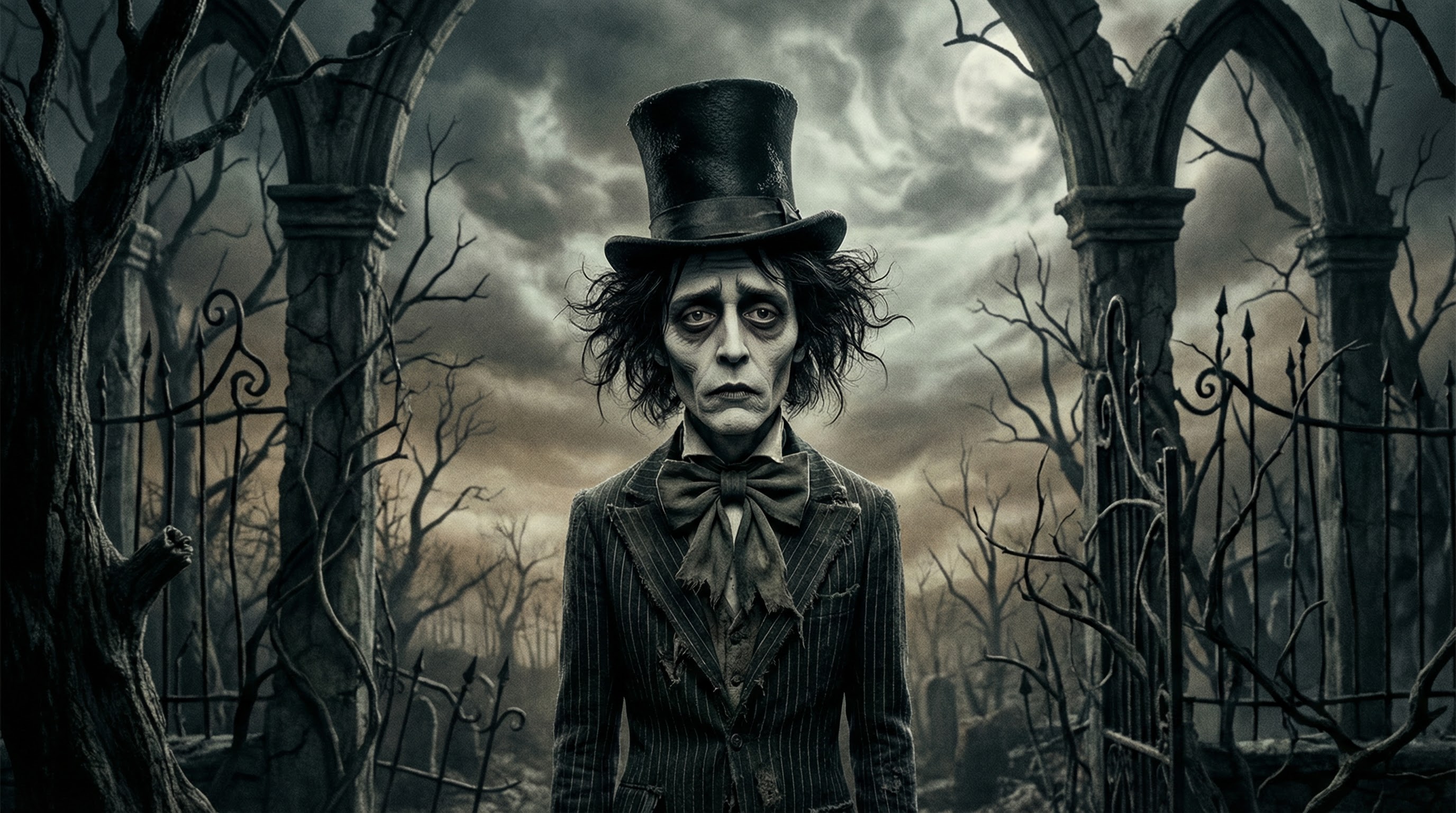
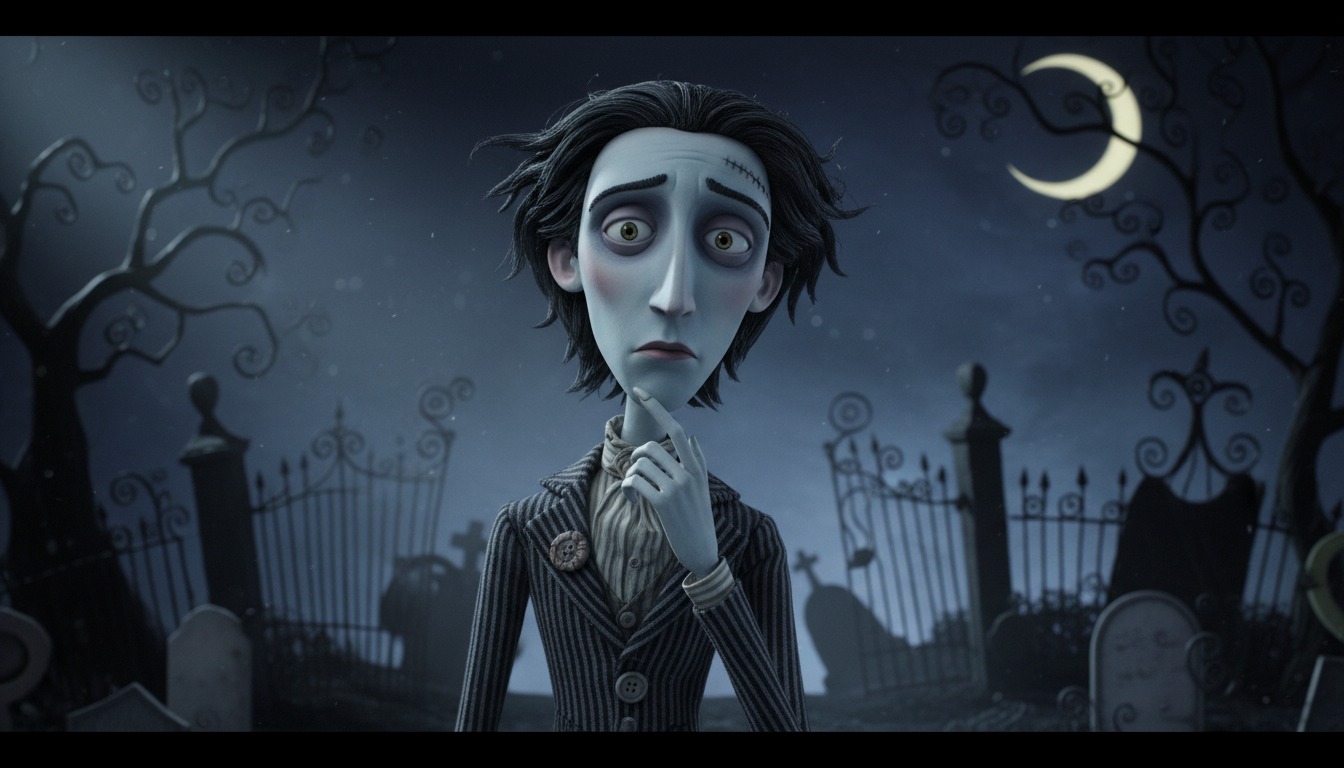
Create custom styles by uploading reference images that define your desired aesthetic. The system analyzes your references and applies that visual identity to generated videos. Generate videos from text or pasted ideas in your chosen style. Create custom characters that maintain consistent appearance across scenes while matching your visual aesthetic.
Edit after generation by adding scenes, editing narration, and adjusting timing. Export in resolutions up to 1080p HD and download for sharing or post directly to YouTube and TikTok. Your visual style defines your brand identity - maintain it across unlimited videos.
How to make a custom style
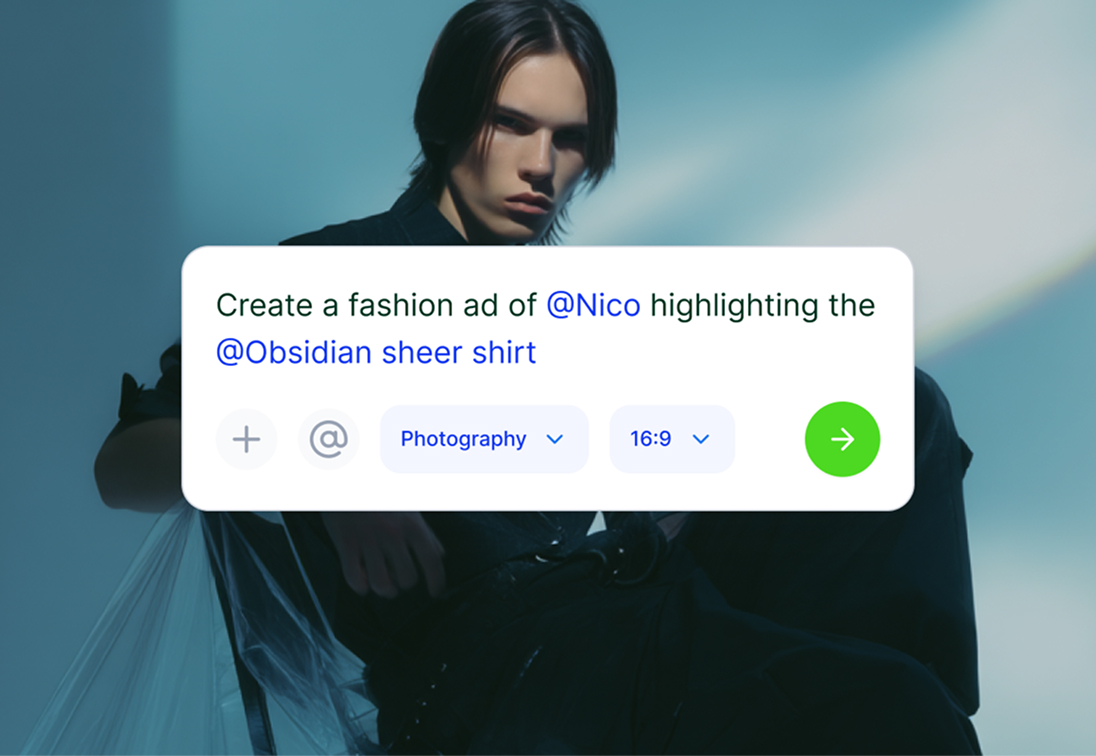
1. Upload references
Upload 3-5 reference images that capture your desired aesthetic. The system analyzes lighting, colors, and visual mood.
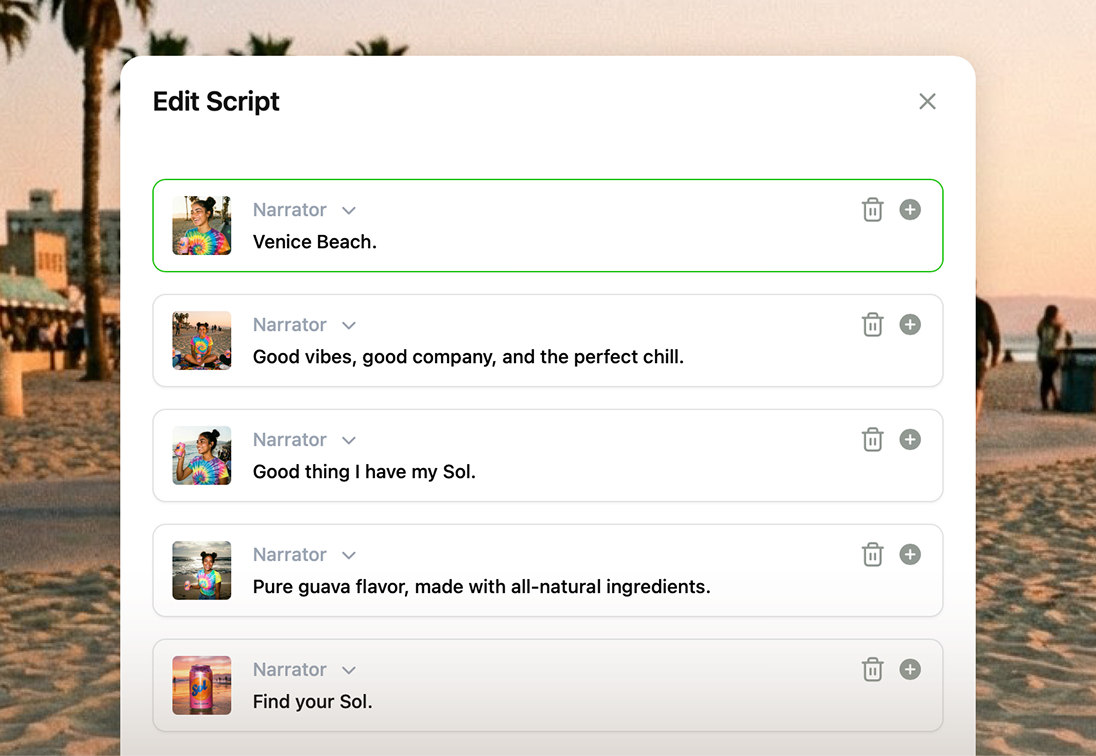
2. Name your style
Give your custom style a memorable name and optional description to organize your style library.
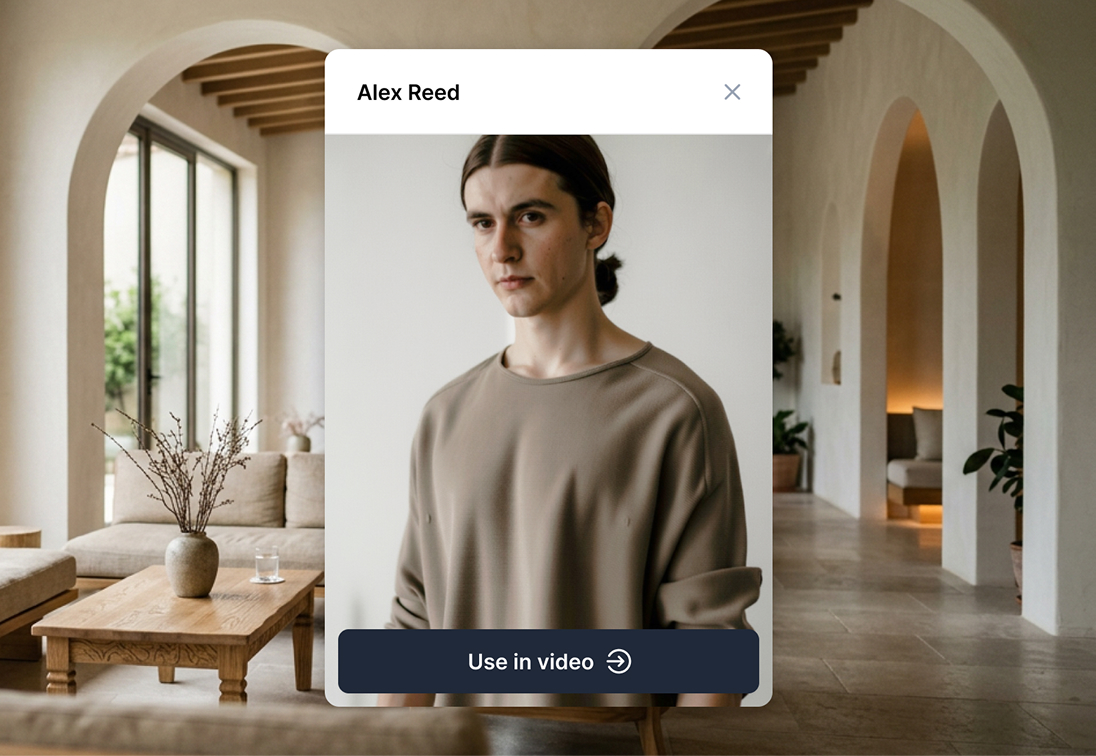
3. Generate videos
Select your custom style when creating videos. Every frame matches your aesthetic automatically.
FAQs
Stock styles are predefined visual aesthetics built into Hypernatural. Choose from 16 styles including photographic, anime, cyberpunk, fantasy, and more. Select a stock style when generating videos and the system applies that aesthetic to every frame. Stock styles maintain consistent visual quality without requiring reference images or custom setup.
Yes. Upload reference images that capture your desired aesthetic and the system creates a custom style matching that visual identity. Reference images should show consistent lighting, color palette, and mood. Custom styles work exactly like stock styles - select them during video generation to apply your aesthetic across all frames.
Upload 3-5 reference images for best results. More images help the system understand your aesthetic better. Reference images should share similar lighting, color tones, and visual mood to create a cohesive style. Once created, apply your custom style to any video generation.
Yes. Choose any stock style or custom style when generating each video. Switch between photographic, anime, cyberpunk, or your custom aesthetics depending on content needs. Generate videos from text in any selected style. Create consistent visual branding by using the same style across video series.
Yes. Create custom characters that maintain consistent appearance across scenes while matching your selected visual style. Characters adapt to photographic, anime, or custom aesthetics automatically. The combination of custom characters and custom styles creates unique branded content.
Stock Styles
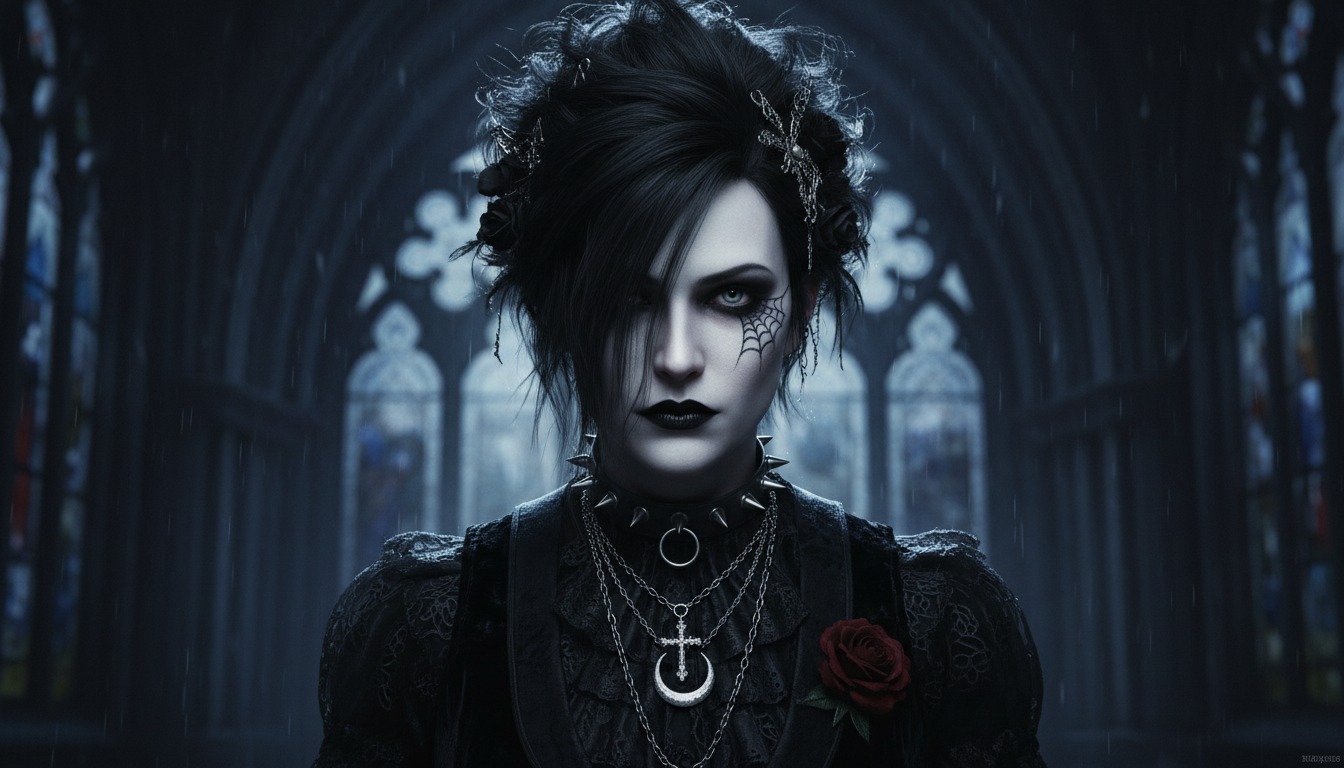
Choose from predefined visual styles to match your creative vision. Stock styles provide consistent, professional aesthetics without requiring custom setup or reference images.
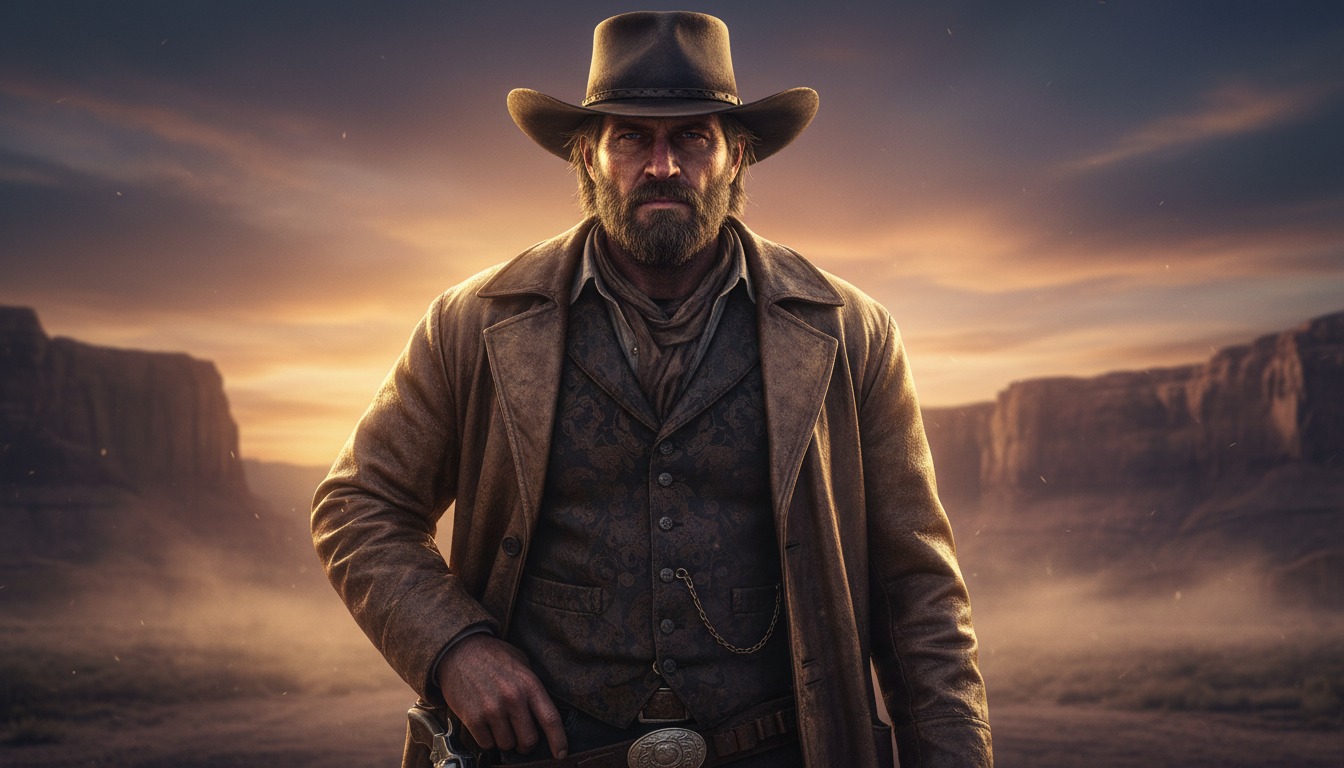

Make a custom style
Create custom visual aesthetics by uploading reference images. Custom styles give you complete creative control over your video's visual identity while maintaining production speed.


Community
© 2026 Hypernatural Systems, Inc.