Visualize your screenplays today
Paster your script directly into Hypernatural to turn your screenplay into video.
Make a video
Go from script to video today
Traditional film production keeps your creative vision locked in pre-production limbo. You have a polished screenplay, a clear vision for your film, maybe even storyboards—but turning that vision into actual video requires coordinating production crews, securing locations, renting equipment, and weeks of post-production editing. Each delay costs you momentum, pitch opportunities, and competitive timing. Your screenplay sits on the page while competitors with bigger budgets move forward.
With Hypernatural, you can upload Final Draft files, PDFs, or paste text directly. The system automatically recognizes industry-standard screenplay formatting including scene headings, character names, dialogue, and action lines. Characters are extracted automatically and screenplay structure is parsed with settings, dialogue, and characters. Content is broken into optimized scenes with 5 to 20 scenes producing optimal quality. Generate videos using multiple AI video models, create custom characters from descriptions or images with detailed physical attributes, and choose from 16 predefined visual styles or create custom styles from text descriptions. Characters maintain consistent appearance throughout all scenes, videos automatically save to your dashboard, and you can export and download to share anywhere while keeping all earnings. Go from screenplay to shareable video in a single session—pitch to investors, share with your team, or submit to festivals while competitors are still planning their shoots.
How to go from script to video
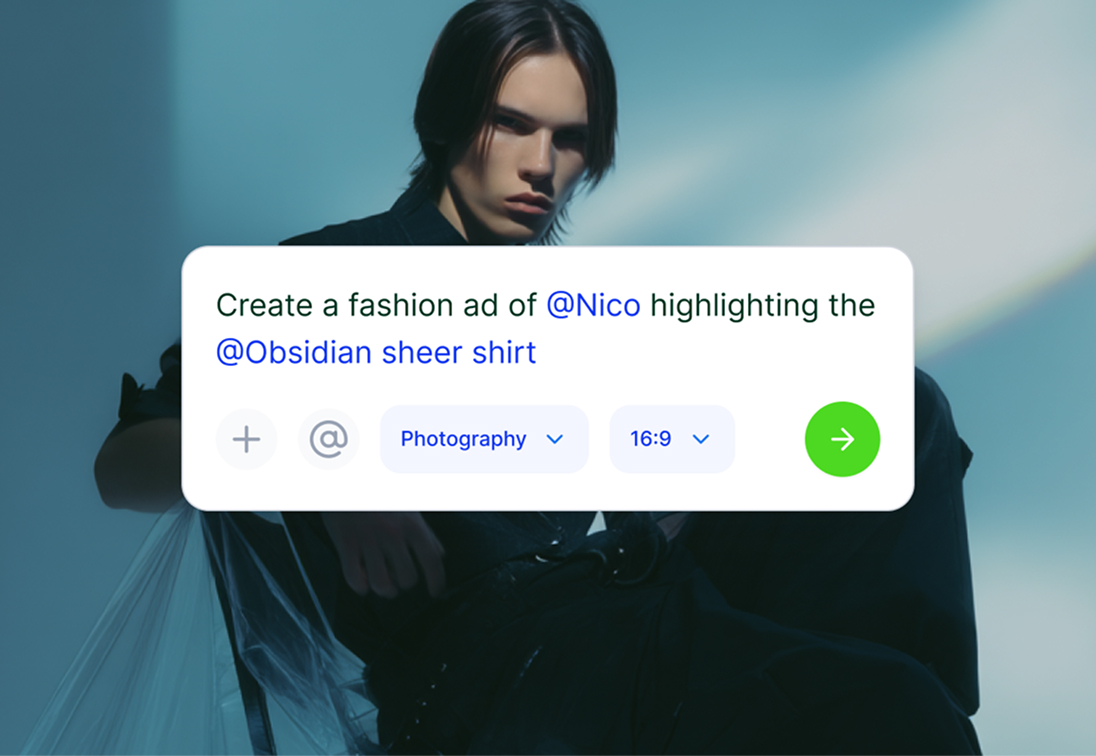
1. Upload script
Paste text directly. The system recognizes screenplay formatting and extracts characters automatically.
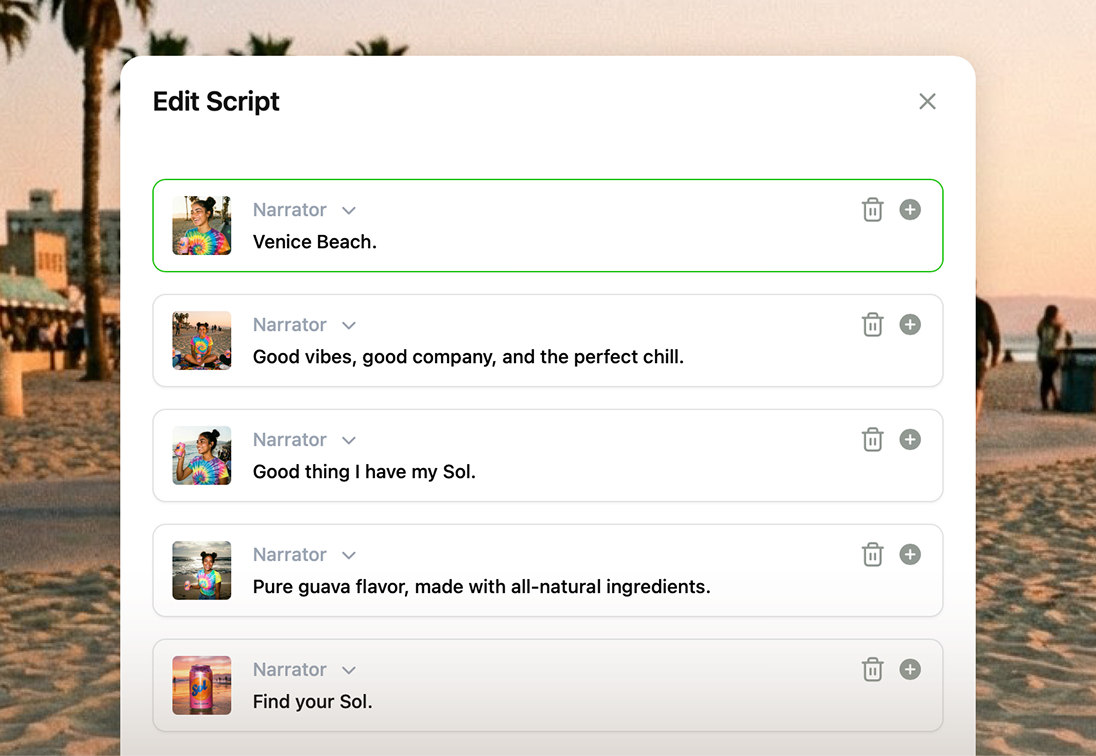
2. Choose style
Select from 16 visual styles or create custom styles. Create custom characters that maintain consistent appearance throughout your video.

3. Generate & share
Your video generates in minutes. Download and share anywhere while keeping all earnings, or edit narration to refine your video.
Transform your screenplay into video
Transform your screenplay into visual content with automatic formatting recognition, character extraction, and professional video generation from any screenplay format.
Create characters that audiences remember across your entire story. Without visual consistency, viewers can't follow multi-scene narratives or connect with your characters. The system automatically extracts characters from your script, then you create custom characters from descriptions or images with detailed physical attributes. Characters maintain consistent appearance throughout all scenes, building recognition and emotional connection.
Screenplays with proper formatting and structure generate visual scenes automatically. The system translates your action descriptions and dialogue into visual sequences. Choose from 16 predefined visual styles or create custom styles from text descriptions to match your creative vision.
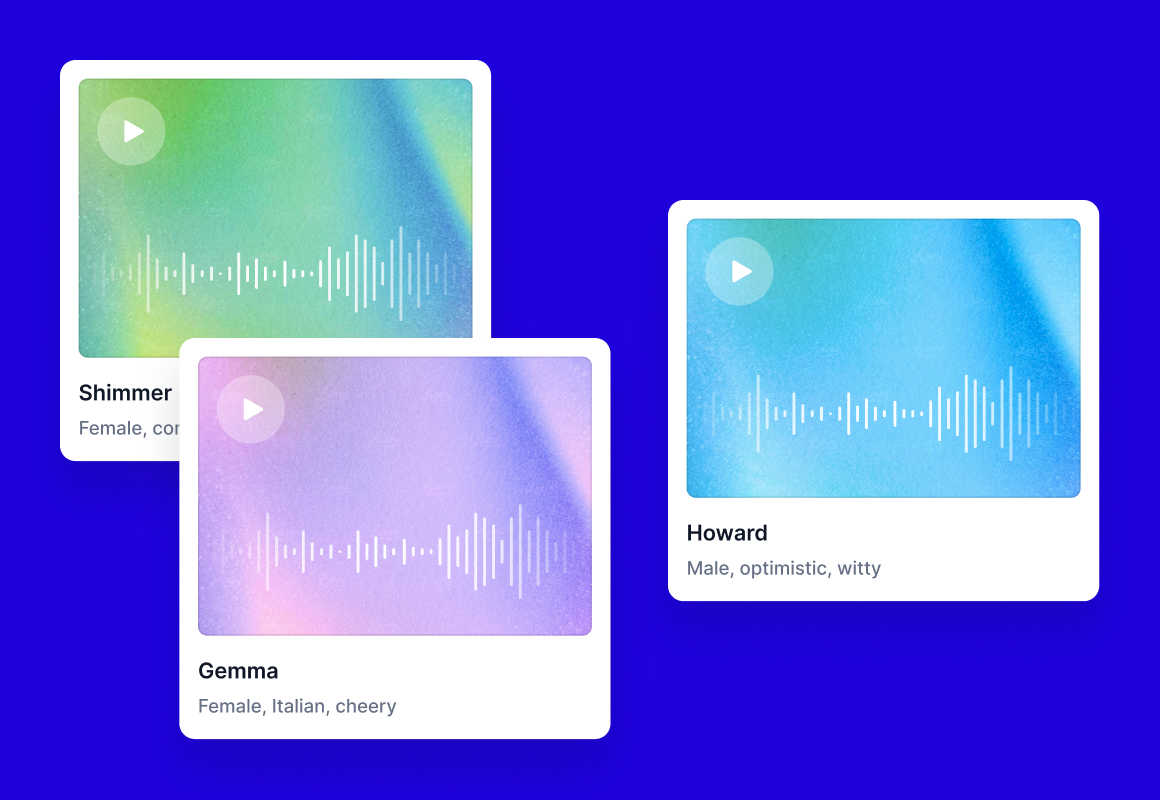
Every great screenplay needs characters that sound as good as they look. Silent videos or robotic narration fails to capture the emotional depth of your dialogue. Hypernatural generates videos with voice narration that you can edit after generation. Assign distinct voices to characters for authentic dialogue delivery.
Present your story with visual polish that elevates every frame. The system generates videos from screenplays with cinematic presentation applied through your choice of visual styles. Action lines translate into dynamic visual sequences, making your screenplay feel like a finished production.
Match your video length to your storytelling needs. Short screenplays with 5 to 20 scenes produce optimal quality. Generate videos in multiple length options or create longform content beyond 3 minutes for complete scenes. Add new scenes to expand your story, and adjust narration timing to perfect the pacing.

Featured videos
View More Screenplay Examples →How Screenwriters are using Hypernatural
Transform your screenplay into visual content for pitching, production planning, and creative development.
Secure funding by letting investors see your vision, not imagine it. Text-only pitch decks struggle to communicate visual storytelling, making it harder to secure financing for your project. Use Hypernatural to upload Final Draft files, PDFs, or paste text. The system recognizes screenplay formatting, extracts characters automatically, and generates videos with custom characters and visual styles that demonstrate your film's potential before production begins.
Spot pacing and structure issues while you can still fix them easily. With our platform, you can upload scripts with automatic character extraction and screenplay structure parsing, then generate videos to watch your story performed. Edit narration and add new scenes to test different approaches, catching structural flaws before expensive production locks you into costly revisions.
Get your entire production team on the same creative page from day one. Miscommunication about creative direction during pre-production leads to conflicts, delays, and expensive reshoots. Upload scripts with screenplay formatting recognition, generate videos with custom characters that maintain consistent appearance, and give your directors, cinematographers, and actors a concrete reference for creative discussions.
Graduate with a portfolio that showcases your range, not just your access to equipment. Film students need diverse portfolio pieces to demonstrate storytelling ability, but production costs limit most to 2-3 completed projects. Hypernatural lets you upload screenplays with formatting recognition, generate videos with custom characters and custom visual styles, and experiment with multiple genres and techniques to build the portfolio that launches your career.

Everything You Need to Turn Screenplays into Video
Transform your screenplay into professional video content with screenplay formatting recognition and character consistency.
What Screenwriters Are Saying
The AI Video Editor you can actually work with.
Generate, storyboard, and edit video all in one editor.
FAQs
Yes. The system automatically recognizes industry-standard screenplay formatting when you upload Final Draft files, PDFs, or paste text. It recognizes scene headings, character names, dialogue, and action lines. Characters are automatically extracted and screenplay structure is parsed including settings, dialogue, and characters. Upload your screenplay without modification.
You can upload screenplays of any length. The system recognizes screenplay formatting and extracts characters automatically. Generate videos from complete scripts or add new scenes to work incrementally. Screenplays with 5 to 20 scenes produce optimal quality. Most screenwriters visualize key scenes first for pitch materials, then export for sharing.
The system recognizes screenplay formatting and parses screenplay structure to generate videos with appropriate flow. Scene timing is based on content. Edit narration to adjust pacing and dialogue delivery. Choose from 16 visual styles or create custom styles to influence the visual treatment.
Characters are automatically extracted from scripts when you upload screenplays. Create custom characters from descriptions or images, then define detailed physical attributes that match your screenplay's character descriptions. Characters maintain consistent appearance throughout all scenes for visual continuity.
Yes. Edit narration after generation to adjust dialogue and pacing. Add new scenes to expand your content. Create or modify custom characters with new detailed attributes. Change visual styles by selecting from 16 options or creating custom styles. Export updated videos after making refinements.
The system parses screenplay structure including action lines and dialogue. When generating videos, these elements influence the visualization. Edit narration to adjust how dialogue is performed. Stage directions and parentheticals are considered during video generation.
You retain complete ownership of generated videos. Create videos from screenplays, export and download them, and share anywhere while keeping all earnings. Use videos for any purpose including commercial pitches, festival submissions, and distribution. Your intellectual property remains entirely yours.
Yes. Generate videos from screenplays, export and download them, and share anywhere while keeping all earnings. Use for festival submissions, crowdfunding campaigns, pitch packages, or commercial distribution. You have complete freedom to monetize and distribute your generated content.
Visualization provides a different perspective by generating videos from your screenplay with screenplay structure and characters performed visually. Export videos to watch how your story plays on screen. Edit narration and add scenes to test revisions. Watching your work reveals different storytelling aspects than reading alone.
Pricing
Start for free. Scale up as your videos get more ambitious.

Community
© 2026 Hypernatural Systems, Inc.