AI Models
Top AI Models, All in One Place
Access the latest video, image, and voice models the moment they launch. No juggling tabs, no picking sides.
Start creatingTrusted by











The latest AI models
New models ship constantly. Hypernatural gives you all of them, in one place, the day they launch.

Sound, dialogue, and effects generated in the same pass.
The same ByteDance native audio, at a lower credit cost per second than 2.5.

Google’s low-cost tier, for drafting every shot and testing variations.

Black Forest Labs’ video model, with Flux prompt accuracy now in motion.

Believable motion and camera work, with Hypernatural holding your cast shot to shot.

H3 post-trained for prompt adherence: the camera move, the line, and the sound you wrote.
Google's flagship for photoreal motion and camera moves you direct in words.

xAI's video model, with spoken lines and ambience generated in the same take.

Alibaba's cinematic video model, rendering voices, room tone, and effects alongside the picture.
Veo 3.1's budget tier: rough cuts with Veo's look and sound, and the flagship one switch away.
Ask for a change in plain words, and only that changes.
The newer generation — finer detail, and it reads the whole prompt.
Nano Banana 2’s successor at the same credit cost — sharper type, steadier references.
The fast, low-cost tier for drafting a whole storyboard.
Highest fidelity: legible text and crowded frames that still compose.

Sharp, detailed stills; Hypernatural’s @mentions hold a character across the set.
Black Forest Labs’ production Flux 2 tier — exacting prompt adherence, and type that renders as words.
xAI’s budget tier — the one to draft on, with Hypernatural attaching your cast and products.
ByteDance’s flagship: on-image text in a dozen languages, and dense layouts that hold.
xAI’s precision tier: dense briefs followed as written, and label copy that comes back readable.

Meta’s agentic model — it plans the frame and blends your references, at the lightest image tier.

OpenAI’s image model at a lighter setting, for working a shot out before you pay for the finish.
The step up from GPT Image 2: natural light, rich texture, and references that stay recognizable.
How to Make an AI Video
Prompt, script, or footage, turn it into a finished video in three steps.
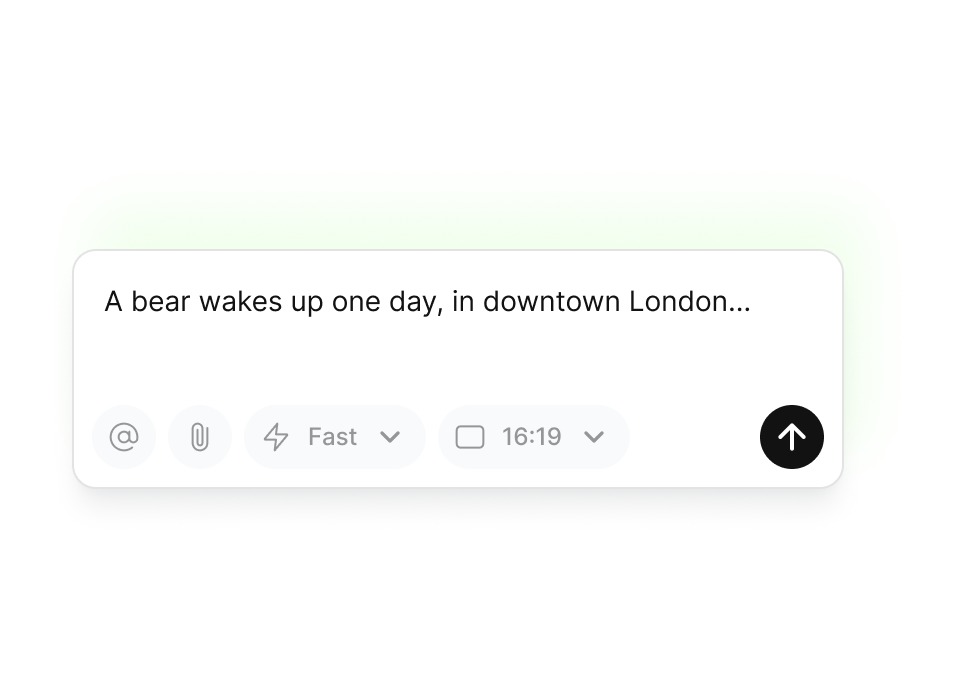
Write your story
Add narration, dialogue, and pacing exactly how you want it told.
Customize
Choose a visual style and characters that match your vision. Fine-tune the details until everything feels right.
Edit it exactly how you want
Adjust shots, timing, and tone until the video is ready to share.
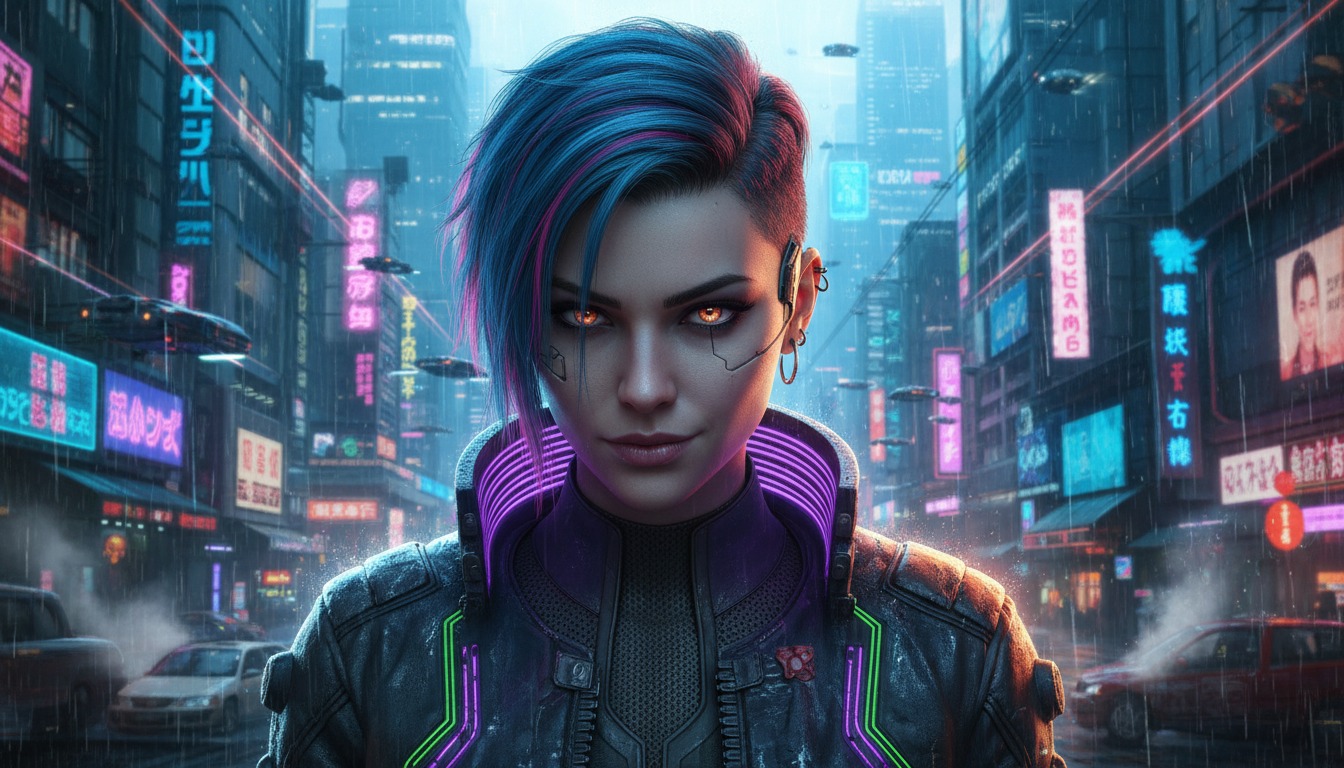
Styles
Bring your videos to life with a style that fits your story.
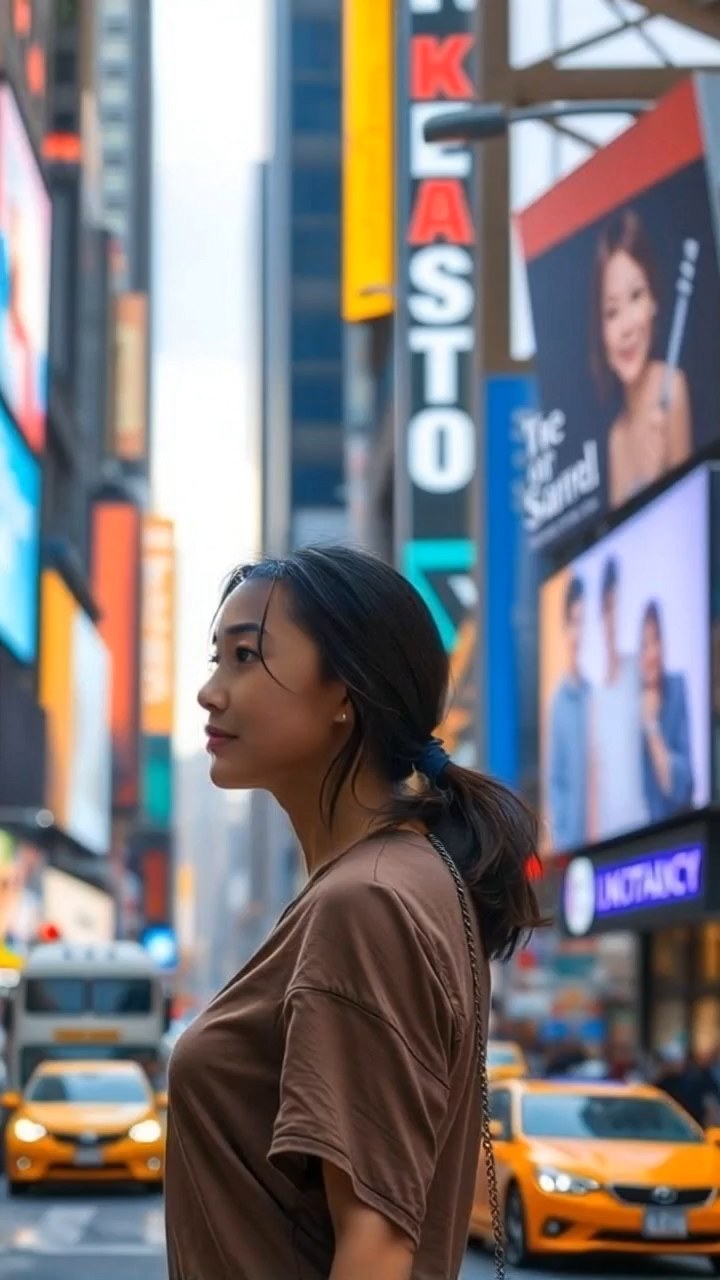


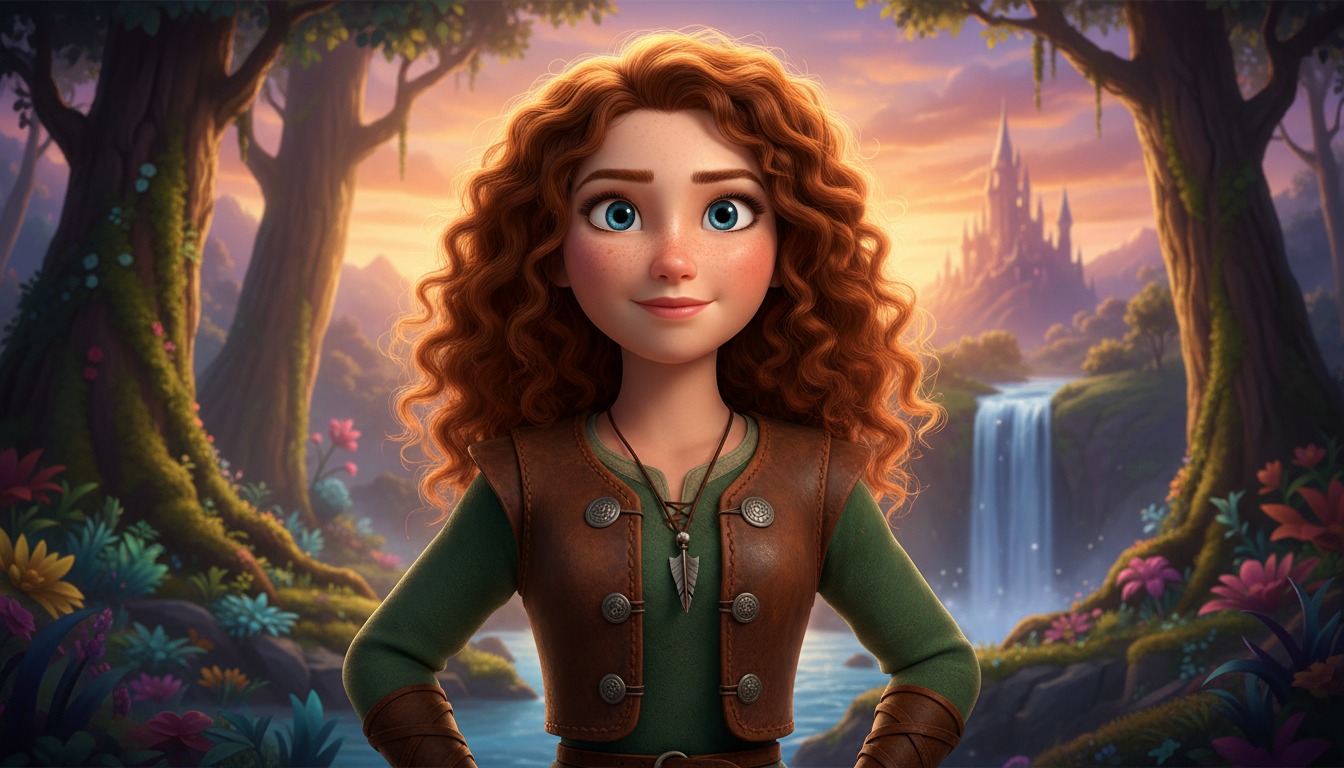
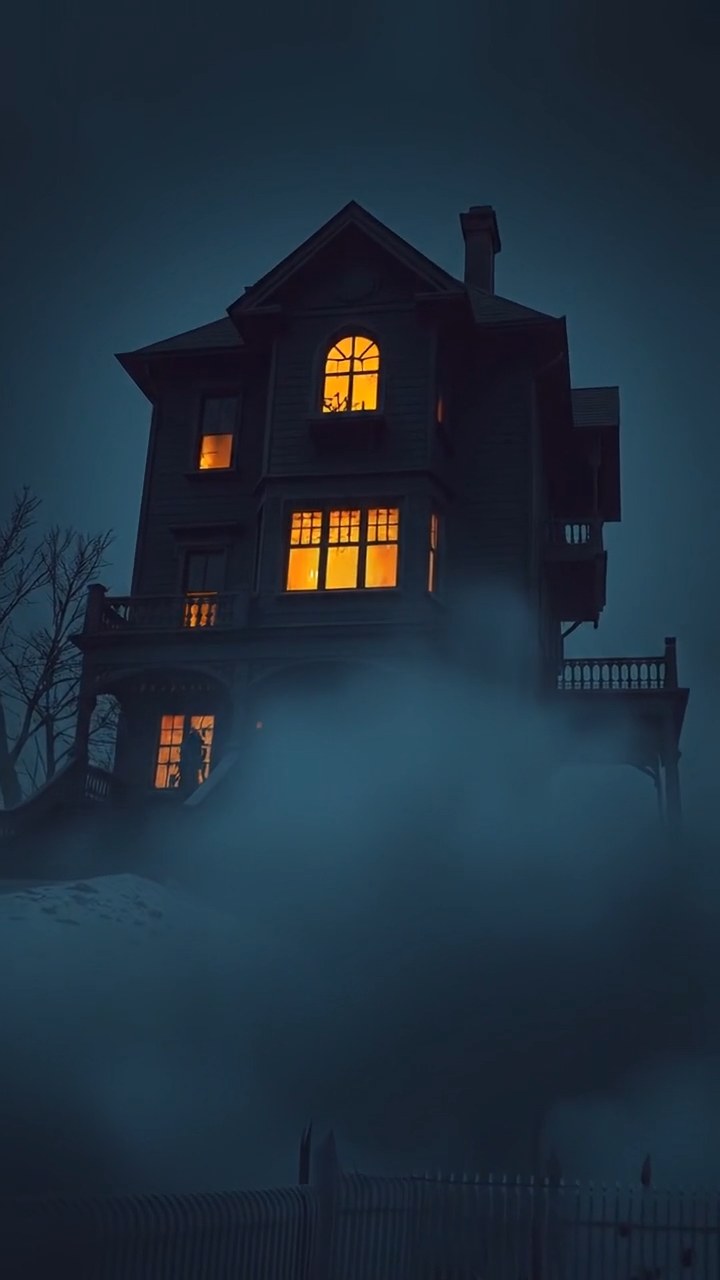
Everyone can make AI videos
Whatever model you reach for, Hypernatural makes it easy to use.
Ship campaign video without a production pipeline. Test hooks, formats, and messages across the latest models, then scale what works — every asset stays on brand because your styles, characters, and products live in one library.
Turn scripts and stories into finished scenes. Hypernatural plans the shots, keeps characters consistent, and lets you pick the model whose look matches the story you are telling.
Launch-ready product videos in an afternoon. Demo your product, explain the pitch, and post everywhere — no agency, no editor, no juggling model subscriptions.
Post more without burning out. Generate b-roll, scenes, and full stories with whichever model fits the vibe, then edit timing, captions, and voiceover in the same place.
Built to work with any model
Switch models without switching workflows. Every feature works the same, no matter which one you pick.
Create a character once and use it with every model. Hypernatural attaches the portrait to every shot you @mention them in, so they come back as themselves across shots and scenes — whichever engine renders them.
Define a visual style from reference images or a written description and apply it across models. Your look stays recognizable whichever engine renders it.
Pick from premium AI voices or clone your own. Narration and dialogue stay identical no matter which video model generates the visuals.
Models generate clips; Hypernatural builds videos. Chain your shots into one full-length story with shared pacing and sound.
Generate voiceover and character dialogue with natural pacing, then re-time or rewrite lines without regenerating the visuals.
Auto-synced, animated captions on top of any model’s output — styled to your brand and ready for sound-off feeds.

Featured videos
FAQs
It depends on what you’re making. Seedance 2.5 for multi-shot scenes with generated sound, Kling V3 Pro for character consistency and steady camera work, Google Veo 3.1 for smooth, high-fidelity motion, MiniMax H3 Max for prompt-faithful shots at a low credit cost, Seedream or Nano Banana for image generation. Leave the picker on Auto and you get MiniMax H3 Max. You can always start with one and switch later.
Yes. Every model works inside the same editor, so you can start with one and swap to another without rebuilding your project or losing your setup.
No. Describe what you want in plain language (a scene, a story, a product shot) and refine it from there. No prompt-engineering experience required.
Create a custom style from reference images or from a written description, then pick it for your video. Every shot you generate follows it, so the look and tone stay consistent throughout.
Yes. A project picks its image model and its video model separately, and switching either one applies to whatever you generate next. Shots you have already generated or animated keep what they have until you redo them, so one video can end up using several models.
Yes. Each model has its own credit cost per second of video, shown when you pick it. Lighter models are great for drafts; save the premium engines for final renders.
Community
© 2026 Hypernatural Systems, Inc.