Text that comes out right
The top Nano Banana tier: legible headlines, real labels, and crowded frames that compose.
Start creating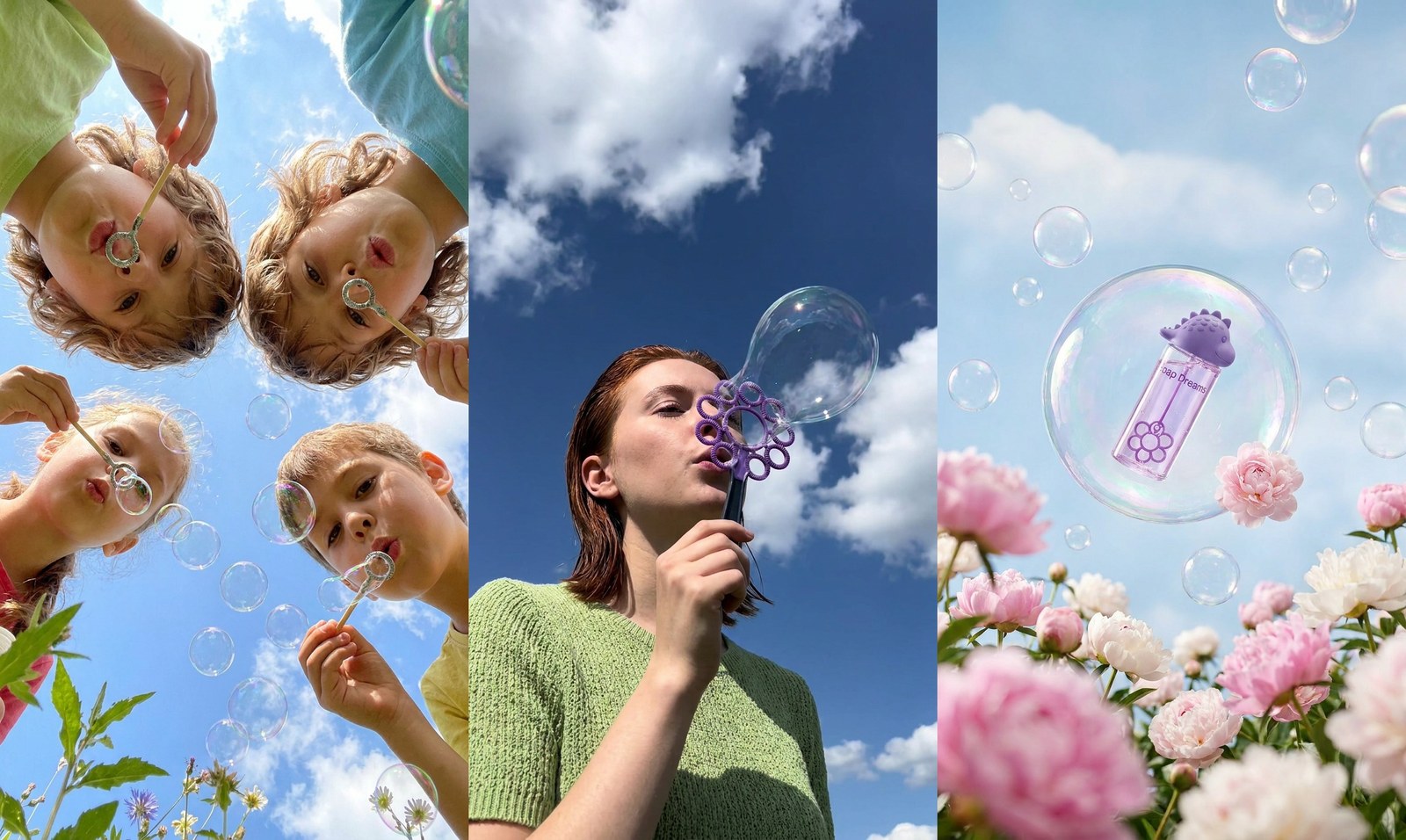
What makes Nano Banana Pro different
The tier you finish on, for the frames that carry type, faces, and a lot of scene at once.
Type you can dictate
Give it the exact headline and it comes back spelled that way.
Crowded frames that compose
Several subjects, each where you put them, all lit as one scene.
Faces that hold at full size
Likeness and expression survive a poster-scale crop.
The last pass, not every pass
Costlier per image, and the right call for the shot that ships.
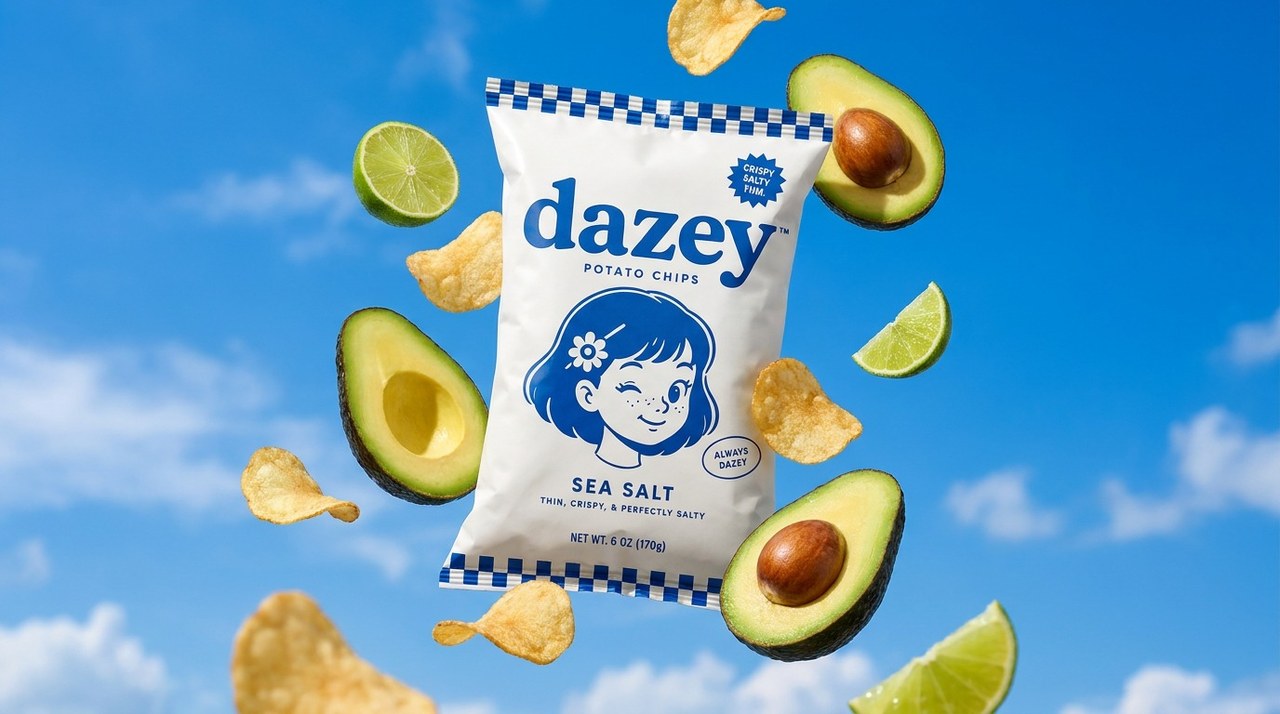
Headlines that render as words
Hand Pro the exact copy for a poster, a label, or a shop sign and it comes back spelled and set, instead of the alphabet soup that forces you into a design tool to paste real type over the render.
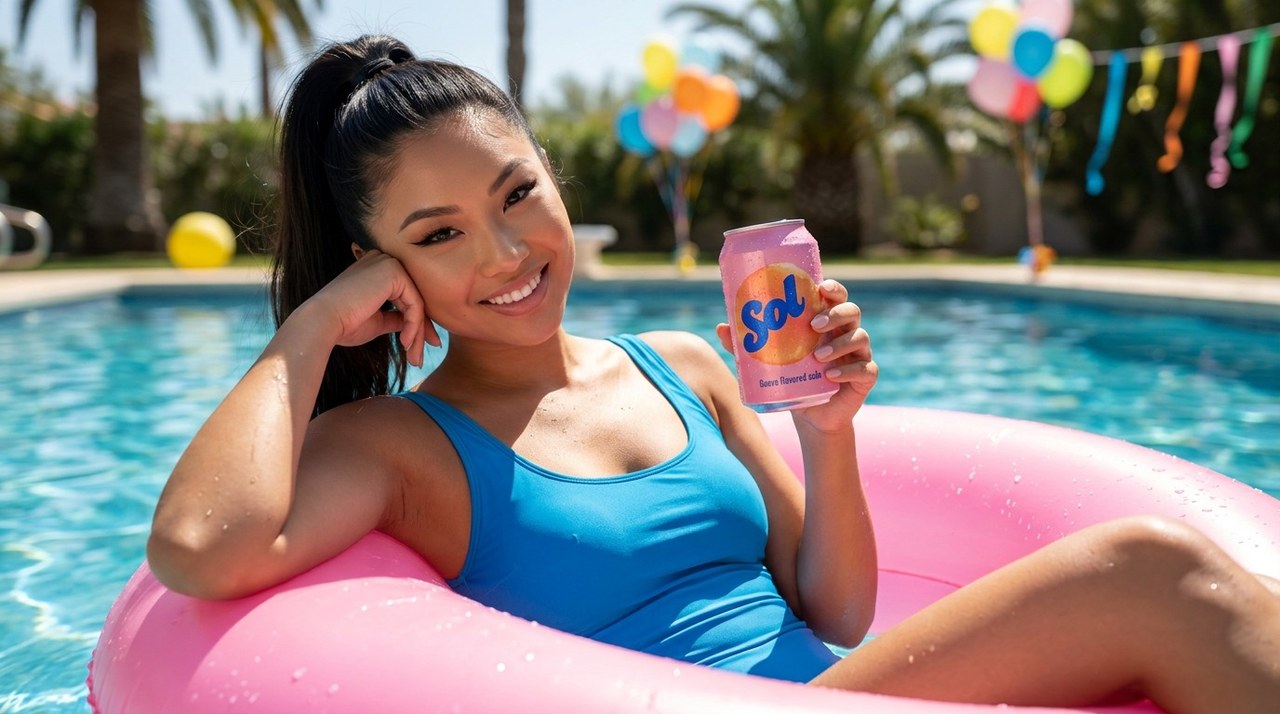
Composition that holds together
A person, a product, and a location that all agree on one light source — placed where the brief put them. The more you ask for in a single frame, the wider the gap between Pro and everything below it.

The frame you finish on
Draft wide on the cheaper tiers, then re-render the two shots that carry the campaign here. You switch the model and re-render one shot at a time, so finishing on Pro costs you those two frames — not the whole project.
FAQs
Frames with words in them and frames with a lot going on: posters, packaging, thumbnails, storefronts, and ad stills where a wrong letter or a misplaced subject is the thing everyone notices.
Yes — give it the copy verbatim and Pro renders it as type rather than as texture. Read it back before you ship, the way you would proof any layout, and regenerate if a character drifted.
It costs the most per image in the family. Drafting twenty options here is money spent to answer a question a cheaper tier answers just as well, which is why Hypernatural lets you switch models and re-render one shot at a time.
Yes. Upload the shot — your photography, your packaging, or an earlier render — and describe the change. Pro edits from your reference instead of reinventing the subject.
Yes. Hypernatural animates it with the video model you choose, then cuts, captions, and narrates it next to your other shots. The type and composition you paid for carry into the moving version.
Yes. Define a custom style in Hypernatural from references and it applies to every shot automatically. Characters and products work per shot, so add them to your library and write their @handles in each shot that needs them. A Pro final then matches the drafts it came from instead of looking like a different campaign.
Hypernatural Desktop
Make videos with Nano Banana Pro from Claude Code or Codex
These free workflows and skills teach your agent to get the most from Nano Banana Pro.
- hn/workflow-animated-music-video
Animated music video
Make a fully generated animated music video from a song: map the song to its bar grid, write a treatment, pick a drawn look from style frames, cast the characters on model sheets, write the shot list on the bars, make one still and one animated clip per shot, cut every shot exactly on its bars, then add kinetic lyric captions that land on the sung syllables and pulse on the beat. For cartoon and drawn-style music videos without lip sync; for a multi-look video with live-action scenes and singing on camera, use workflow-multi-style-music-video.
WorkflowOfficial - hn/workflow-animated-short-from-a-blog-post
Animated short from a blog post
Turn a blog, Substack or newsletter post into a ~45 s vertical (9:16) animated short: retell the post as a voiceover shot list, cast a narrator, design one stylized set (paper-cut by default) and a fictional character, stage and approve a still per shot, animate on H3 Max at 1080p, cut to the voice, then add calm word-by-word captions and motion-graphic cards in the publication's brand with hn4a-compositor, shown live before the render. About $11–12 of model spend; the cut, captions and cards render locally for free. For a news story with sourced facts and a hook, use workflow-news-article-to-vertical-short.
WorkflowOfficial - hn/workflow-mascot-product-ad
Mascot product ad
Make a ~30 s product ad starring the brand's own mascot: a narrated cartoon story built on a pun on the product's name or promise, with the product's real screens, integration logos and key-phrase captions composited on top. Covers breaking down the product's points (and its existing launch video, if any), a concept and shot list gate, voice auditions on the whole script, one style frame from the mascot art, stills, one motion test, H3 Max animation, one narration file per line, a music bed, the base cut, and the motion graphics shown live before the render, delivered with a side-by-side against the original. About $10 at 1080p. For SaaS, dev tools and apps with a mascot, made from the brand's own materials; for a presenter over rebuilt UI use workflow-product-ui-video, for a faceless type-and-screenshot explainer workflow-product-explainer-video.
WorkflowOfficial - hn/workflow-multi-style-music-video
Multi style music video
Make a storytelling music video from a song and photos of the cast, switching looks scene to scene (photoreal, comic-book animation, 3D animation, paper collage) with the cast consistent across styles, lip sync on key lines, a rough cut on the song, and kinetic lyric captions styled to each scene. Use for music videos, lyric videos and mixed-media multi-style shorts.
WorkflowOfficial - hn/workflow-news-article-to-vertical-short
News article to vertical short
Turn one news article into a ~45 s vertical (9:16) explainer short: a sourced script with the conflict in the first 3 s, 9–10 stylized visual-metaphor scenes animated on H3 Max, a quick creator-style narrator, then karaoke captions, a title bar and stickers that slam in on the key words, composited with hn4a-compositor in a chosen brand. Covers picking the story with the person (and its risks), keeping only facts traceable to the source, no likeness of real people, three looks, stills, voice auditions on the whole script with word times, shot timings on the 24 fps grid, locking what must not change in the video prompts, the cut and the live layout gate. About $7 and an hour. For same-day news shorts, newsletter-to-video and social explainers about a story; for a post's own argument retold as a paper-cut story, use workflow-animated-short-from-a-blog-post.
WorkflowOfficial - hn/workflow-product-ui-video
Product ui video
Make a ~30 s product ad from a company's website or product screenshots: a presenter avatar talks to camera, then the product's own UI, rebuilt as live HTML layers, is pushed into by a camera while the presenter shrinks to a face bubble, all cut to one voice track. Covers capturing the site (copy, brand from computed styles, every image, the logo), a 72-word script, a storyboard review before anything is paid for, the voice, presenter stills and two H3 talking heads (16:9 and a 3:4 crop for the bubble), one subagent per rebuilt screen, the cut and the review rounds. For SaaS ads, app demos, product overviews and explainers; for an avatar walking through slides, use workflow-sales-video-from-pitch-deck; for a faceless voiceover-and-type explainer over the real screenshots, use workflow-product-explainer-video.
WorkflowOfficial
Community
© 2026 Hypernatural Systems, Inc.