The new Nano Banana
A newer generation that holds detail up close and reads a long prompt line by line.
Start creating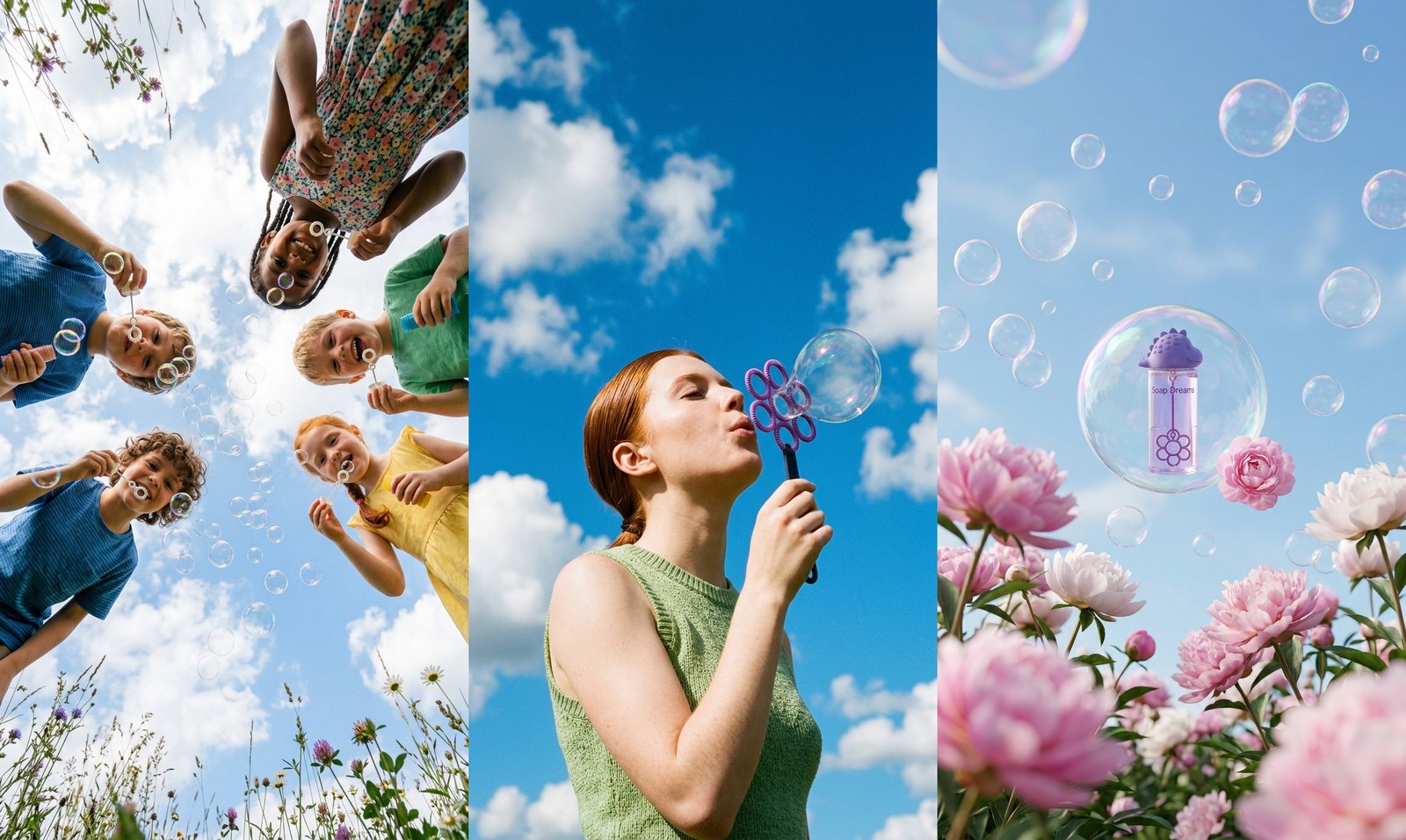
What makes Nano Banana 2 different
The generation Hypernatural reaches for on Auto, and the one to finish most shots on.
Long prompts land
Multi-clause briefs come back with the details you buried at the end.
Several references, one frame
Hypernatural attaches a character, a product, and a location; Nano Banana 2 blends all three into one image.
Fewer re-rolls
Higher fidelity up front means less time regenerating the same shot.
Straight into a spoken scene
Hypernatural animates the still, then lays narration and dialogue over it.

Detail that holds up close
Linen weave, windblown hair, the grass running out to the cliff edge: Nano Banana 2 renders the fine detail that lighter tiers smooth away, so a still survives a full-screen crop instead of falling apart in it.
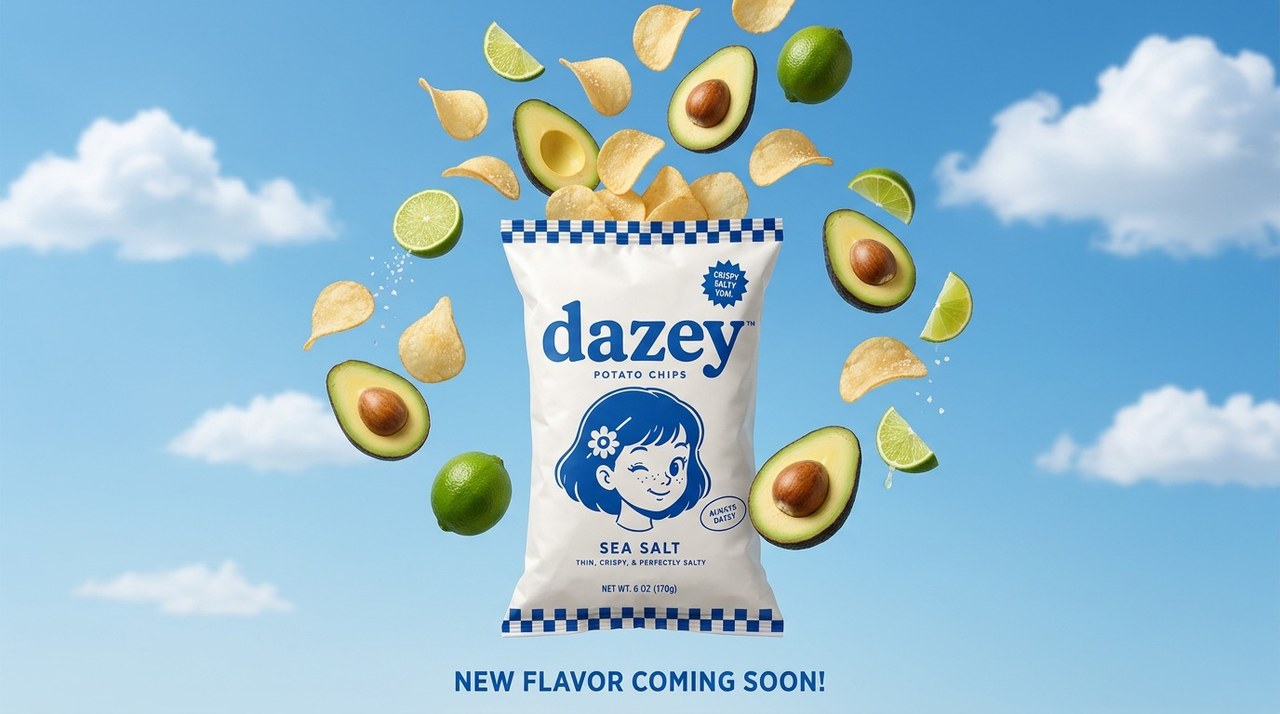
Brief it like a creative director
The product, the props suspended around it, the light, and the sky behind them — write the whole brief and get it back clause by clause, rather than watching the model render the first sentence and improvise the rest.
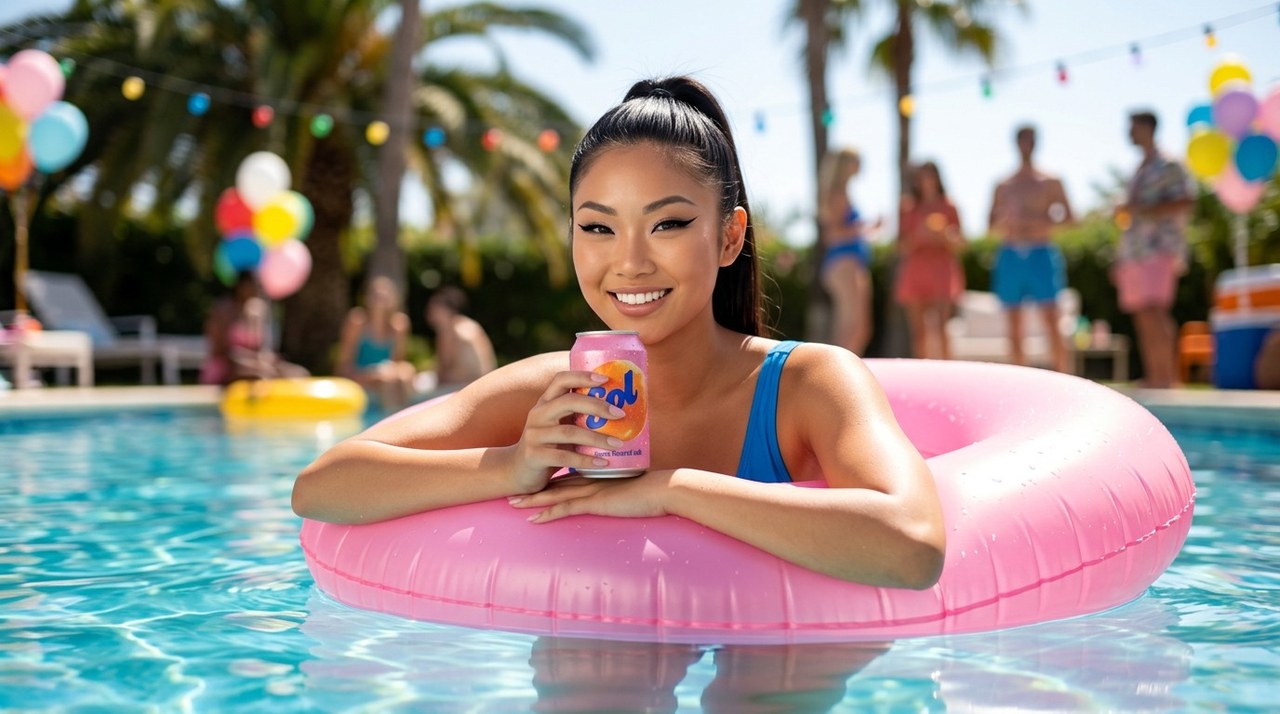
Mix your references into one image
@mention a character, a product, and a location from your library and Hypernatural attaches all three for Nano Banana 2 to resolve into one frame — same light, same lens, same world — instead of a collage of three different shoots.
FAQs
Stills that have to hold up: hero images, ad frames, key art, and any shot that will be cropped, blown up, or animated. It is the balance point in the family — close to Pro on fidelity, without Pro's cost on every draft.
Close. Leave the image model on Auto and Hypernatural generates with Nano Banana 2.1, the point release of this same generation. Pick Nano Banana 2 explicitly whenever you want it, or switch to a cheaper draft tier or a Pro-grade final and re-render that shot.
Same generation, different trade. Lite gives up some fidelity for speed and a lower cost per image, which makes it the drafting tier; Nano Banana 2 is where you land the frames you intend to keep.
Yes. Feed it product shots, brand photography, or an earlier render and describe what should change. Your references anchor the image instead of the model guessing what your product looks like.
Yes. Hypernatural hands every still to a video model to become a shot, then times, captions, and narrates it in the editor alongside everything else in the project.
Yes — switch Hypernatural's model whenever you like and re-render one shot at a time. Draft on a cheap tier, finish on Nano Banana 2, send one stubborn frame to another model entirely. Your characters and style live in Hypernatural rather than in any one model, so they carry across all of it.
Hypernatural Desktop
Make videos with Nano Banana 2 from Claude Code or Codex
Hypernatural Desktop has Nano Banana 2 built in. Ask your agent to use it in any workflow, like these.
- hn/workflow-talking-head-extra-edit
Talking head extra edit
Turn a raw webcam or talking-head recording full of retakes into a tight rough cut of the best takes, then make it EXTRA in the client's own brand: kinetic titles, karaoke captions, synthesized sound effects and motion graphics that react to the speaker's face and hands, with type behind them that's never more than a little hidden. Use for founder or creator explainers, launch and feature videos, and any 'cut my takes and go wild with graphics' request.
WorkflowOfficial - hn/workflow-script-to-video
Script to video
Make a finished narrative video from a written script: adapt it into script.json, cast and perform the voices, design the sets, stage the cast in stills, compose every shot with its dialogue spoken in the cast voices, composite titles over the footage, then make the cuts and deliver. For scripted shorts, skits, training dramas, quiz shows and multi-character scenes made from nothing but text.
WorkflowOfficial - hn/workflow-product-explainer-video
Product explainer video
Make a ~35 s faceless marketing explainer for an app or product from its own code repo or website: a voiceover over kinetic type in the brand's colours and the product's real screenshots in a phone frame, with a music bed, built as one hn4a-compositor spec cued from the voice take's own word times. Problem, brand, three how-it-works steps, one feature, social proof, end card. Covers mining the repo for copy, facts and images, a script and aspect gate, the opening scene in a few looks on estimated word times shown live minutes after the script, beside the voice and music auditions, then the whole layout in the picked look cued to the picked voice, shown live before the render. Costs well under $1. For an ad with a presenter avatar and rebuilt UI, use workflow-product-ui-video.
WorkflowOfficial
Community
© 2026 Hypernatural Systems, Inc.