The same tier, sharper
Google's successor to Nano Banana 2, at the same credit cost. Better type, and a cast that holds across the whole set.
Start creating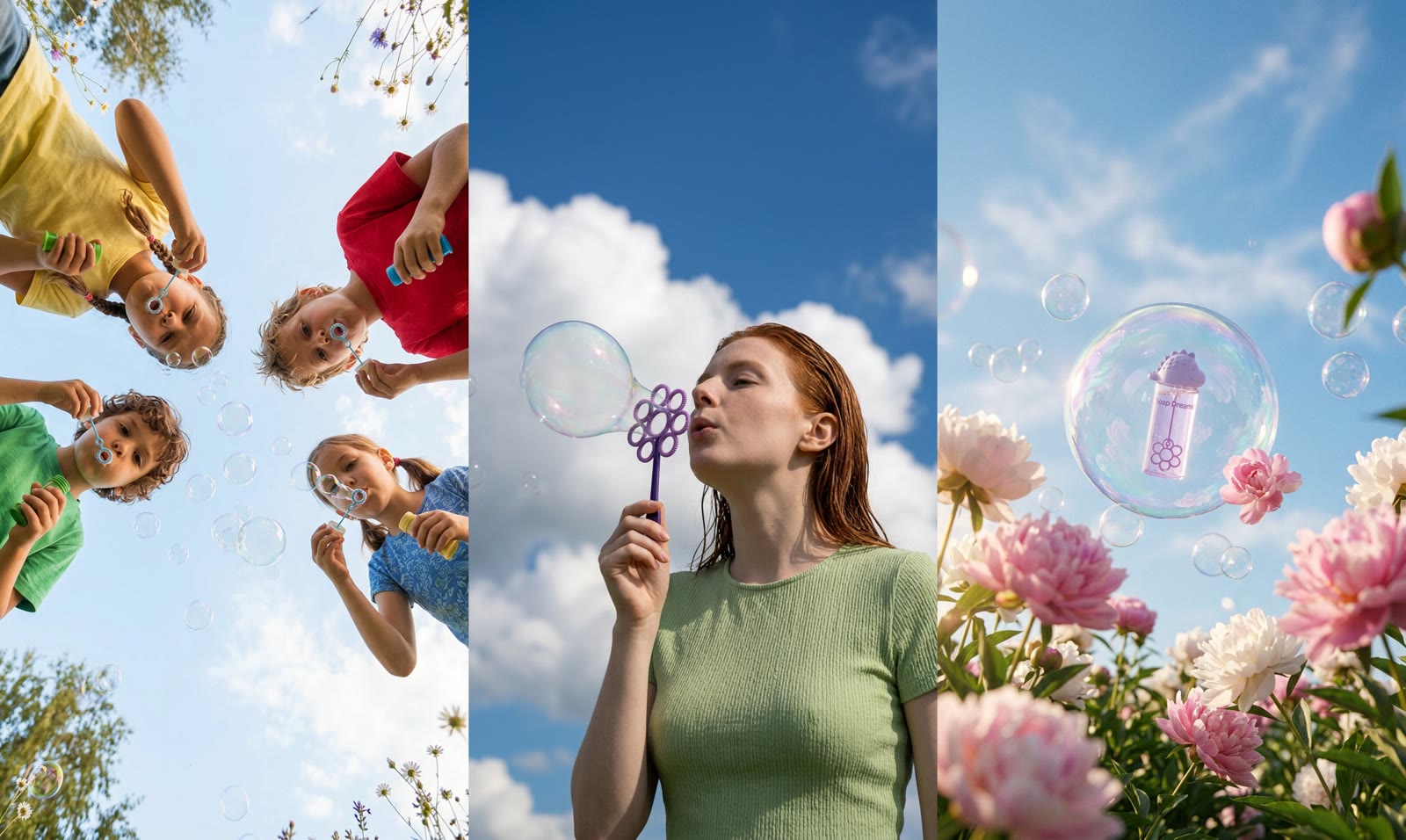
What makes Nano Banana 2.1 different
What Google fixed in the generation Hypernatural already ran on.
Type that reads
A label, a sign, or a headline comes back spelled rather than suggested.
References that hold
Hypernatural attaches your character and product; Nano Banana 2.1 keeps them themselves across the set.
Crowded frames that still compose
More subjects in one shot without the scene coming apart.
Same cost as Nano Banana 2
A straight upgrade on the tier, not a step up in price.
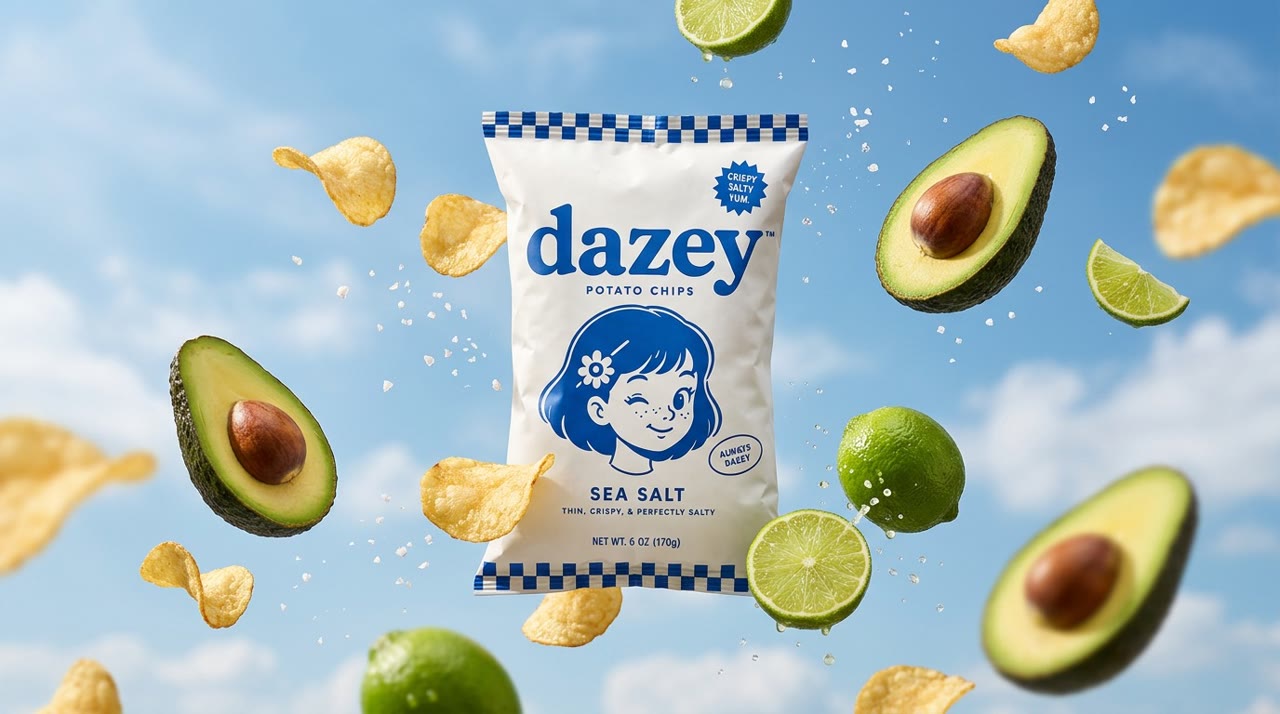
Packaging that stays legible
Hand it the copy for a label, a wrapper, or a shop sign and it comes back set as type. Google rebuilt text rendering for this generation, so keep it to headlines and short labels and you stop pasting real type over the render in a design tool.
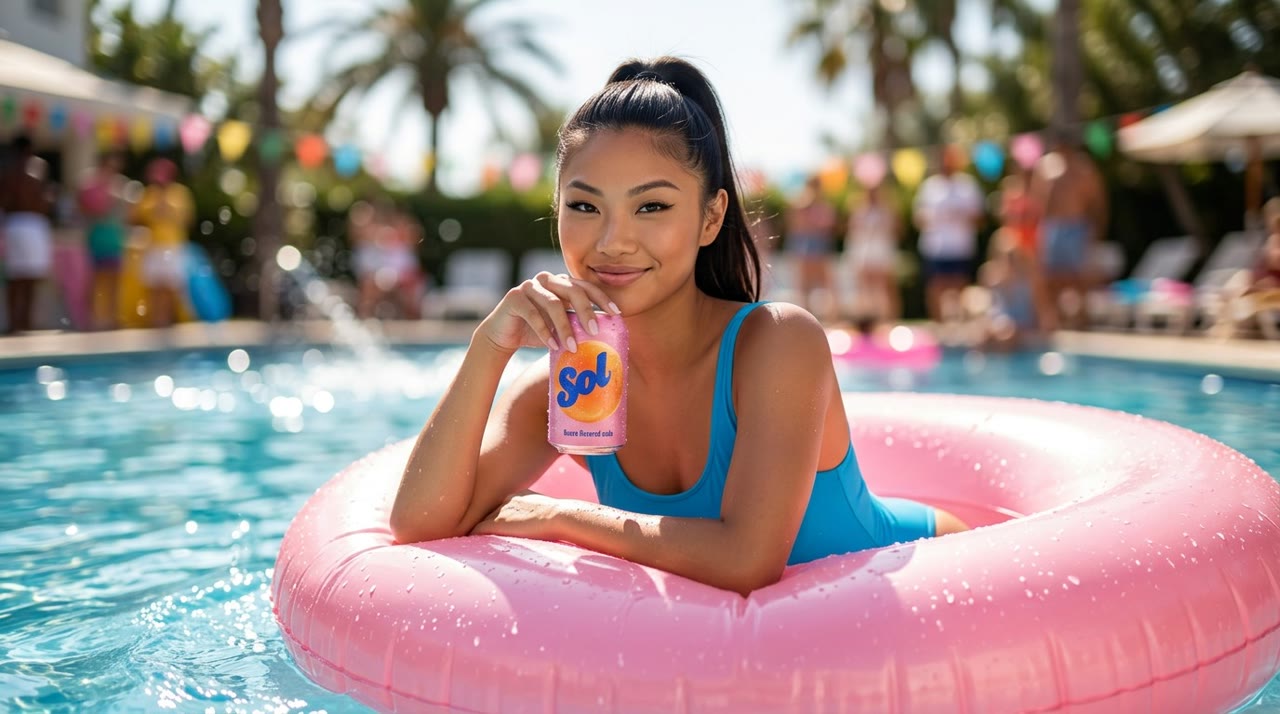
Your cast and products, by @handle
Save a character, product, or logo once, then write its @handle in each shot that needs it. Hypernatural attaches that reference to the shot — a bare name will not — and Nano Banana 2.1 renders the subject from it. This generation holds several references in one frame better than the last, so a character, a product, and a location can share a shot.

A whole set that matches
Hypernatural generates every shot in a project in one pass, so you judge the sequence instead of one hero frame. Subjects come back consistent from shot to shot, which is what makes a board read as one campaign rather than twelve separate renders.
FAQs
It is Google's direct replacement for it, and it costs the same here. Google rebuilt text rendering, multi-reference fusion, and subject consistency for this version, so the gains show up on the shots Nano Banana 2 found hardest: a legible label, several references in one frame, and the same character across a set. Reach for it anywhere you would have reached for Nano Banana 2.
Usually, and more reliably than the last generation. Give it the copy verbatim and Nano Banana 2.1 renders it as type. Keep it to headlines and short labels rather than paragraphs or fine print, proof it the way you would proof any layout, and re-render the shot if a character drifted.
Yes. Create the character once in Hypernatural's library, then write its @handle in any shot — the @ is what attaches the portrait, so a bare name will not do it. They come back as themselves, and the portrait carries over if you later switch models and re-render the shot. What they wear follows the shot.
Yes — switch the model whenever you like and re-render one shot at a time. Draft on a cheap tier, finish on Nano Banana 2.1, send one stubborn frame to Nano Banana Pro. Your characters and style live in Hypernatural rather than in any one model, so they carry across all of it.
Yes. Describe the change — swap the background, change the label, recolor the jacket — and Nano Banana 2.1 re-renders the image with that edit while leaving the rest alone. Holding the subject steady through repeated edits is one of the things Google worked on for this version.
Yes. Hypernatural hands any still to the video model you pick as the shot's opening frame, then captions, narrates, and cuts it together with the rest of your shots — all in the same editor, no exporting in between.
Hypernatural Desktop
Make videos with Nano Banana 2.1 from Claude Code or Codex
These free workflows and skills teach your agent to get the most from Nano Banana 2.1.
- hn/workflow-feature-guide-video
Feature guide video
Turn a feature's how-to page (a help article, a docs page, a skill's page) into a 60-75 s narrated video guide to embed on that page, for people who'd rather watch than read: a before/after demo shot up front (the same generated shot without the feature, then with it), then kinetic type and animated diagrams in the brand that show every thing the page describes, with each one actually played or shown as it is named, a music bed and an end card with the page's address. Covers checking every claim against the page, a script gate with what you see and hear per beat, the demo shot from a start and an end frame, the opening scene in three looks beside the voice and music, the demo's assets picked on the shot itself, one build script that cues every layer and sound from the take's word times, and the mix. Costs about $2. For a marketing explainer of a whole product, use workflow-product-explainer-video.
WorkflowOfficial - hn/workflow-github-readme-to-video
Github readme to video
Turn a GitHub repo into a 30–60 s branded explainer: a stylized metaphor world that acts out what the project does, a narrator, and titles, chips, captions and an end card in the project's own brand that name the real things it ships (commands, modules, features), ending on its install command. Covers reading the repo itself rather than only the README and checking every claim against it, capturing the brand from the project's site, a script and shot list gate, three looks, a character turnaround, voice with word times from the TTS alignment, stills, H3 Max animation, the rough cut, and the compositor layout shown live before the render. For gift videos to open-source maintainers, repo launch videos and "what this project does" explainers; for a product's own app screens, use workflow-product-explainer-video.
WorkflowOfficial - hn/workflow-news-article-to-vertical-short
News article to vertical short
Turn one news article into a ~45 s vertical (9:16) explainer short: a sourced script with the conflict in the first 3 s, 9–10 stylized visual-metaphor scenes animated on H3 Max, a quick creator-style narrator, then karaoke captions, a title bar and stickers that slam in on the key words, composited with hn4a-compositor in a chosen brand. Covers picking the story with the person (and its risks), keeping only facts traceable to the source, no likeness of real people, three looks, stills, voice auditions on the whole script with word times, shot timings on the 24 fps grid, locking what must not change in the video prompts, the cut and the live layout gate. About $7 and an hour. For same-day news shorts, newsletter-to-video and social explainers about a story; for a post's own argument retold as a paper-cut story, use workflow-animated-short-from-a-blog-post.
WorkflowOfficial - hn/workflow-product-ui-video
Product ui video
Make a ~30 s product ad from a company's website or product screenshots: a presenter avatar talks to camera, then the product's own UI, rebuilt as live HTML layers, is pushed into by a camera while the presenter shrinks to a face bubble, all cut to one voice track. Covers capturing the site (copy, brand from computed styles, every image, the logo), a 72-word script, a storyboard review before anything is paid for, the voice, presenter stills and two H3 talking heads (16:9 and a 3:4 crop for the bubble), one subagent per rebuilt screen, the cut and the review rounds. For SaaS ads, app demos, product overviews and explainers; for an avatar walking through slides, use workflow-sales-video-from-pitch-deck; for a faceless voiceover-and-type explainer over the real screenshots, use workflow-product-explainer-video.
WorkflowOfficial - hn/workflow-website-to-claymation-ad
Website to claymation ad
Turn a company's website into a ~20 s claymation ad delivered at 16:9, 1:1 and 9:16: five stylized toy-world shots animated on H3 Max, a narrator and a music bed, then kinetic titles, a logo lockup, benefit chips, a proof stat and an end card in the company's own font, colours, logo and CTA button. Every fact comes from the site. Covers capturing the brand, a five-beat script, one locked style still, native 9:16 redraws instead of crops, one test clip before the batch, the cut on the voice's word times, and the titles shown live before the render. About $5 of model spend. For outreach gift videos, agency demos and brand promos made from nothing but a URL; for a faceless explainer over the product's real screenshots, use workflow-product-explainer-video.
WorkflowOfficial
Community
© 2026 Hypernatural Systems, Inc.