Make videos of Alice In Wonderland with AI
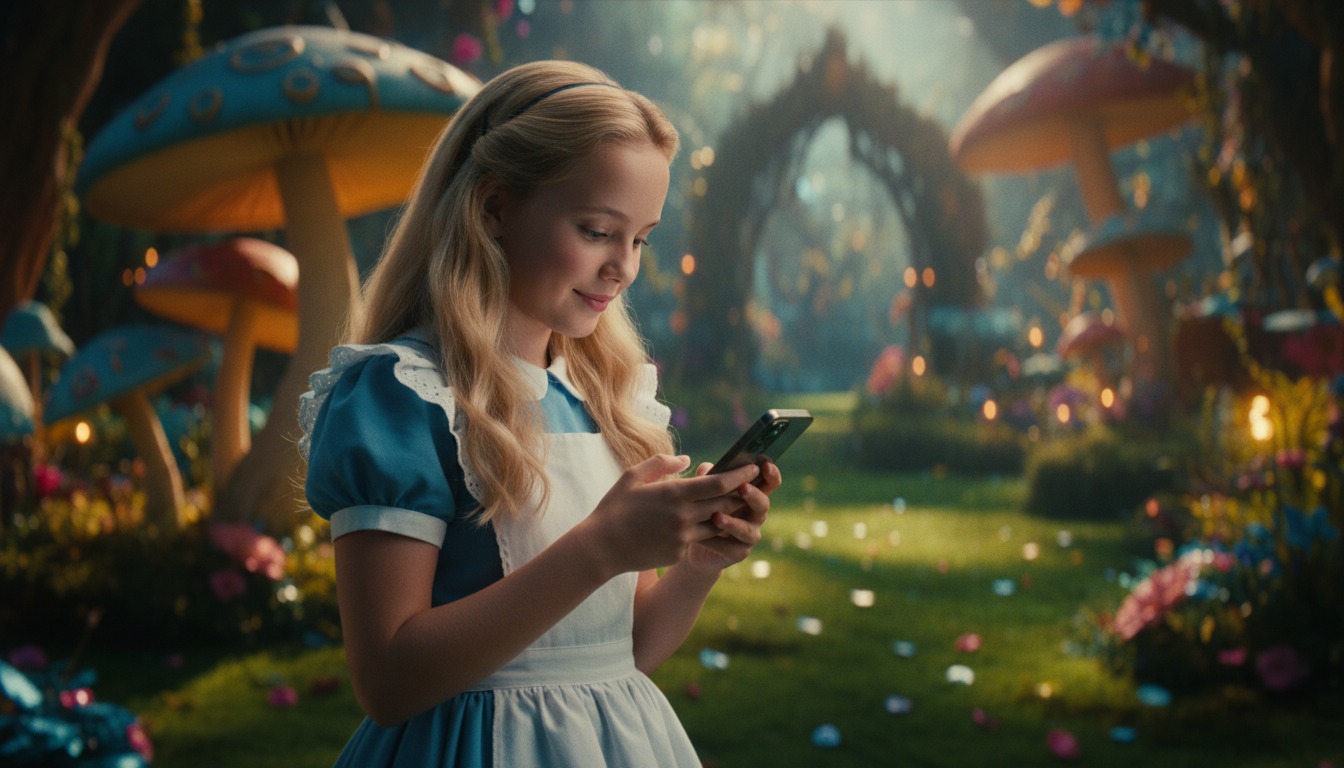
She's golden blonde, light blue eyes, and youthful — ideal for whimsical and fantasy storytelling. Make AI videos with Hypernatural.
Make a video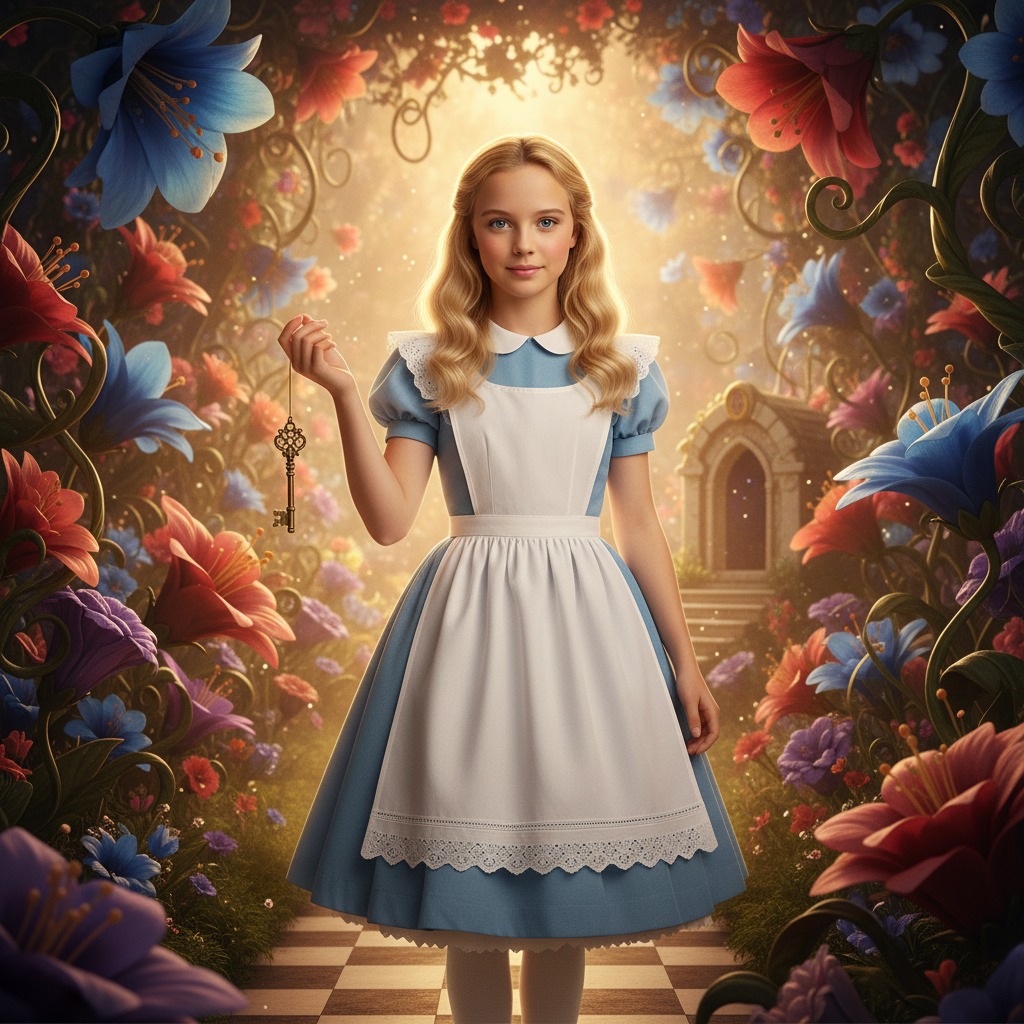
Make Alice In Wonderland the star of your video.
Down the rabbit hole and into any story you can imagine. Paste in your script, and Hypernatural will use the dialog and characters in your video. You can edit your video using Hypernatural's AI Video Editor, and then export it or share it with a link.
Video ideas starring Alice In Wonderland
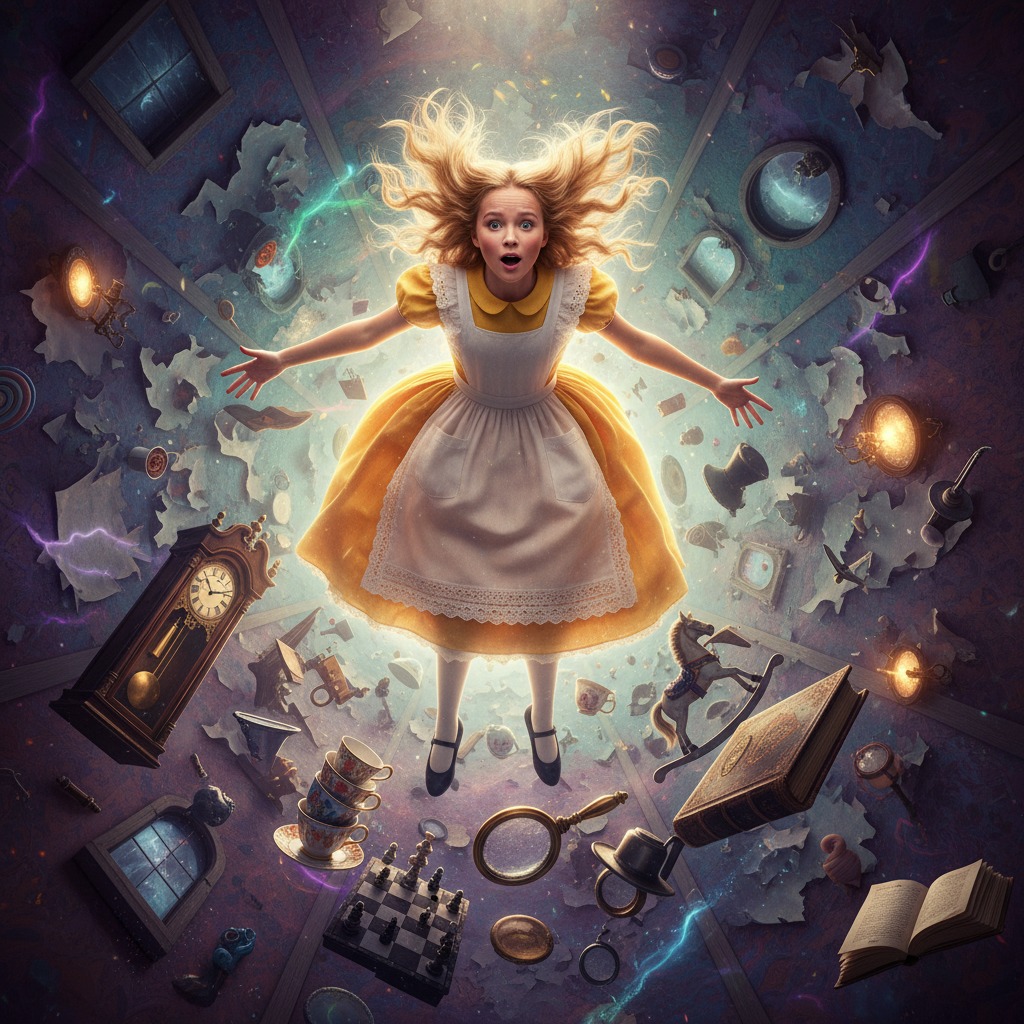
Put Alice In Wonderland in any story you can imagine with our AI Video Editor. Here are some ideas.
Alice is older now, but the garden still calls. She finds the same rabbit, the same hole — but this time she knows the rules. Or so she thinks. The corridors have shifted; the doors lead somewhere new.
She reaches the garden at last. The roses are red, the cards are painting — and the Queen has just noticed her. This time, the Queen remembers everything.
The Hatter and the Hare are arguing over a riddle that has no answer. Alice is there to mediate, but every time she gets close, the rules change. The Dormouse wakes long enough to drop a hint — or a threat.
Alice finally gives an answer that silences the table. The Hatter and Hare exchange a look. Then they both stand and bow — and ask her to judge the one riddle that really matters.
Alice is back in the real world, trying to explain where she has been. No one believes her. She writes it down, but the words never quite capture the taste of the mushroom or the sound of the Caterpillar.
She finds one proof: a single playing card, tucked in a book. When she turns it over, the Queen's face moves — and speaks her name.
A girl named Alice sits by the river while a man in a boat tells her a story. She interrupts, corrects, and demands the best parts. He writes it all down. The story she inspires will outlive them both.
She asks how it ends. He says he does not know yet. She tells him she wants to go back in the next one — and that when she does, something is waiting for her that was not there before.
Alice is brought before the Queen of Hearts. The charge is growing too tall, too small, and generally causing confusion. The evidence is stacked; the sentence is already decided. Or is it?
Alice makes one request: a game of croquet. If she wins, she goes free. The Queen agrees — but the mallets are flamingos, the balls are hedgehogs, and the Queen has no intention of playing fair. When the last ball is struck, the Queen rises — and the real game begins.
Years later, Alice receives a letter with no postmark. The handwriting shifts; the words seem to smile. The Cat has a message: someone in Wonderland has been waiting. Someone who has never forgotten her.
She follows the directions to a door in a wall she has walked past a hundred times. This time it opens. On the other side, the roses are in bloom — and a familiar voice says her name in a way she has never heard before.
Start with a scene
How to make videos of Alice In Wonderland with AI
1. Choose this character
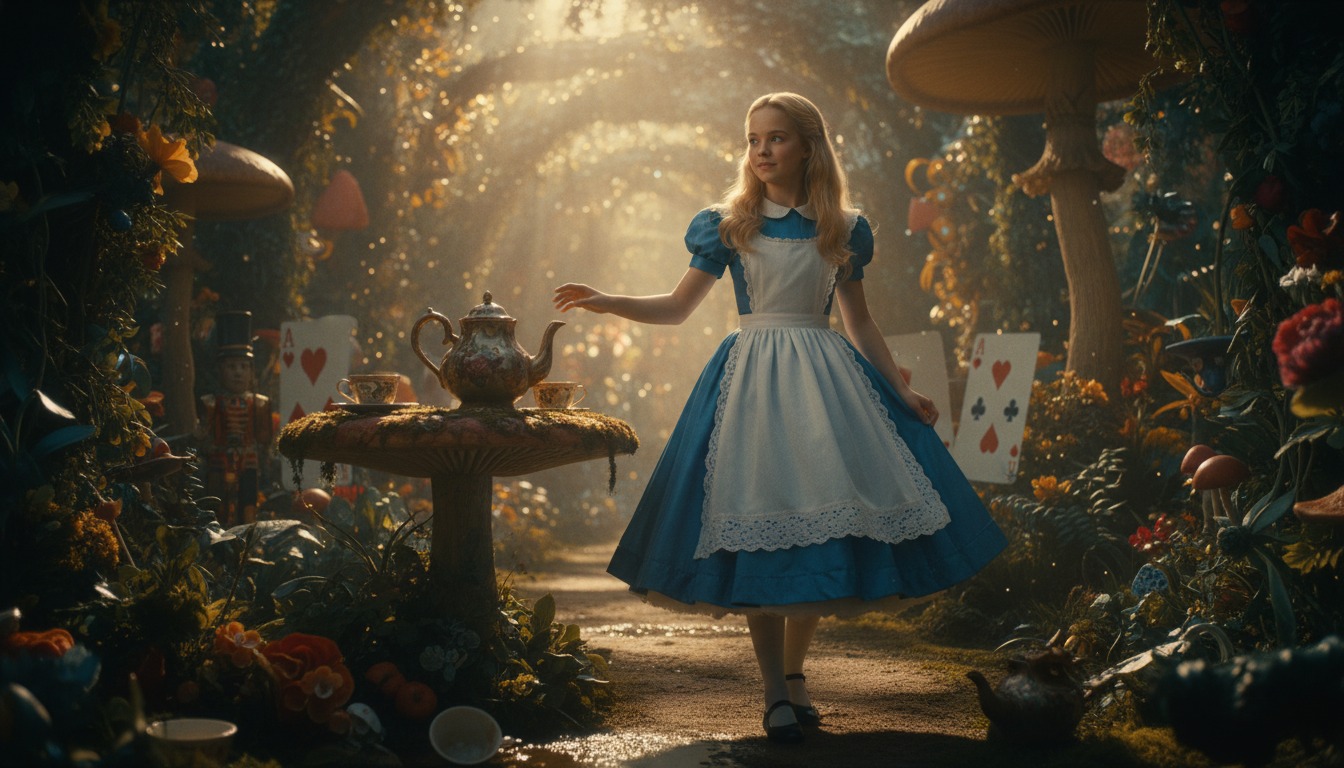
Select Alice In Wonderland from the character library to use in your video.
2. Add your script or idea
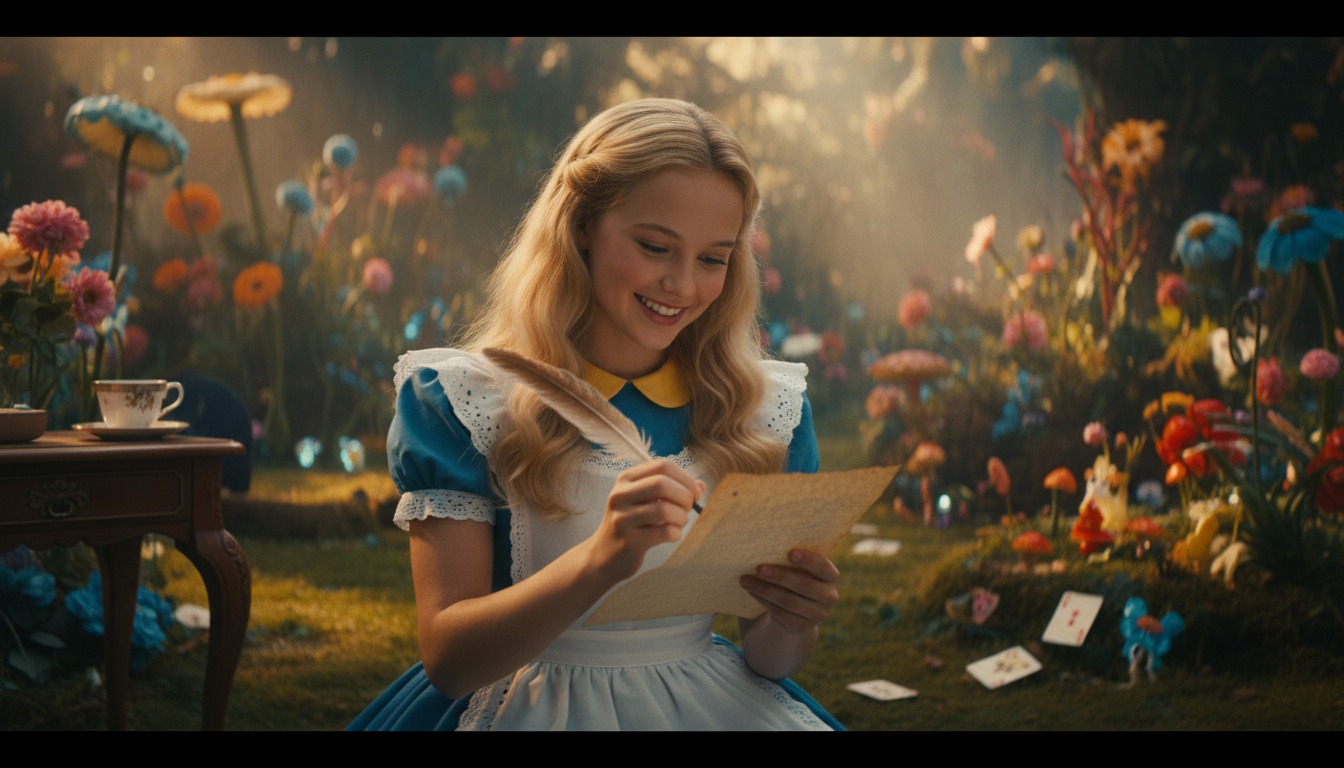
Paste in your script, and Hypernatural will use the dialog and characters in your video.
3. Make your video.
Edit your video using Hypernatural's AI Video Editor, and then export it or share it with a link.



Hypernatural is the simplest AI Video Editor.
Paste in your script and create versions of your video with different looks and styles and characters. Edit after generation and export or share with a link.
Characters
Explore more characters to cast in your videos alongside Alice In Wonderland.
FAQs
Select Alice In Wonderland from the character library and add her to your script. Hypernatural will generate video with her appearance and voice for fantasy, family, or creative content.
Yes. Alice can appear in as many videos as you like with consistent look and voice, ideal for series or adaptations.
Hypernatural keeps the same character consistent across every scene. Once you cast Alice, her appearance stays stable throughout the video.
You can change characters in the editor after generation and reassign character actors to roles. Continuity is preserved where possible.
Custom characters are ones you create. Stock characters like Alice are ready-made by Hypernatural, including fictional personalities. Both stay consistent and can be cast in your videos.
Community
© 2026 Hypernatural Systems, Inc.