Make Queen Elizabeth I AI videos
The Virgin Queen who defined an age. Make AI videos about Elizabeth I with Hypernatural's AI Video Editor.
Make a video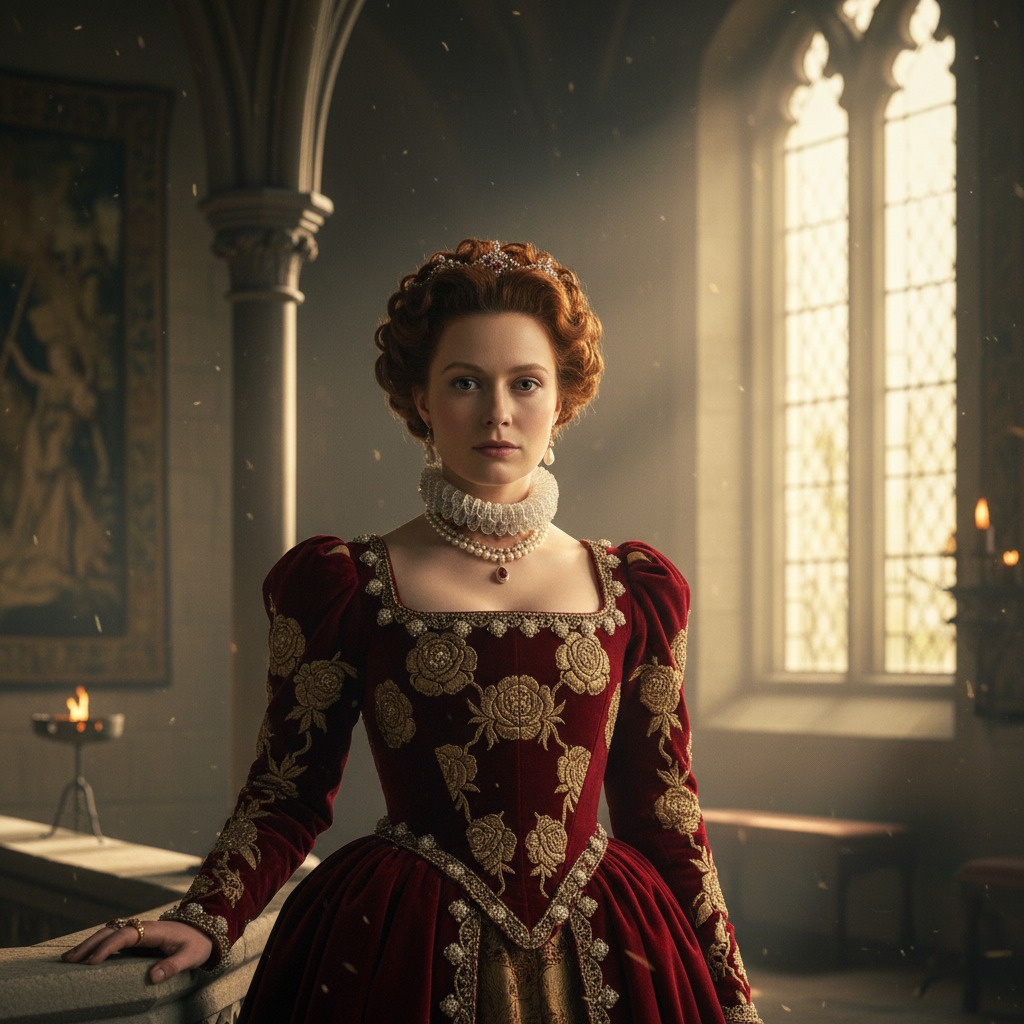
Make Queen Elizabeth I the star of your video.
The Virgin Queen — court intrigue, Tilbury speeches, and the golden age of England. With Hypernatural's AI video editor, you can put Elizabeth at the center of your story.
Paste in your script, and Hypernatural will use the dialog and characters in your video. You can edit your video using Hypernatural's AI Video Editor, and then export it or share it with a link.
Video ideas starring Queen Elizabeth I
Put Queen Elizabeth I in any story you can imagine with our AI Video Editor. Here are some ideas.
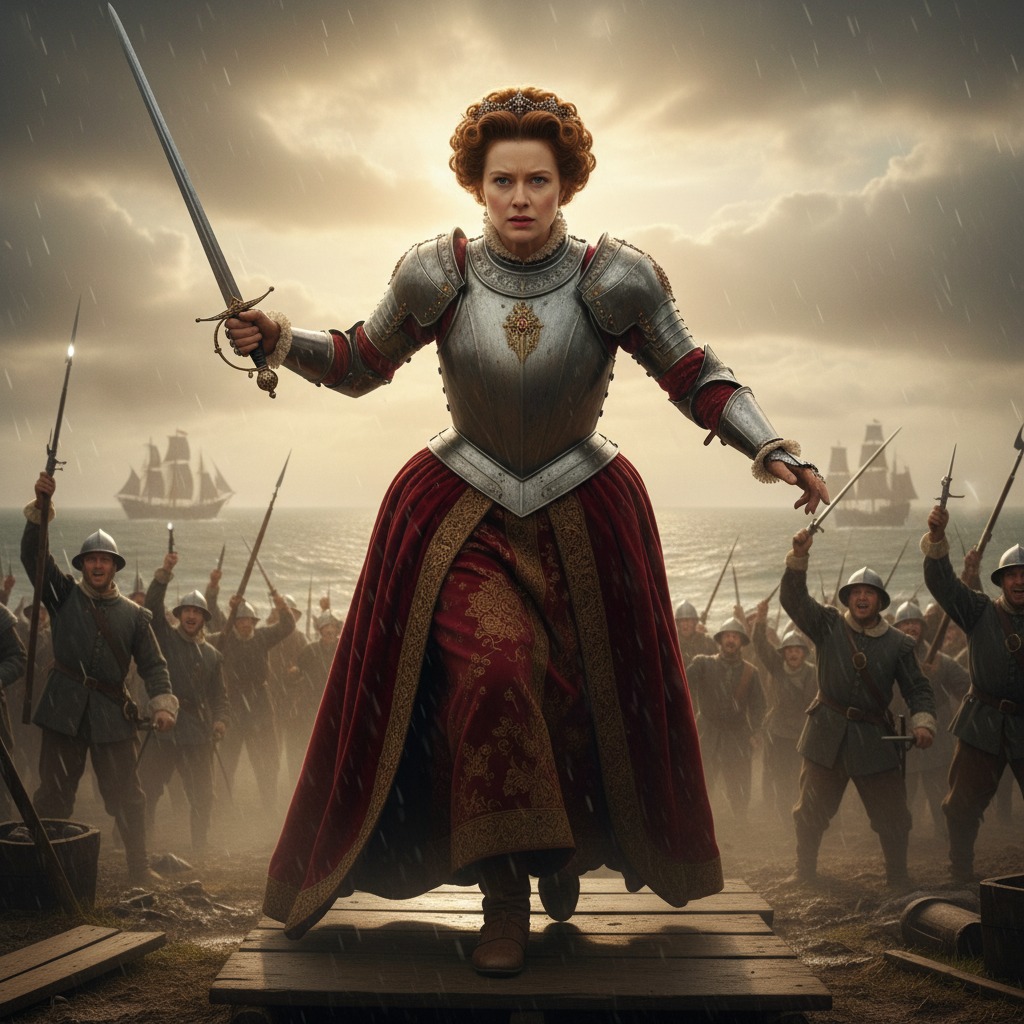
The Spanish Armada threatens the coast. Elizabeth rides out to address her troops, dressed for war. The crowd is restless; her voice cuts through the wind.
She delivers the words that will echo for centuries. Just as the soldiers roar their approval, a rider breaks through — and the news he carries turns the moment on its head.
The chamber is tense. Elizabeth's advisors are split on marriage, succession, and alliance. She listens to each in turn, giving nothing away.
She finally reveals her decision in a single, sharp sentence. The room holds its breath — and then a messenger arrives with word from the Scottish border.
A night of performance and politics. Elizabeth watches from the dais as nobles and ambassadors play their parts. Behind the spectacle, alliances are tested.
She steps down to dance with one guest — a choice that will be read a dozen ways. As the music ends, she catches the eye of someone in the shadows who was not on the guest list.
Elizabeth visits a cell that could have been her own. The conversation is quiet, full of history and unspoken understanding. Both know what fate awaits.
She leaves a single token and a promise that could cost her the crown. Outside, her guard hands her a letter — and the seal on it changes everything she thought she knew.
The painter works while Elizabeth holds court from her chair. Advisors come and go; she never breaks the pose that will define her image for generations.
She dismisses everyone for a moment and speaks to the artist alone. What she says is not for the canvas — but the painter's hand stills, and his next stroke will never be forgotten.
The queen is dying. She has outlived almost everyone she loved. One final visitor is admitted — someone from the old days, with one question left to ask.
She answers with a story she has never told. When the visitor leaves, the room is silent, and Elizabeth looks at the ring on her finger — and makes a choice that will shape how history remembers her.
Start with a scene
How to make videos of Queen Elizabeth I with AI
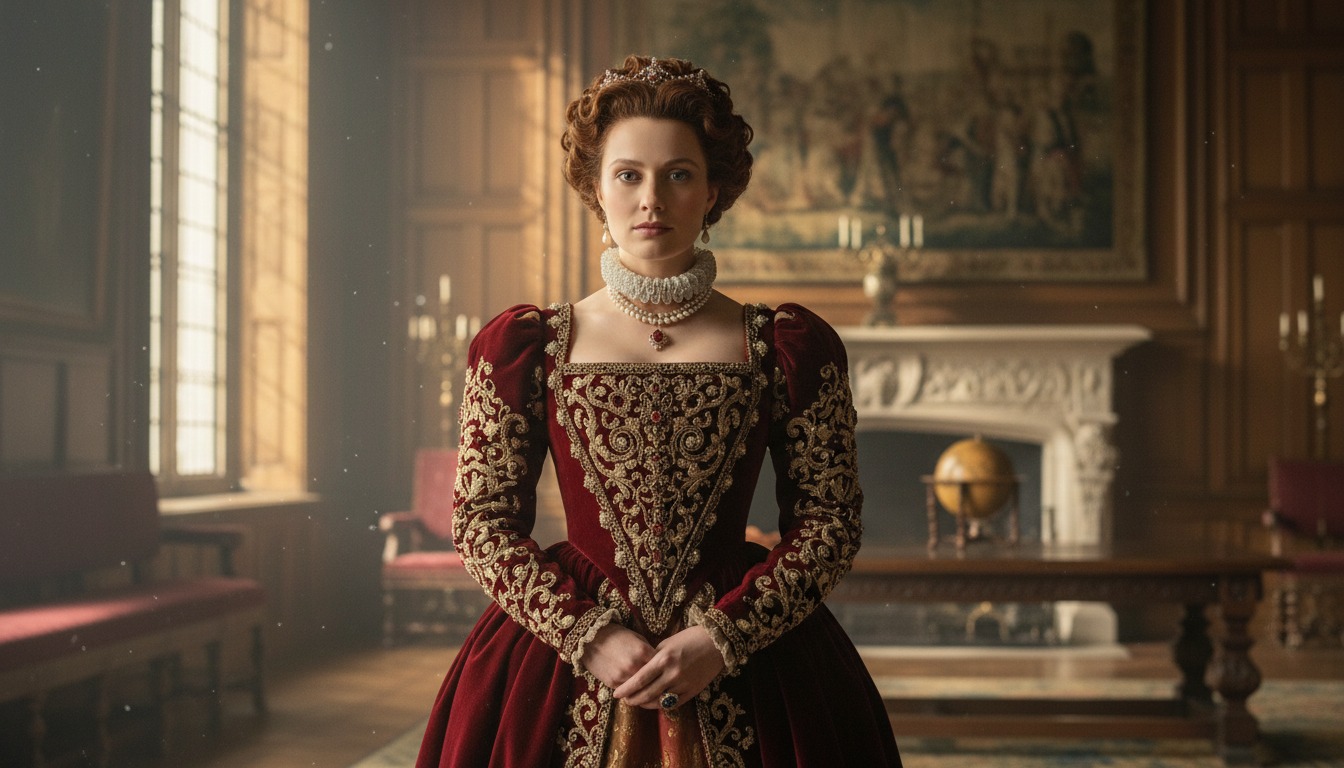
1. Choose this character
Select Queen Elizabeth I from the character library to use her in your video.
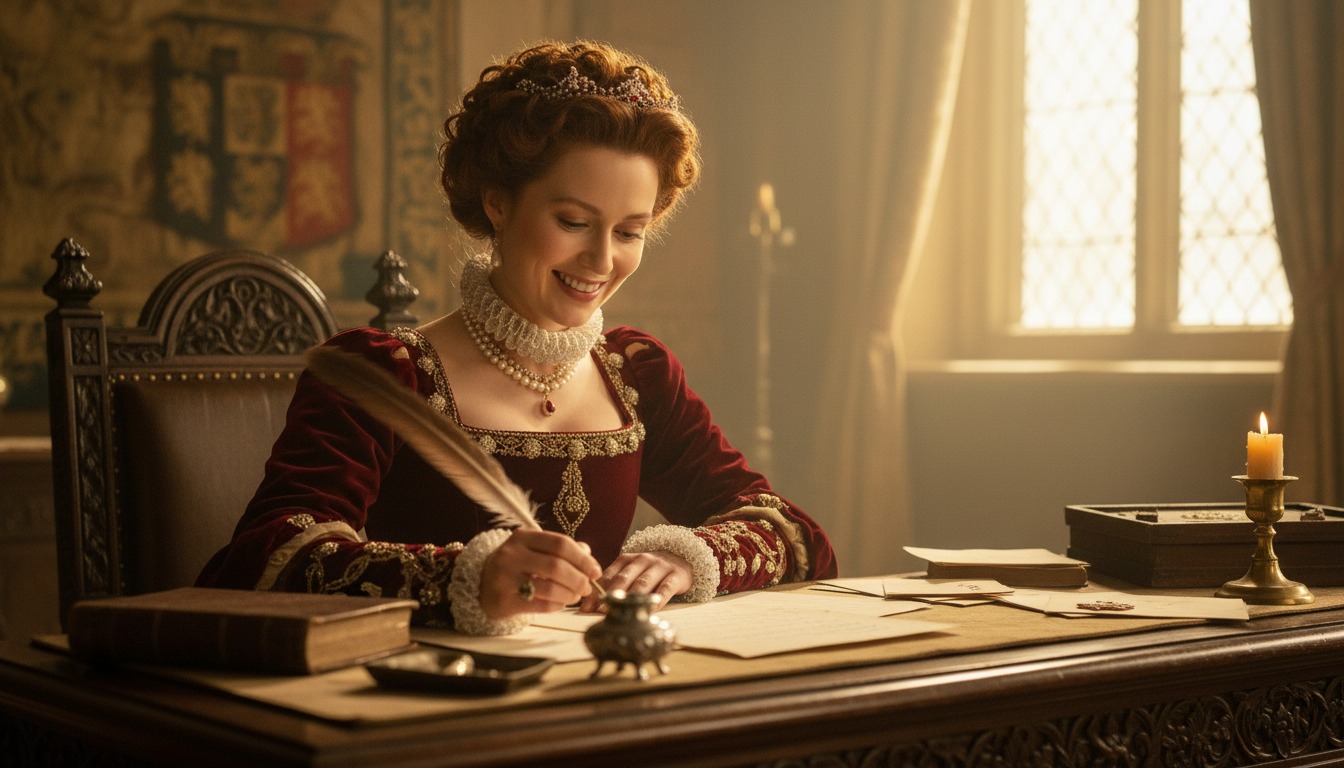
2. Add your script or idea
Paste in your script, and Hypernatural will use the dialog and characters in your video.
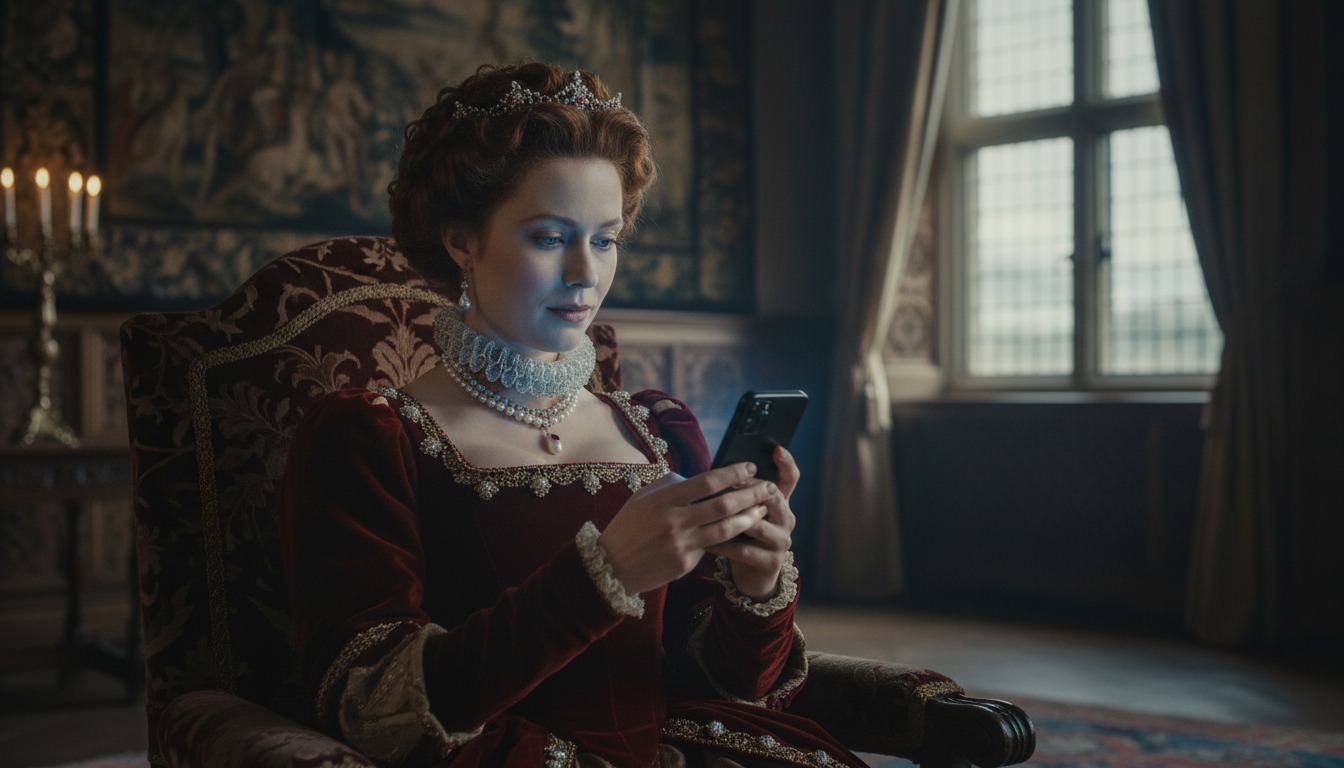
3. Make your video.
Edit your video using Hypernatural's AI Video Editor, and then export it or share it with a link.



Hypernatural is the simplest AI Video Editor.
Paste in your script and create versions of your video with different looks and styles and characters. Paste in your script and create versions of your video with different looks and styles and characters.
Edit after generation and export or share with a link.
Characters
Explore more characters to cast in your videos alongside Queen Elizabeth I.
FAQs
Select Queen Elizabeth I from the character library and add her to your script. Hypernatural will generate video with her appearance and voice. You can cast her in historical dramas, educational content, or any narrative where a consistent character matters.
Yes. Use Queen Elizabeth I in as many videos as you like. She will look and sound consistent in every project, so you can build series, campaigns, or one-off pieces without rebuilding the character.
Hypernatural keeps the same character looking and sounding consistent across every scene. Once you cast Queen Elizabeth I in your video, her appearance and presence stay stable as locations and action change.
You can change characters in the editor after generation and reassign character actors to roles. When you swap Queen Elizabeth I for another character, costume and visual continuity are preserved where possible.
Custom characters are ones you create from descriptions or images. Stock (system) characters like Queen Elizabeth I are ready-made by Hypernatural, including historical and fictional personalities. Both stay consistent across scenes and can be cast in your videos.
Community
© 2026 Hypernatural Systems, Inc.