Make videos of Robin Hood with AI
The outlaw of Sherwood Forest — arrows, green and leather, and justice. Make Robin Hood videos with Hypernatural.
Make a video
Make Robin Hood the star of your video.
The outlaw of Sherwood Forest — archery, rebellion, and justice. With Hypernatural's AI video editor, you can put Robin Hood at the center of any story.
Paste in your script, and Hypernatural will use the dialog and characters in your video. You can edit your video using Hypernatural's AI Video Editor, and then export it or share it with a link.
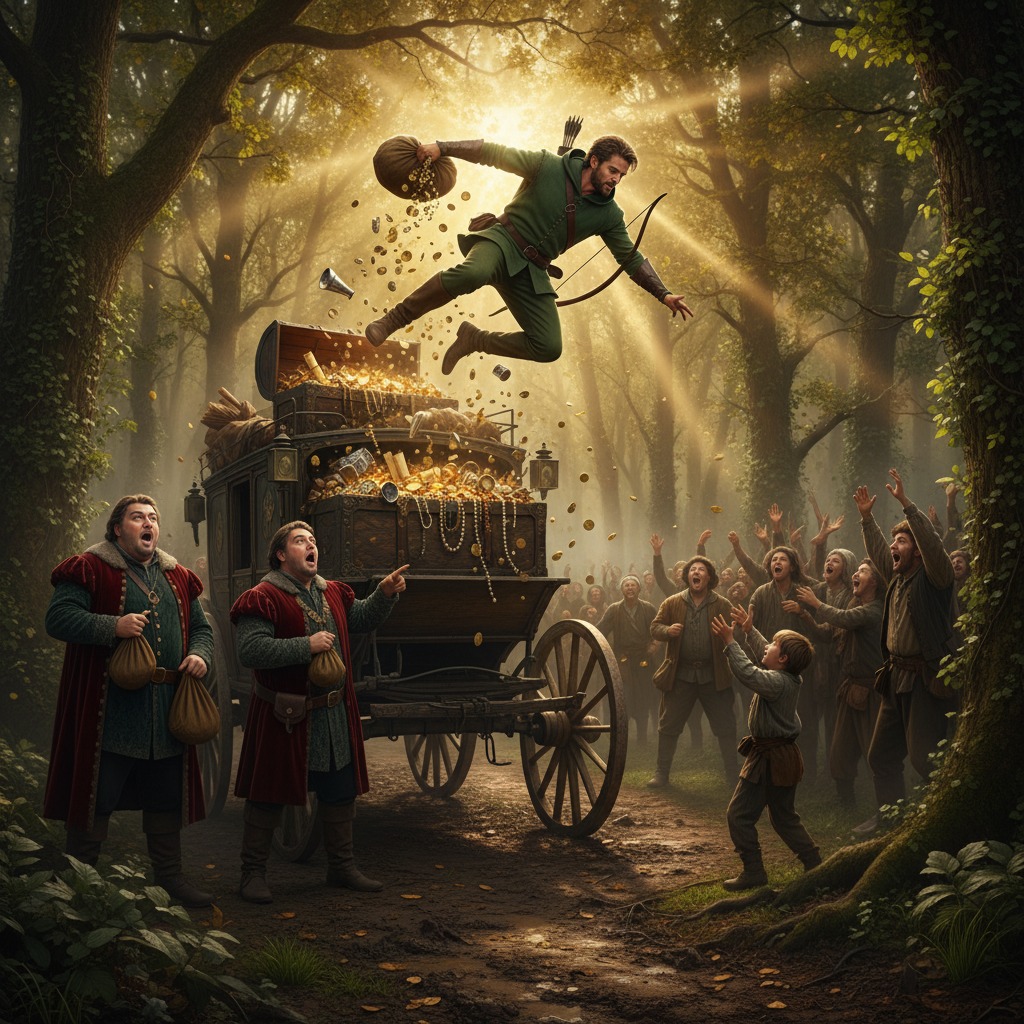
Video ideas starring Robin Hood
Put Robin Hood in any story you can imagine with our AI Video Editor. Here are some ideas.
Robin and his band wait in the trees as the sheriff's carriage approaches. The plan is simple: take the gold, leave the guards unharmed, and vanish. The carriage rolls into view.
Robin gives the signal. What happens next is not what they rehearsed — because the person who steps out of the carriage is not the sheriff, but someone Robin thought he would never see again.
Disguised as a simple yeoman, Robin enters the contest to win the golden arrow. The crowd cheers; the sheriff watches from the dais. Every shot is perfect until the final round.
Robin draws his bow and holds. The target is not the bullseye — it's the flag above the sheriff's seat. He releases, and the crowd falls silent. Then a voice calls out from the stands, and the game changes completely.
Robin has been summoned to a secret clearing. The figure in the hood is not one of his men. The conversation is tense, full of half-truths and old loyalties.
The figure offers a deal: information in exchange for a promise. Robin agrees. When the hood comes down, he sees the face of someone who was supposed to be his enemy — and they deliver news that turns the forest upside down.
The outlaws have taken a rich lord's shipment and turned it into a feast. There is music, laughter, and a sense that tonight nothing can go wrong. Robin raises a toast to the poor who will eat tomorrow.
A scout runs in with word of approaching soldiers. The mood shifts. Robin makes a decision that will either save the camp or destroy it — and the person who stands up to argue with him is the last one he expected.
Robin has been shot. He lies in a hidden cabin while someone tends his shoulder. The face above him is familiar — someone from the other side of the law, with every reason to turn him in.
They speak about the past and the choices that put them on different paths. Just when Robin thinks he understands, the healer says one thing that changes the meaning of everything that came before.
The king's messenger has come to the forest with an offer: pardon and land in exchange for one last service. Robin listens in silence. His men watch him, waiting for the word.
He asks a single question. The messenger's answer is not what anyone expected. Robin turns to his band and gives the order — and the look on one person's face suggests that this story is far from over.
Start with a scene
How to make videos of Robin Hood with AI
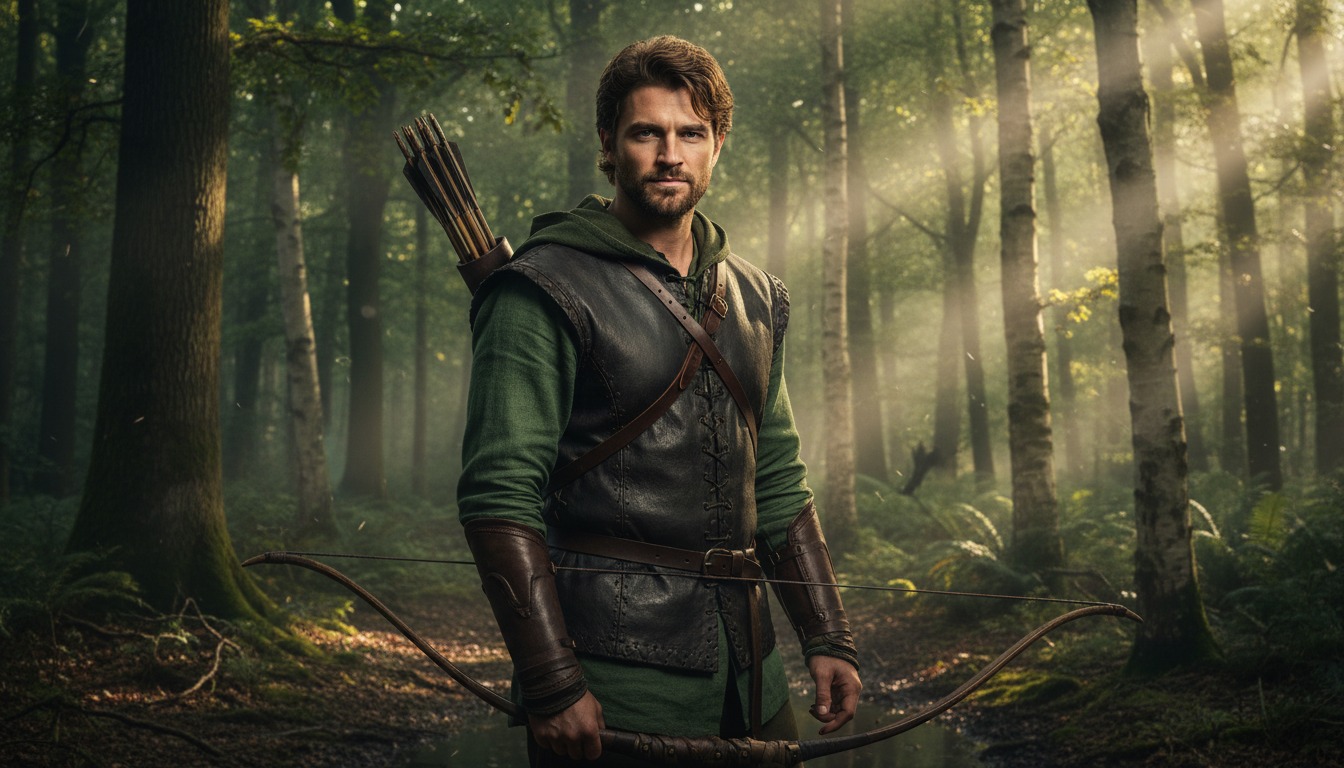
1. Choose this character
Select Robin Hood from the character library to use him in your video.

2. Add your script or idea
Paste in your script, and Hypernatural will use the dialog and characters in your video.
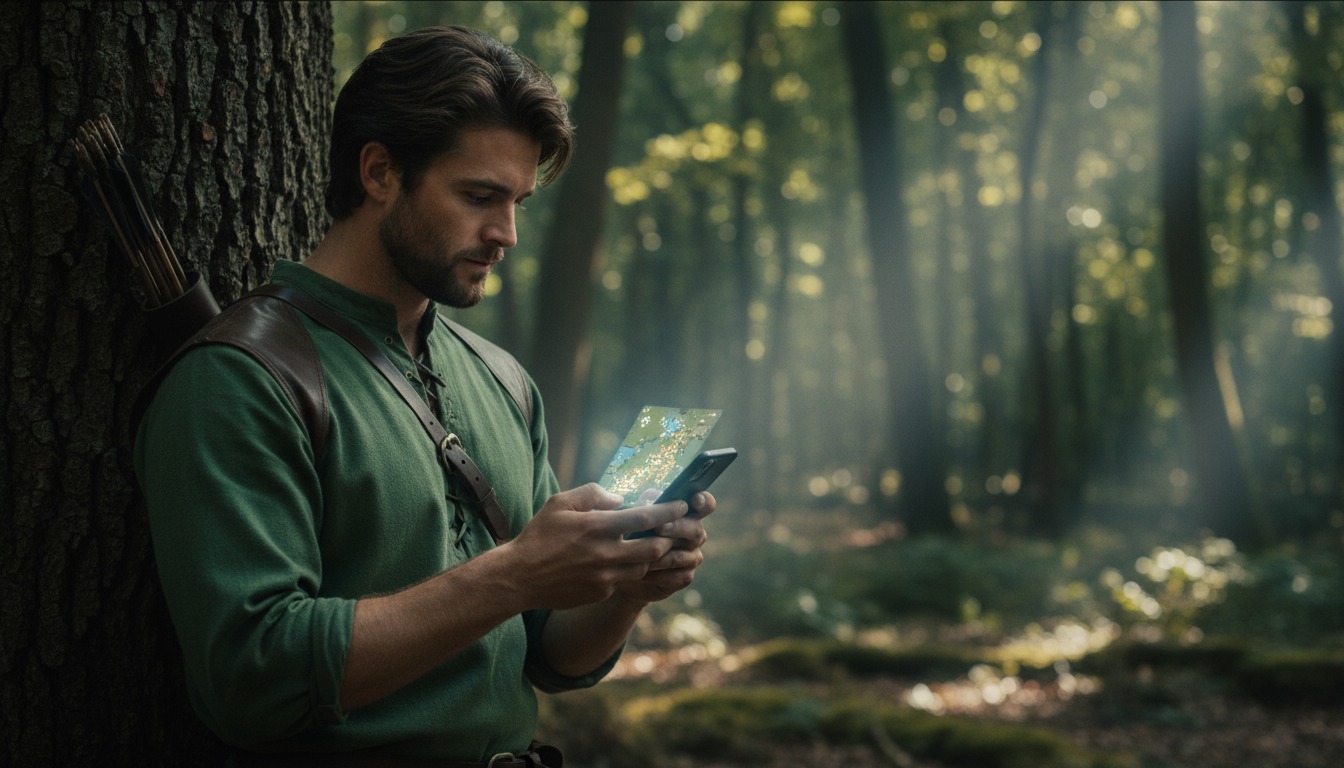
3. Make your video.
Edit your video using Hypernatural's AI Video Editor, and then export it or share it with a link.


Hypernatural is the simplest AI Video Editor.
Paste in your script and create versions of your video with different looks and styles and characters. Paste in your script and create versions of your video with different looks and styles and characters.
Edit after generation and export or share with a link.
Characters
Explore more characters to cast in your videos alongside Robin Hood.
FAQs
Select Robin Hood from the character library and add him to your script. Hypernatural will generate video with his appearance and voice. You can cast him in adventure stories, adaptations, or any narrative where a consistent character matters.
Yes. Use Robin Hood in as many videos as you like. He will look and sound consistent in every project, so you can build series, campaigns, or one-off pieces without rebuilding the character.
Hypernatural keeps the same character looking and sounding consistent across every scene. Once you cast Robin Hood in your video, his appearance and presence stay stable as locations and action change.
You can change characters in the editor after generation and reassign character actors to roles. When you swap Robin Hood for another character, costume and visual continuity are preserved where possible.
Custom characters are ones you create from descriptions or images. Stock (system) characters like Robin Hood are ready-made by Hypernatural, including historical and fictional personalities. Both stay consistent across scenes and can be cast in your videos.
Community
© 2026 Hypernatural Systems, Inc.