Make Thomas Jefferson AI videos
Founding Father and author of the Declaration. Ideal for history and civics content with Hypernatural.
Make a video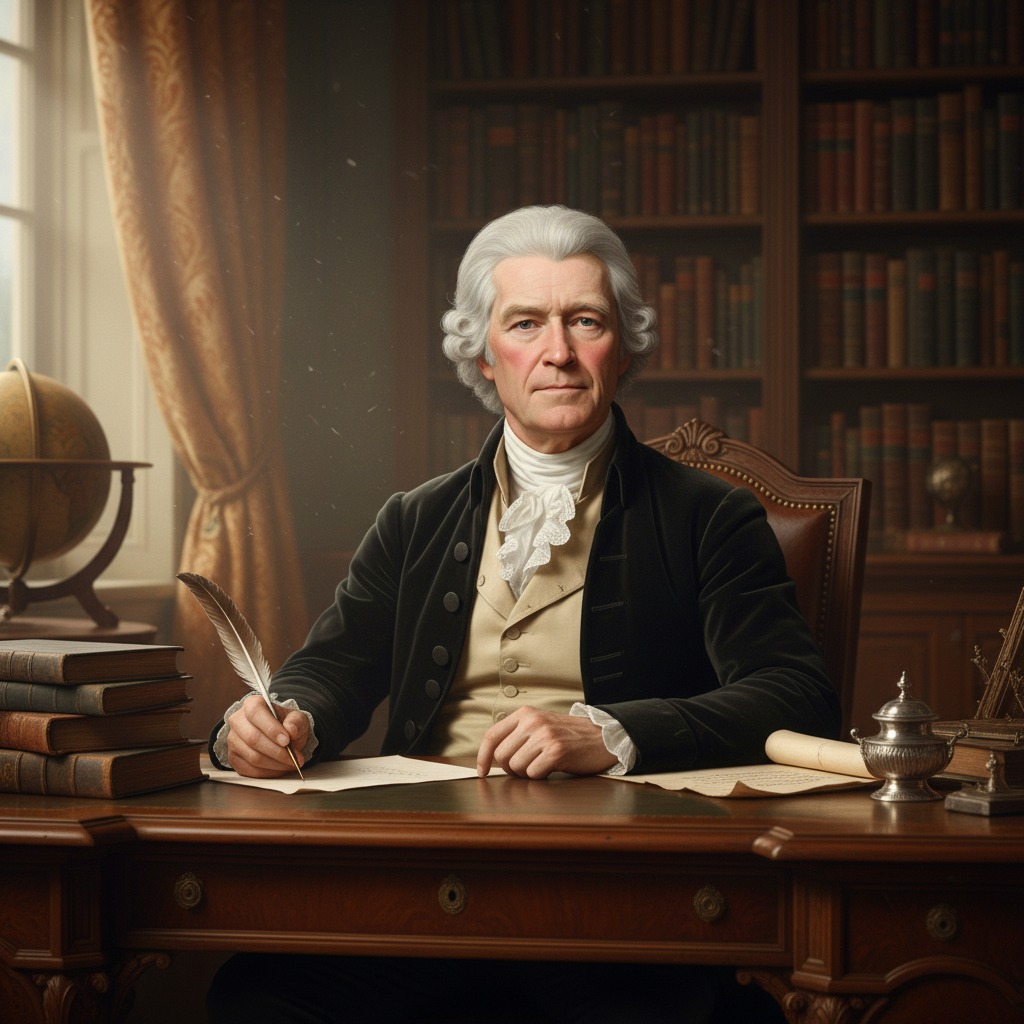
Make Thomas Jefferson the star of your video.
Thomas Jefferson — Founding Father, diplomat, and polymath. With Hypernatural's AI video editor, you can cast him in historical dramas, educational content, or narratives about liberty and nation-building.
Paste in your script, and Hypernatural will use the dialog and characters in your video. You can edit your video using Hypernatural's AI Video Editor, and then export it or share it with a link.

Video ideas starring Thomas Jefferson
Put Thomas Jefferson in any story you can imagine with our AI Video Editor. Here are some ideas.
Jefferson sits at the desk, quill in hand. The draft of the Declaration is covered in edits. Franklin and Adams have left for the evening; the room is quiet.
He reads the opening line again. Then he crosses out one word and writes another. The change is small, but the weight of it fills the room. When the door opens behind him, he does not turn — and the voice that speaks is not the one he expected.
Jefferson walks the grounds before the household wakes. He checks the gardens, the orchards, the construction that never quite ends. A letter has arrived from Paris — news that will force a choice between the revolution abroad and the one at home.
He folds the letter and tucks it away. At breakfast he will act as if nothing has changed. But the look he gives the horizon tells a different story — and the next visitor to Monticello will hear it.
Lafayette has come to America again — older, scarred by the Terror, still burning with ideals. He and Jefferson sit in the study, wine between them. They speak of liberty, of France, of the cost of revolution.
Lafayette asks a question Jefferson has avoided for years: What do you do when the revolution you helped start goes wrong? Jefferson is silent. Then he gives an answer that will surprise both of them — and that history will debate for centuries.
Jefferson walks to the Capitol instead of riding in a carriage. He believes in republican simplicity. The crowd parts; he takes the oath. His speech is conciliatory — "we are all Republicans, we are all Federalists."
Afterward, in a quiet room, someone hands him a sealed message. He opens it. The expression on his face does not change, but the hand that holds the paper does — and when he speaks to his secretary, the tone is entirely new.
Years of silence between the two former friends have ended. The correspondence has resumed — full of philosophy, history, and the occasional barb. Today Jefferson is writing about the legacy of the Revolution.
He pauses mid-sentence. He has just realized something about Adams's last letter — a hint, a clue. He sets down the quill. What he writes next will either mend the friendship for good or break it forever. He chooses his words with care.
Jefferson's personal library — thousands of volumes — is being packed for the journey to Washington. He has sold it to the nation to replace the books burned by the British. He walks between the empty shelves.
He pulls one book from a remaining box — a volume he had forgotten. He opens it. Inside is a note in his own hand from decades ago. The note refers to a promise he made and never kept. He closes the book and stands in the silence, and we understand that the promise will shape whatever comes next.
Start with a scene
How to make videos of Thomas Jefferson with AI
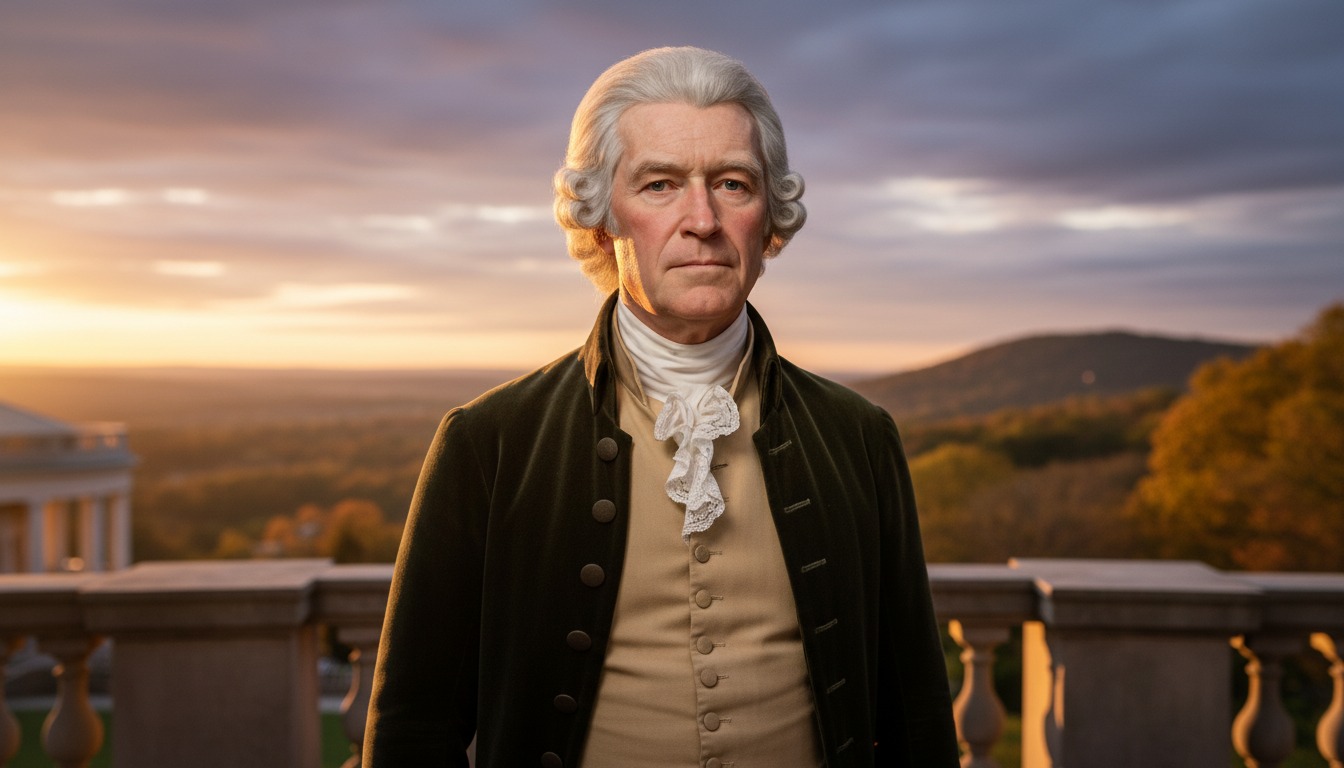
1. Choose this character
Select Thomas Jefferson from the character library to use him in your video.
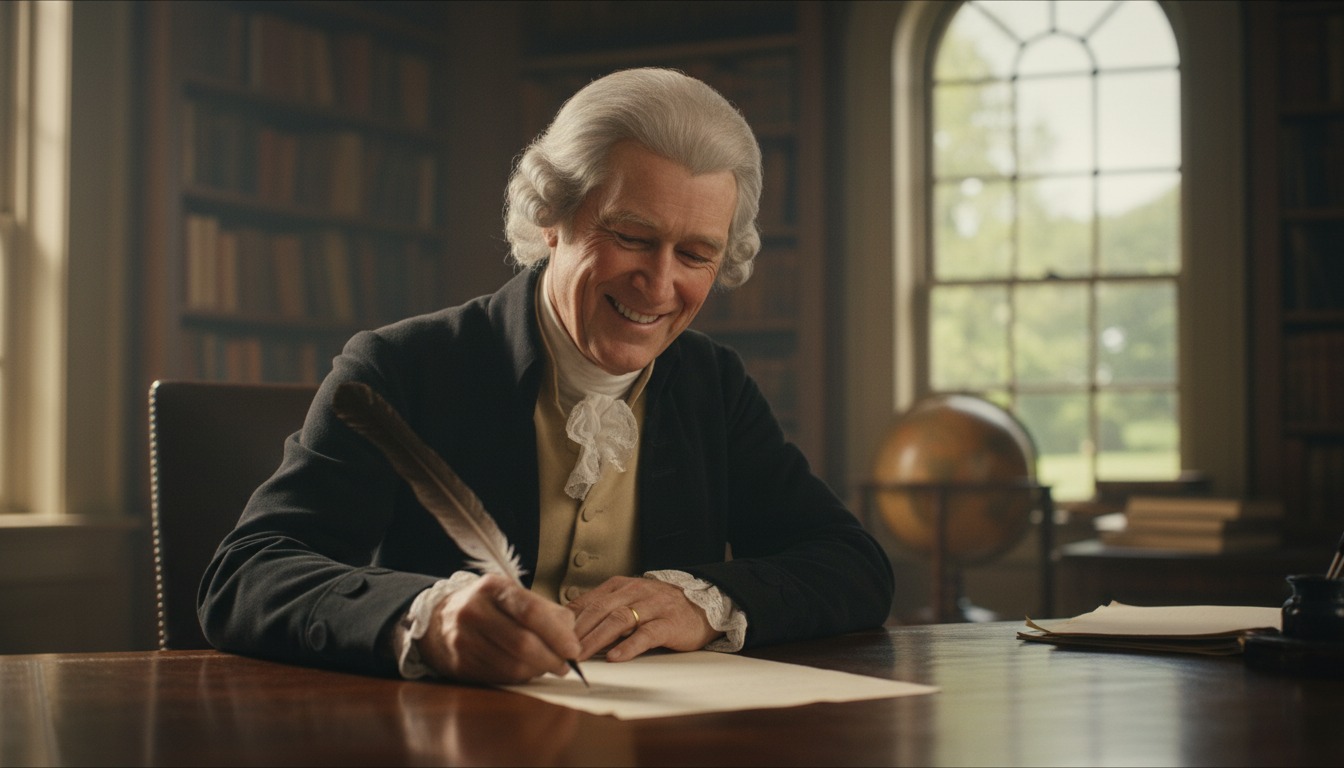
2. Add your script or idea
Paste in your script, and Hypernatural will use the dialog and characters in your video.
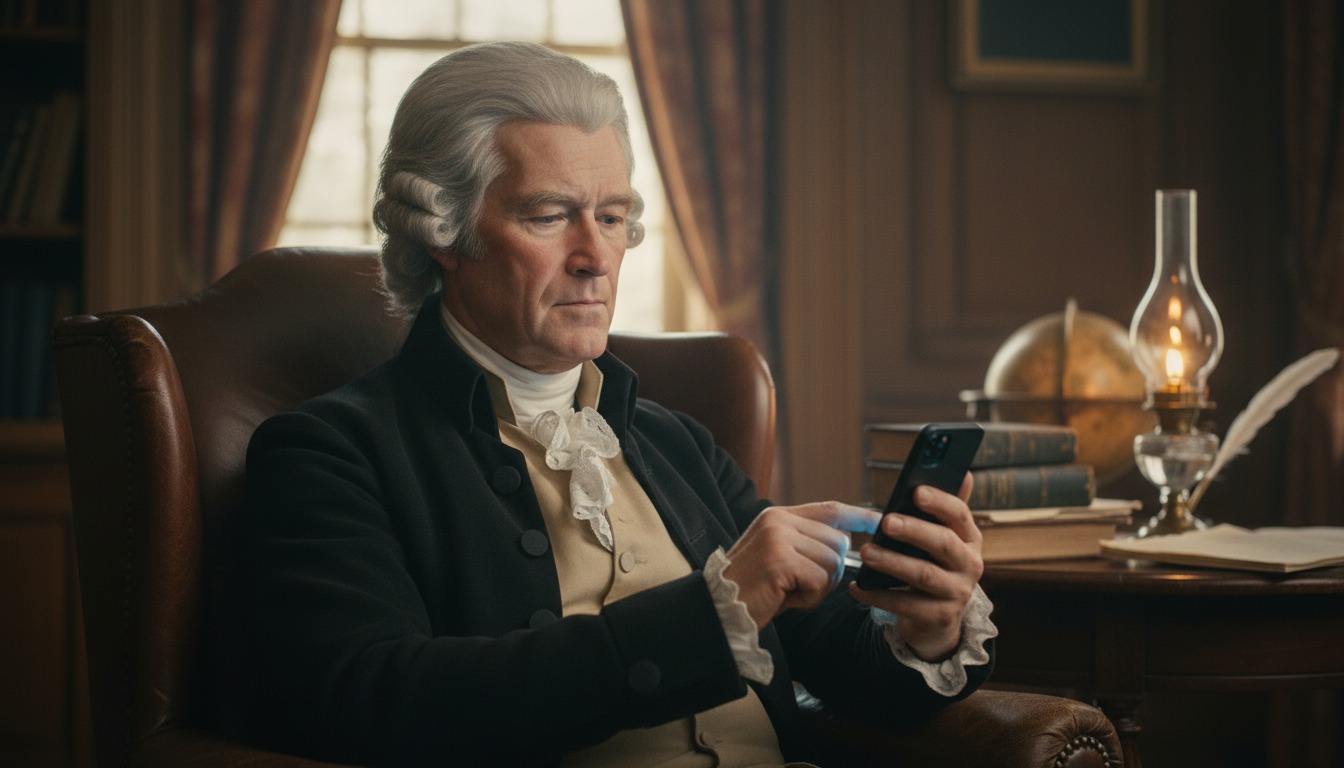
3. Make your video.
Edit your video using Hypernatural's AI Video Editor, and then export it or share it with a link.



Hypernatural is the simplest AI Video Editor.
Paste in your script and create versions of your video with different looks and styles and characters. Paste in your script and create versions of your video with different looks and styles and characters.
Edit after generation and export or share with a link.
Characters
Explore more characters to cast in your videos alongside Thomas Jefferson.
FAQs
Select Thomas Jefferson from the character library and add him to your script. Hypernatural will generate video with his appearance and voice. You can cast him in historical dramas, educational content, or any narrative where a consistent character matters.
Yes. Use Thomas Jefferson in as many videos as you like. He will look and sound consistent in every project, so you can build series, campaigns, or one-off pieces without rebuilding the character.
Hypernatural keeps the same character looking and sounding consistent across every scene. Once you cast Thomas Jefferson in your video, his appearance and presence stay stable as locations and action change.
You can change characters in the editor after generation and reassign character actors to roles. When you swap Thomas Jefferson for another character, costume and visual continuity are preserved where possible.
Custom characters are ones you create from descriptions or images. Stock (system) characters like Thomas Jefferson are ready-made by Hypernatural, including historical and fictional personalities. Both stay consistent across scenes and can be cast in your videos.
Community
© 2026 Hypernatural Systems, Inc.